1
Chapter 6 Performance Verification,
Calibration
6.1 NIBP Test
6.1.1 NIBP Leakage Test
Tools required:
● NIBP cuff for adult patient
● Appropriate tubing
● Cylinder
Follow this procedure to perform the test:
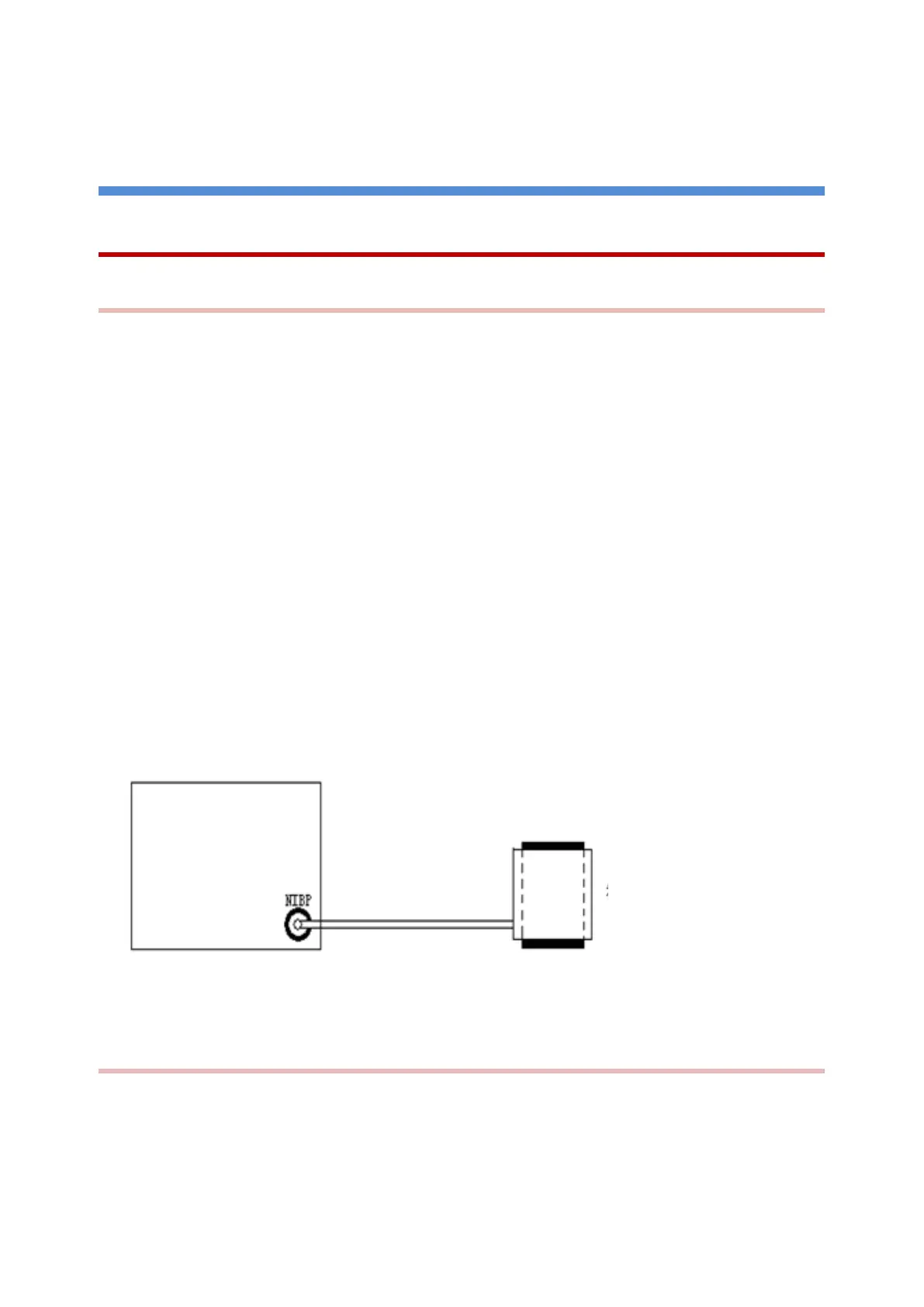
1) Connect the NIBP cuff with the NIBP socket on the monitor.
2) Wrap the cuff around an appropriately sized cylinder.
3) In the Maintain of the Main Menu, enter the password [5188] to enter the user maintenance interface,
select [Module], click [NIBP] and click [Leakage Testing].
4) At this point, “Leakage Testing ......” is displayed at the bottom of the NIBP parameter area on the
screen, indicating that the system has started to perform leakage testing.
5) The system automatically inflates to 180 mmHg of pressure.
6) The cuff automatically deflates after 20s, which means NIBP leakage test is completed.
If no message is displayed in the NIBP parameter area, it indicates that the system has no leakage. If the message
[NIBP Pneumatic Leak] is displayed, it indicates that the system may have a leakage. In this case, check if all
connections are good. Perform the test again after making sure all connections are good. If the fault indication
persists, contact the manufacturer for repair.
Chart 6-1
6.1.2 NIBP Pressure Calibration
Tools required:
T-shape connector, appropriate tubing, balloon pump, metal vessel with volume 500 ± 25 ml, manometer (for
reference): calibrated with accuracy equal to or greater than 1 mmHg
Follow this procedure to perform the test:



 To Next Page