Troubleshooting Guide
9
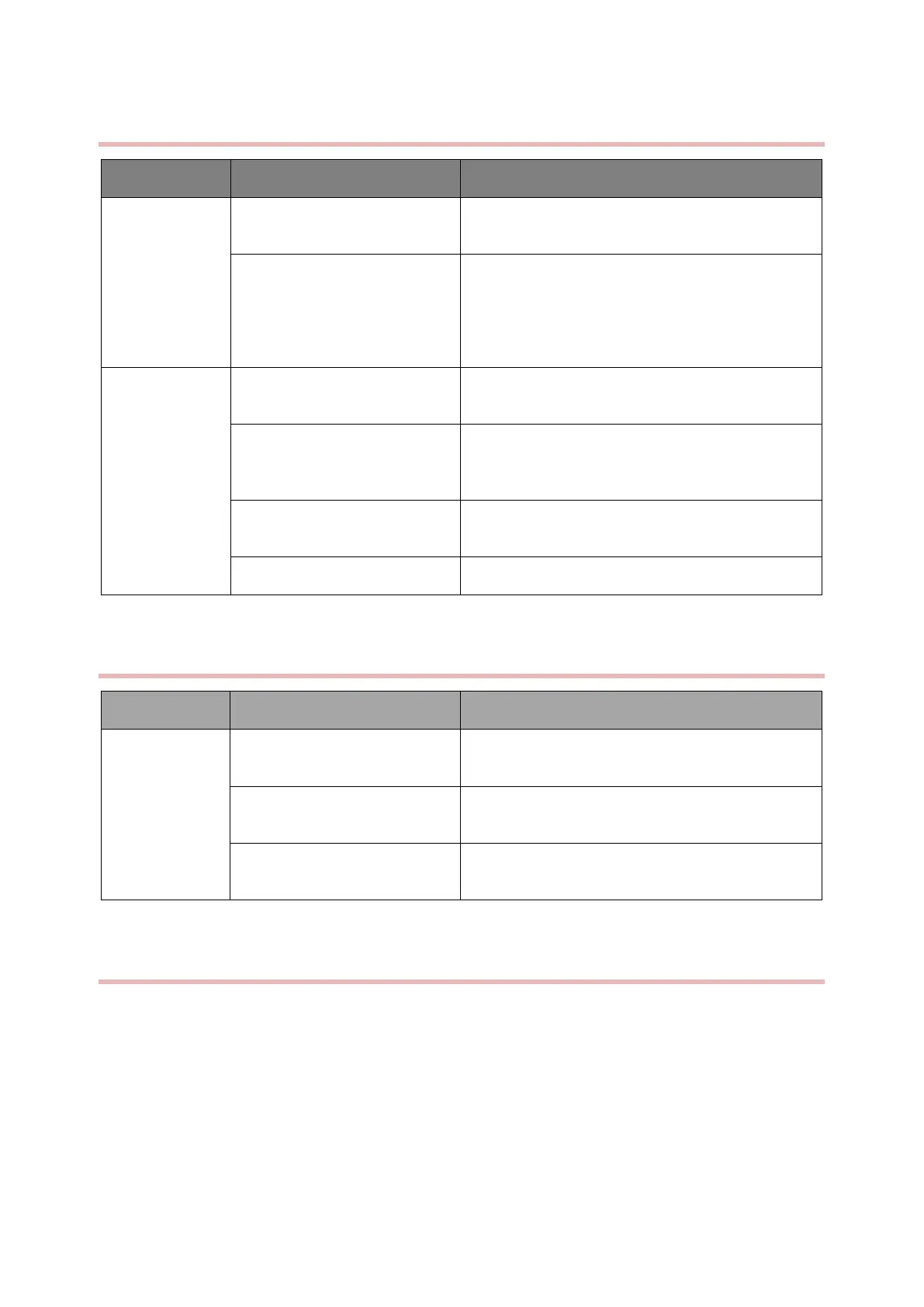
4.6.9 CO
2
Failures
CO
2
analyzer does not be reset
to zero
Zeroing must be done before use
The settings are incorrect
Select the standard ones based on local height: O
2
compensation, pambient, altitude, and equilibrium
gas, which can be set by referring to the
“Barometric Pressure Conversion Table” in the CO
2
part of the operating instructions.
Operating status is not set
The operating status is set to “Measurement” and
the CO
2
switch is set to “On”.
The internal cables of the
instrument are poorly connected
or damaged
Re-plug or replace the cables
CO
2
cables are poorly
connected
Re-plug or replace the cables
The CO2 module is defective
Table 4-9
4.6.10 Software Upgrade Problems
The USB interface/ main board
is damaged
The USB-stick is not plugged
in.
Check the USB-stick on the USB interface
Download the wrong upgrade
package
Use the correct upgrade package
Table 4-10
4.6.11 Technical Alarm Messages
Please refer to the User manual.



 To Next Page