● Prior to removing any internal parts or components of the instrument, the battery needs to be taken out
of the monitor in order..
● The battery can be disassembled alone.
● To prevent scratches on the instrument and display, please ensure that there are no hard foreign objects
in the placement area before disassembling the monitor.
● All operations should be done by qualified personnel, and anti-static wrist straps or insulated gloves
must be worn during maintenance.
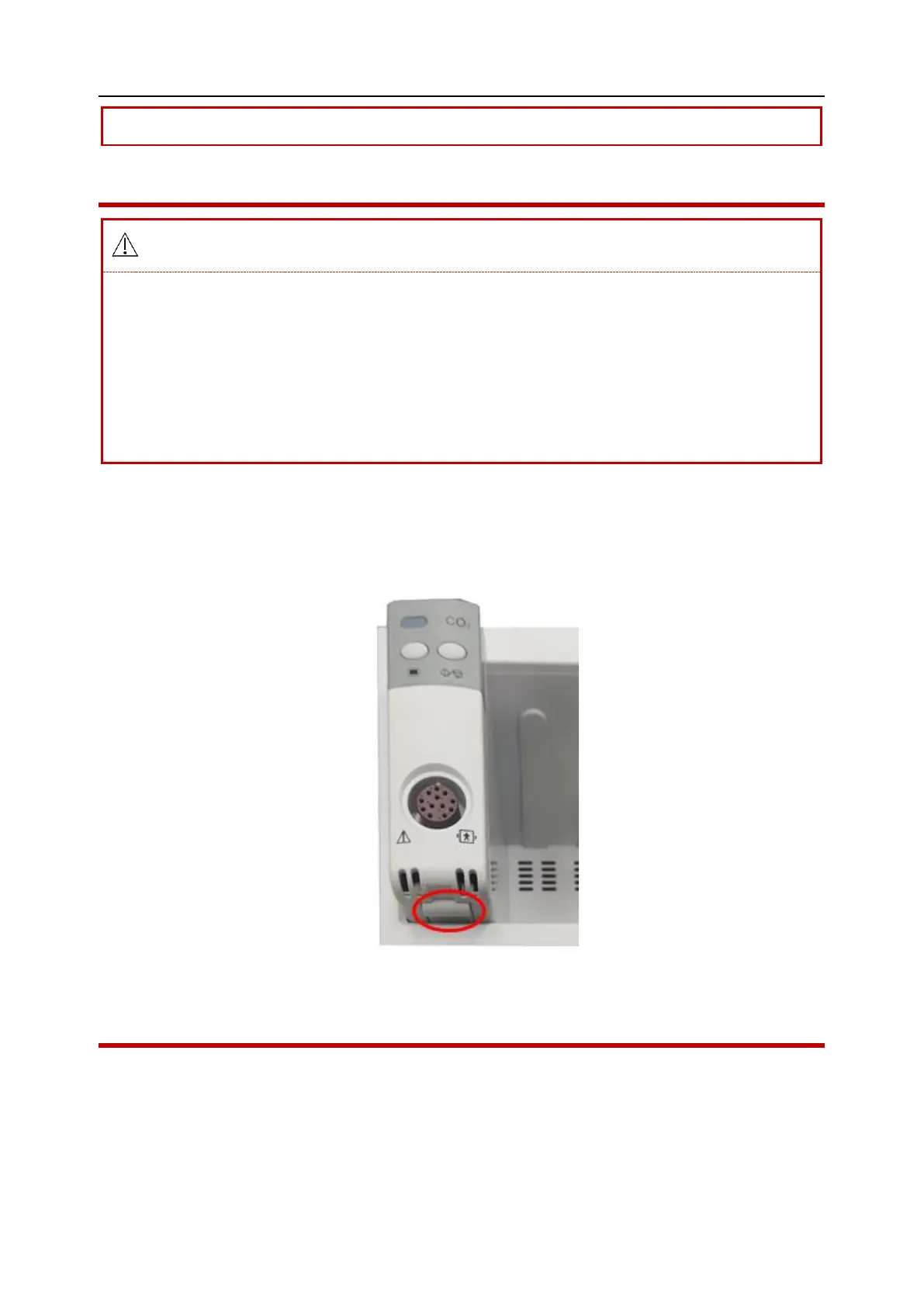
1. Press the lock button (on the bottom of the module) to pull out all modules from the module
slot. (Assembly: Push module into module slot until locked)
Chart 7-1
7.4 Remove the battery
1. Open the battery cover and toggle the latch button, remove the battery, as shown below:



 To Next Page