Maintenance and Disassembly
5
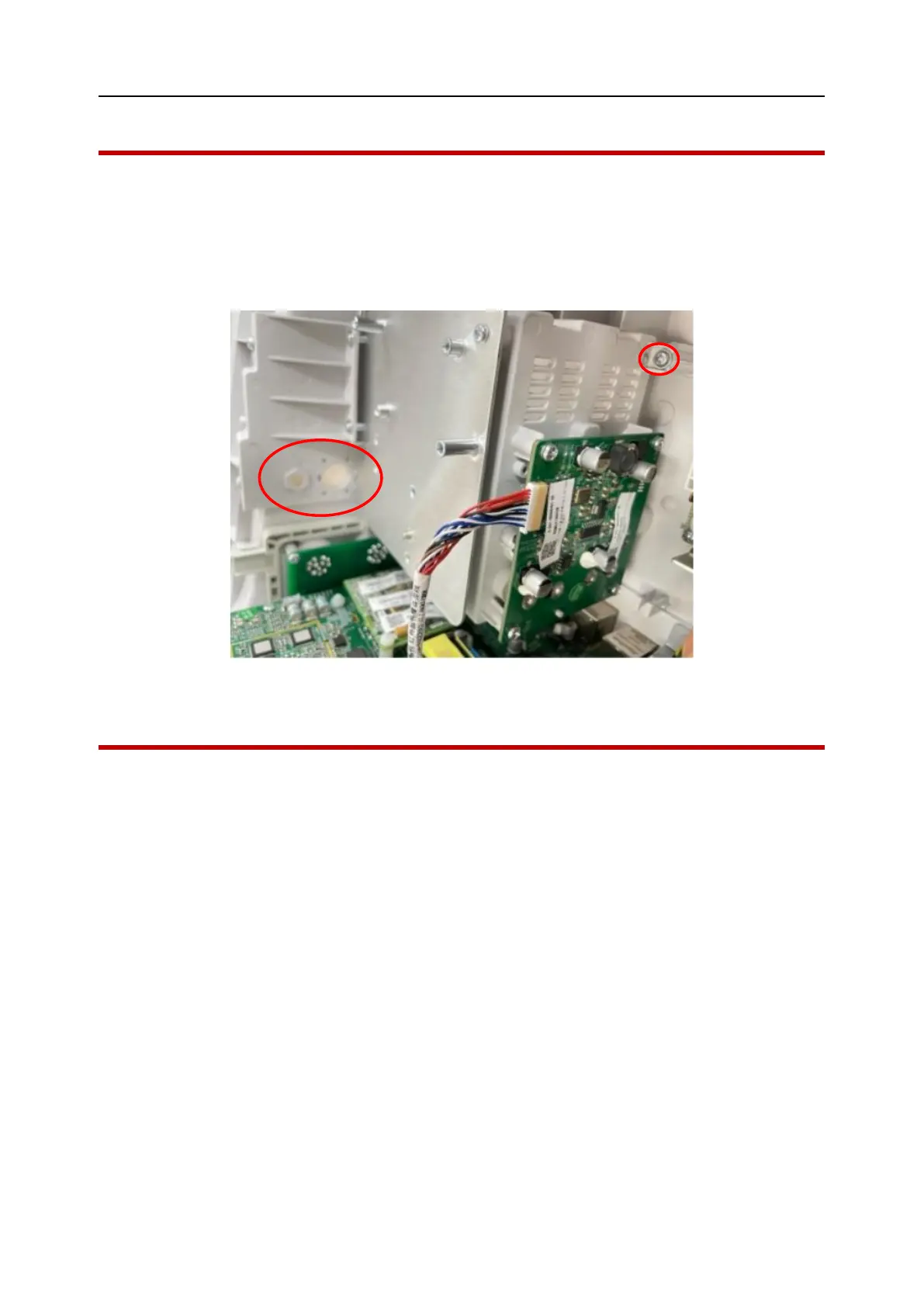
7.6 Remove infrared transmitting board
1. Refer to section 7.5 Remove the rear housing;
2. Disconnect the connection cables from the infrared transmitting board.
3. Remove the five screws on the plug-in box, take out the plug-in box, remove the four screws
on the infrared transmitting board, as shown below:
Chart 7-7
7.7 Remove the main board
1. Refer to section 7.5 Remove the rear housing;
2. Disconnect the cables connected to the main board;
3. Open the printer cover, remove the two screws, disconnect the connection cable and remove
the printer.
4. Remove the screws of the main board mounting bracket and take out the main board mounting
bracket;
5. Remove the main board by removing the screws that hold it in place, as shown below:



 To Next Page