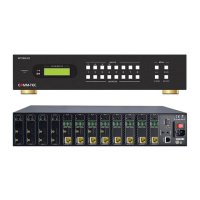
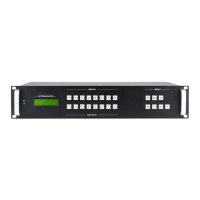
Modular Matrix Switcher
Comm-tec Srl 33 www.comm-tec.it
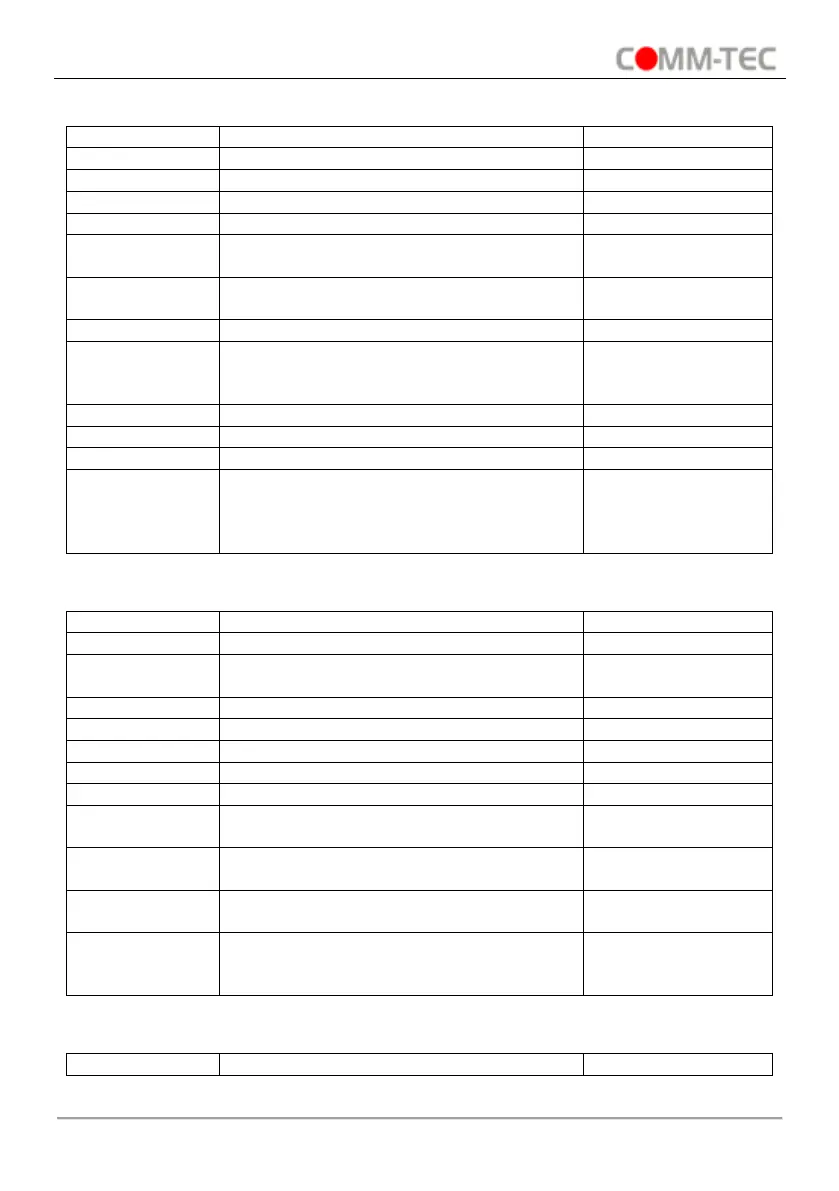
6.3.1. System Control Command
Lock front panel buttons.
Unlock front panel buttons.
Get the firmware version.
Closed The
Message Return.
Enable feedback message (Default)
Enabled The
Message Return.
Cancel the previous operation
Switch to testing mode, switch AV 1>1,
2>2 and so on...
Demo Mode
AV: 01->001
… …
Turn the system to standby mode.
Get the backboard software version.
Restore factory default.
All I/O connection will be restored to
straight through: 1->1, 2->2… saved
operation status will remain the same.
6.3.2. Signal Switching Command
Switch input [x] AV to all outputs.
Switch all input signal to the corresponding
output channel
Switch input [x] to output [x].
Switch off the output [x].
Switch on the output [x].
Switch input [x] only video to output [y1]
(and all target output in [y2] and so on).
Switch input [x] AV signal to output [y1]
(and all target output in [y2] and so on).
Get the input channel on output [x].
Get the input channel on output channel
one by one.
V: 01->001
A: 01->001
… …c


 To Next Page