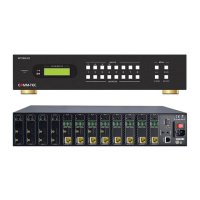
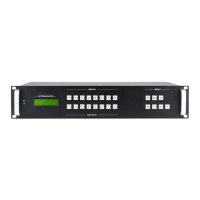
Modular Matrix Switcher
Comm-tec Srl 63 www.comm-tec.it
7.3. Port Management
Type the designed website 192.168.0.178:100 in your browser. Enter correct username
and password to log in the WebServer:
Username: admin; Password: admin
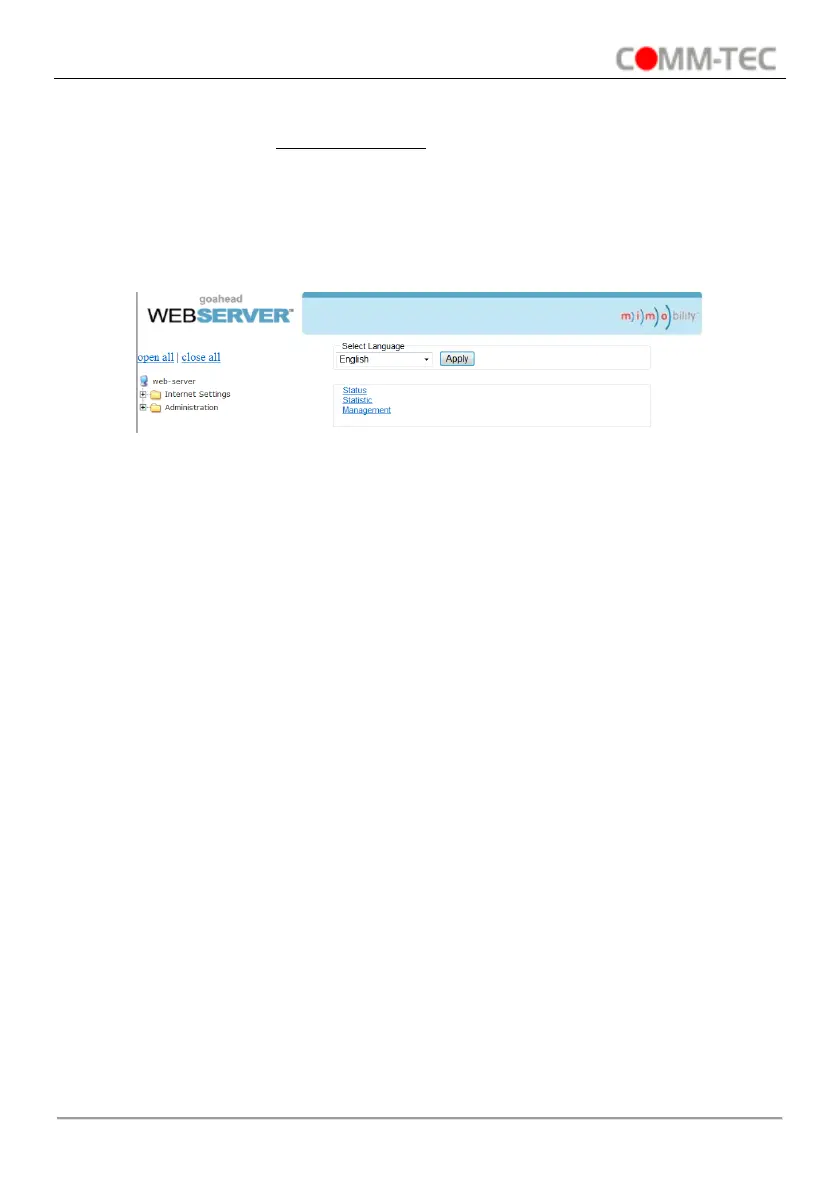
Here is the main configuration interface of the WebServer:
In this interface, you can:
● Change website display language.
● Modify network settings: Go to Internet Settings -> WAN.
● Upgrade TCP/IP module: Go to Administration -> Upload Program -> Select program
file -> Start upgrading.
● Reboot the device after upgrading.


 To Next Page