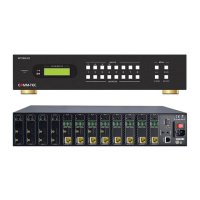
Modular Matrix Switcher
Comm-tec Srl 38 www.comm-tec.it
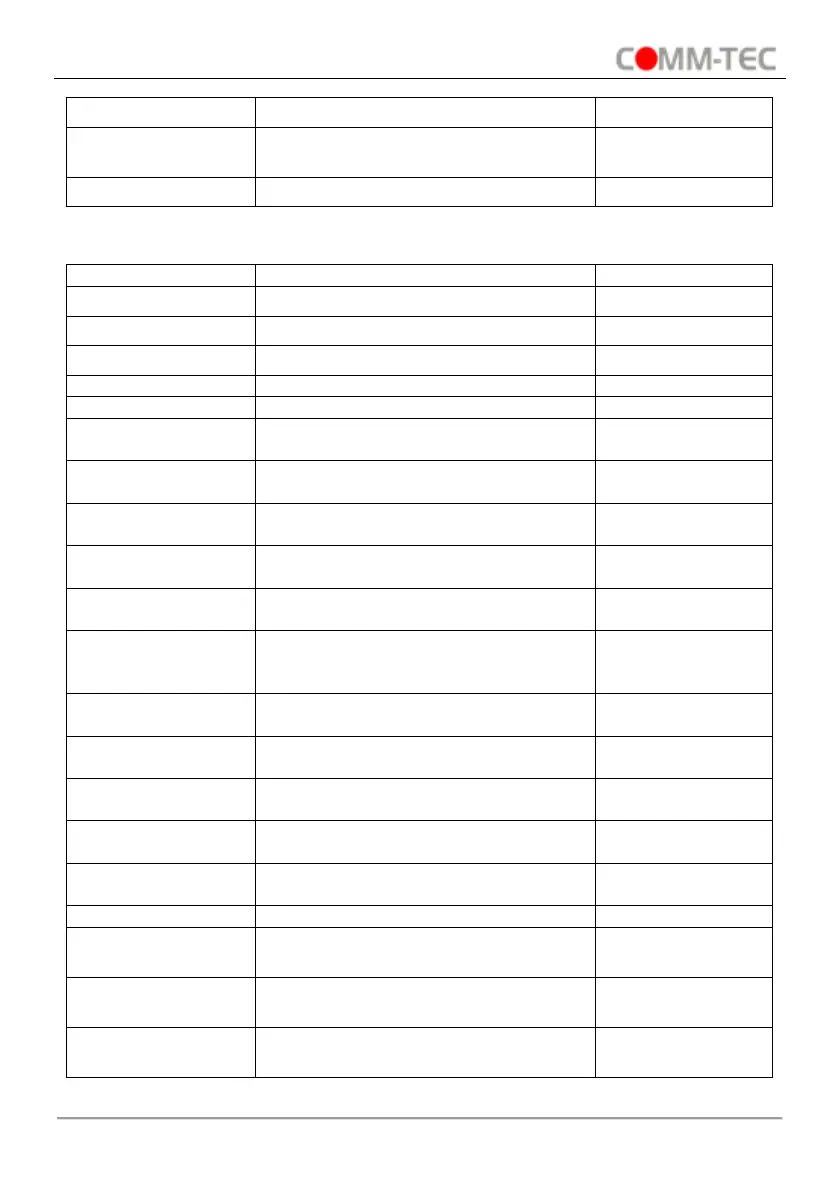
Set the CVBS output [x] to NTSC
(60Hz).
Set the CVBS output [x] to PAL (50Hz).
6.3.7. 4I-VH Input Card Command
Set the input [x] to VGA signal.
Set the input [x] to YPbPr signal.
Set the input [x] to C-VIDEO signal.
Switch on audio of input [x].
Switch off audio of input [x].
Set the image brightness of input [x] to
xx, xx=00~99.
Set the image contrast of input [x] to xx,
xx=00~99.
Set the image saturation of input [x] to
xx, xx=00~99.
Set the image sharpness of input [x] to
xx, xx=00~99.
Set the image color temperature of
input [x] to user/cool/medium/warm.
Set the image aspect ratio of input [x] to
16:9/4:3/Auto/Panorama/Just
scan/Zoom2/Zoom1.
Set the image mode of input [x] to
user/Dynamic/Standard/mild.
Restore the input [x] signal card to
factory default.
Set the color space of of input [x] to
YCBCR.
Set the color space of of input [x] to
RGB.
Set the signal format of input [x] to
HDMI.
Set the signal format of input [x] to DVI.
Set the resolution of input [x] to
1360x768 HD.
Set the resolution of input [x] to
1024x768 XGA.
Set the resolution of input [x] to
1280x720 720P.


 To Next Page