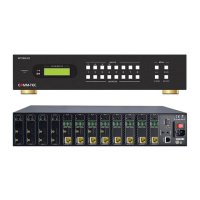
Modular Matrix Switcher
Comm-tec Srl 73 www.comm-tec.it
9. Troubleshooting & Maintenance
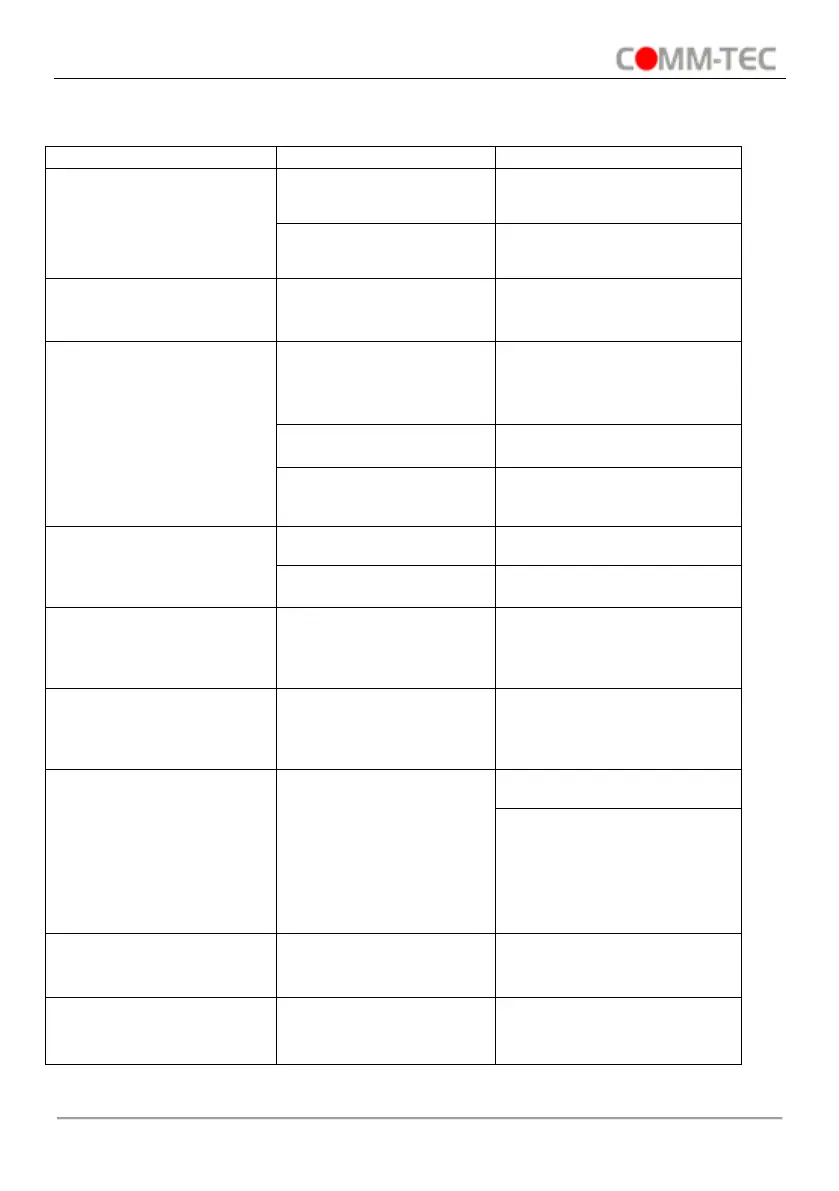
Bad quality of the
connecting cable
Try another high quality
cable
Impropriate image
setting of the displayer
Adjust corresponding image
settings
Output image with color
losing or no video signal
output
Reconnect the displayer
and the matrix
No output image when
switching
No signal at the input /
output end
Check with oscilloscope or
multimeter if there is any
signal at the input/ output
end.
Make sure the connection
is good
Send it to authorized dealer
for repairing.
Change for another battery
Send it to authorized dealer
for repairing.
POWER indicator doesn’t
work or no respond to any
operation
Fail connection of power
cord.
Make sure the power cord
connection is good.
EDID management does
not work normally
The HDMI cable is
broken at the output
end.
Change for another HDMI
cable which is in good
working condition.
There is a blank screen
on the display when
switching
The display does not
support the resolution of
the video source.
Manage the EDID data
manually to make the
resolution of the video
source automatically
compliant with the output
resolution.
Static becomes stronger
when connecting the
video connectors
Check the grounding and
make sure it is connected
well.
Cannot control the device
by control device (e.g. a
PC) through RS232 port
Wrong RS232
communication
parameters
Type in correct RS232
communication parameters.


 To Next Page