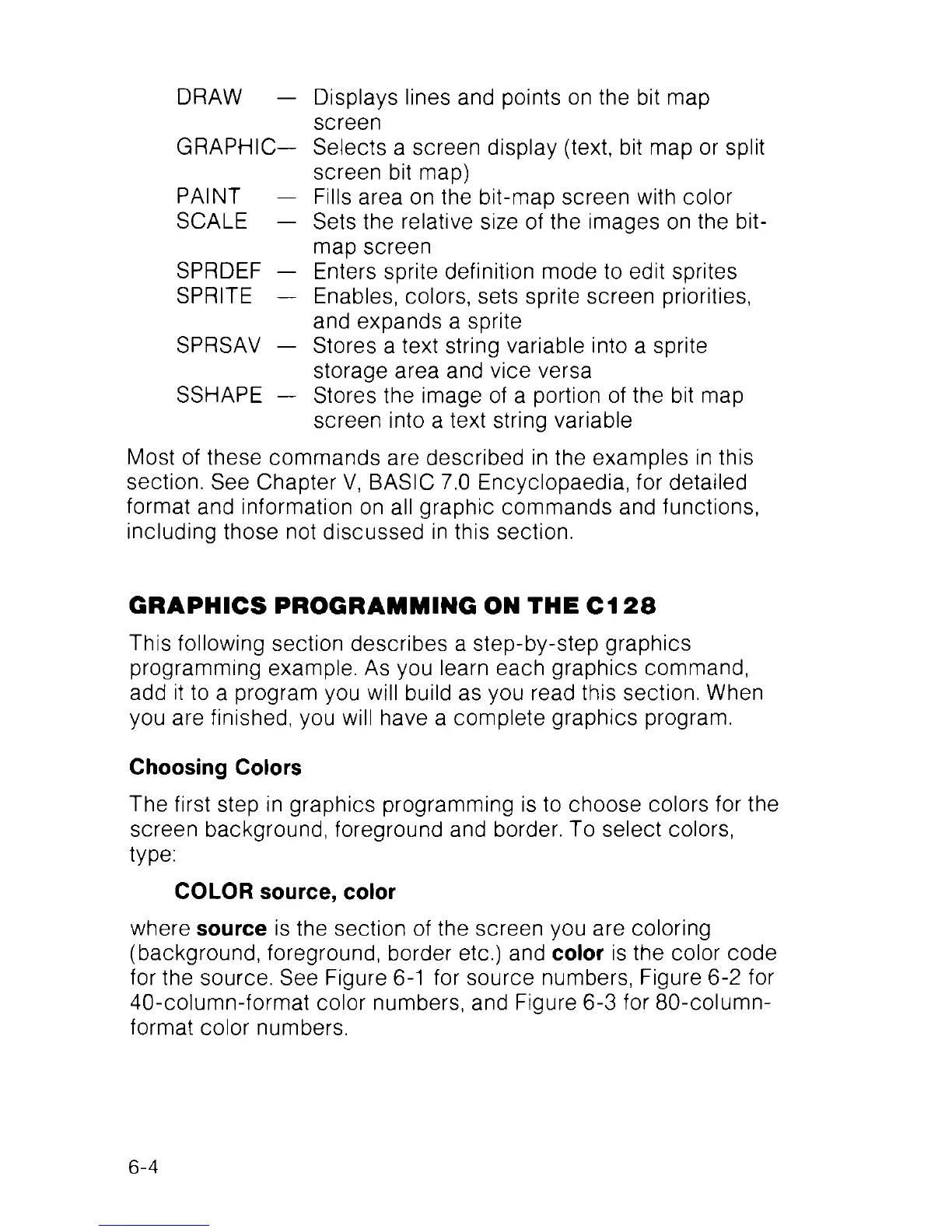
DRAW — Displays lines and points on the bit map
screen
GRAPHIC— Selects a screen display (text, bit map or split
screen bit map)
PAINT — Fills area on the bit-map screen with color
SCALE — Sets the relative size of the images on the bit
map screen
SPRDEF — Enters sprite definition mode to edit sprites
SPRITE — Enables, colors, sets sprite screen priorities,
and expands a sprite
SPRSAV — Stores a text string variable into a sprite
storage area and vice versa
SSHAPE — Stores the image of a portion of the bit map
screen into a text string variable
Most of these commands are described in the examples in this
section. See Chapter V, BASIC 7.0 Encyclopaedia, for detailed
format and information on all graphic commands and functions,
including those not discussed in this section.
GRAPHICS PROGRAMMING ON THE C128
This following section describes a step-by-step graphics
programming example. As you learn each graphics command,
add it to a program you will build as you read this section. When
you are finished, you will have a complete graphics program.
Choosing Colors
The first step in graphics programming is to choose colors for the
screen background, foreground and border. To select colors,
type:
COLOR source, color
where source is the section of the screen you are coloring
(background, foreground, border etc.) and color is the color code
for the source. See Figure 6-1 for source numbers, Figure 6-2 for
40-column-format color numbers, and Figure 6-3 for 80-column-
format color numbers.
6-4



 To Next Page