in C128 BASIC mode, you can boot CP/M 3.0 by inserting the
CP/M system disk into the drive, typing the BASIC command
BOOT and then pressing RETURN. CP/M 3.0 then loads, ln C128
mode, you can also boot CP/M by inserting the System Disk and
pressing the RESET button.
If you are in C64 mode, and you want to enter CP/M mode, first
turn off the computer. Then insert the CP/M System Disk into the
drive and turn on the computer.
Caution: Always make sure that the disk is fully inserted in the
drive before you close the drive door.
ln CP/M 3.0 on the Commodore 128, the user has a 59K TPA
(Transient Program Area), which is, in effect, user RAM.
The Opening CP/M Screen Display
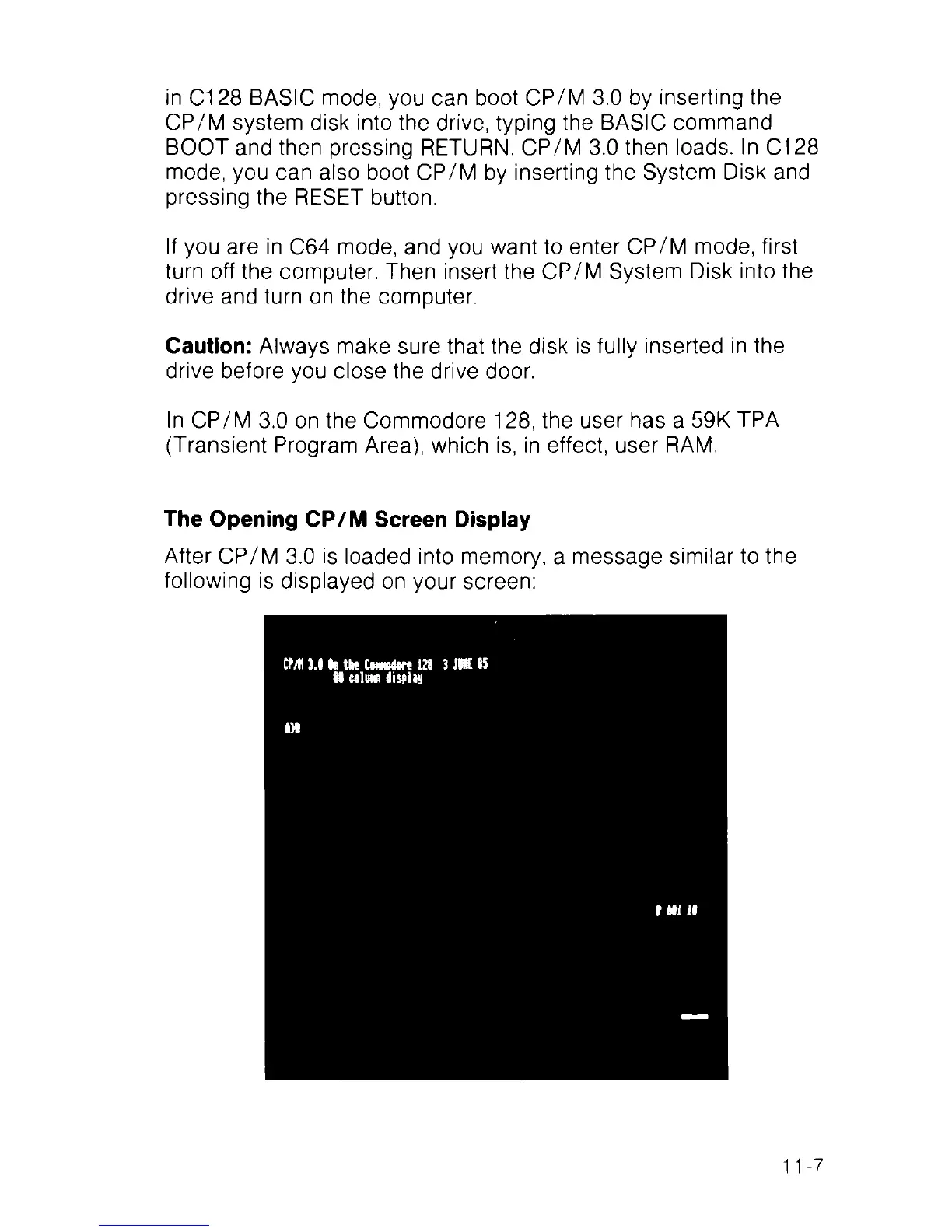
After CP/M 3.0 is loaded into memory, a message similar to the
following is displayed on your screen:
CMI 3.6 Be the CmMdftre 128 3 JBK 85
81 nlem display
D l
I Ml 18
11-7



 To Next Page