Section 5 describes how to use the GETKEY statement, which is
a new and more powerful BASIC 7.0 command that can be used
to perform a similar task.
Sample program
Now that you know how to use the FOR-NEXT loop and the
INPUT command, clear the computer’s memory by typing NEW
Tin mm , then type the following program:
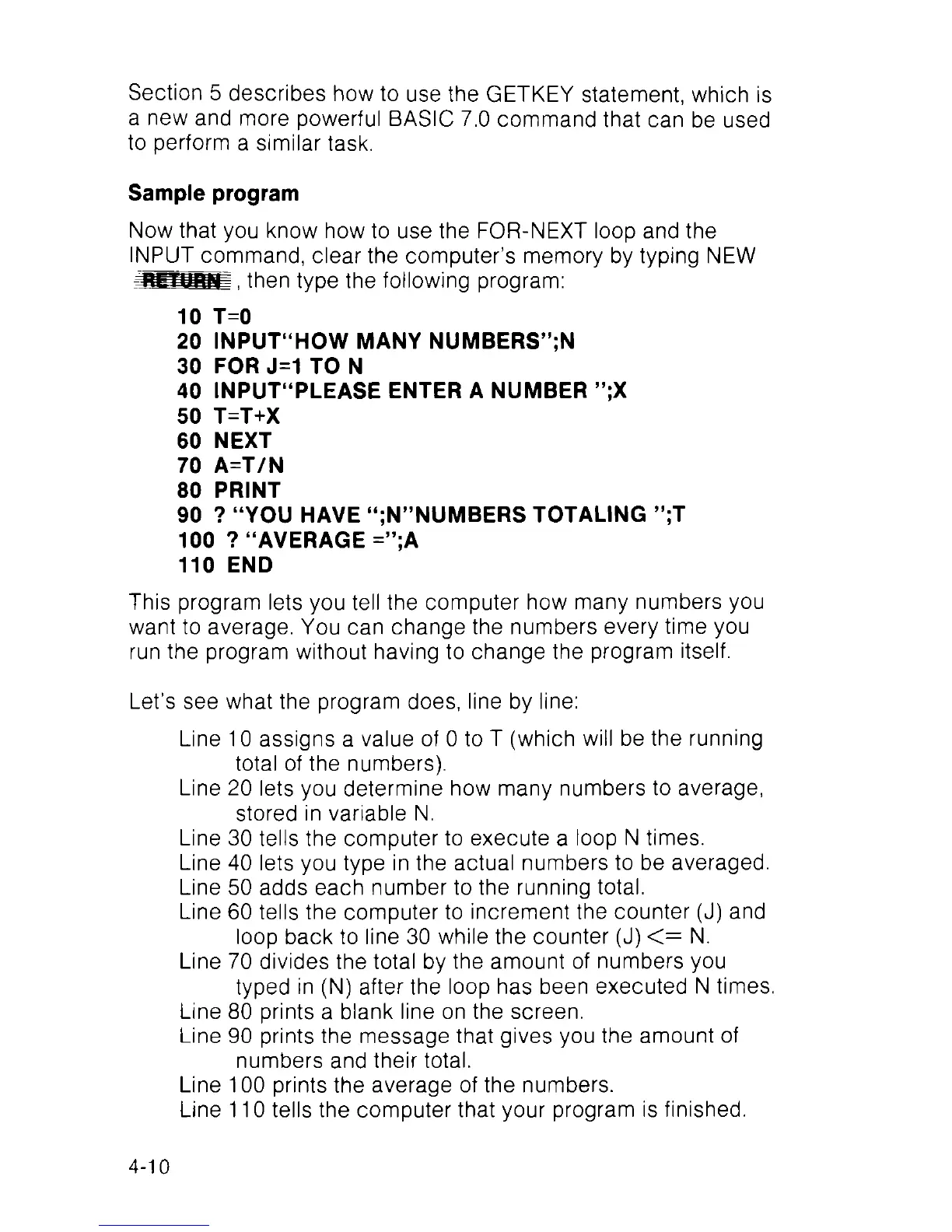
10 T=0
20 INPUT“HOW MANY NUMBERS”;N
30 FOR J=1 TO N
40 INPUT“PLEASE ENTER A NUMBER ”;X
50 T=T+X
60 NEXT
70 A=T/N
80 PRINT
90 ? “YOU HAVE “;N”NUMBERS TOTALING ”;T
100 ? “AVERAGE =”;A
110 END
This program lets you tell the computer how many numbers you
want to average. You can change the numbers every time you
run the program without having to change the program itself.
Let’s see what the program does, line by line:
Line 10 assigns a value of 0 to T (which will be the running
total of the numbers).
Line 20 lets you determine how many numbers to average,
stored in variable N.
Line 30 tells the computer to execute a loop N times.
Line 40 lets you type in the actual numbers to be averaged.
Line 50 adds each number to the running total.
Line 60 tells the computer to increment the counter (J) and
loop back to line 30 while the counter (J) < = N.
Line 70 divides the total by the amount of numbers you
typed in (N) after the loop has been executed N times.
Line 80 prints a blank line on the screen.
Line 90 prints the message that gives you the amount of
numbers and their total.
Line 100 prints the average of the numbers.
Line 110 tells the computer that your program is finished.
4-10



 To Next Page