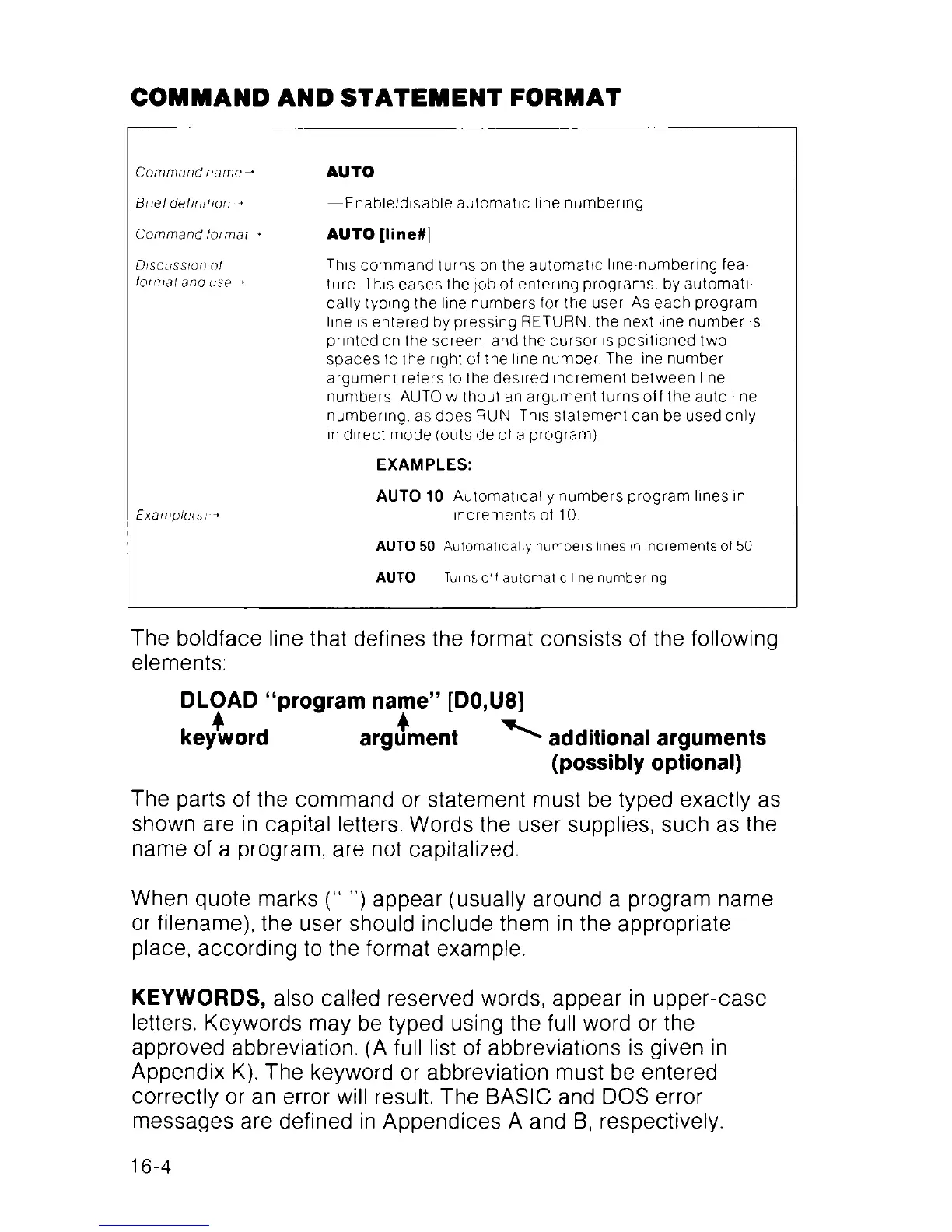
COMMAND AND STATEMENT FORMAT
Command name-»
AUTO
Brief definition -»
— Enable/disable automatic line numbering
Command for mat +
AUTO [line#)
Discussion of
format and use +
This command turns on the automatic line-numbering fea
ture This eases the job of entering programs, by automati
cally typing the line numbers for the user. As each program
line is entered by pressing RETURN, the next line number is
printed on the screen, and the cursor is positioned two
spaces to the right of the line number The line number
argument refers to the desired increment between line
numbers AUTO without an argument turns off the auto line
numbering, as does RUN This statement can be used only
in direct mode (outside of a program)
EX A M PLES:
Example(s
AUTO 10 Automatically numbers program lines in
increments of 10
AUTO 50 Automatically numbers lines in increments of 50
AUTO Turns off automatic line numbering
The boldface line that defines the format consists of the following
elements:
DLOAD “program name” [D0,U8]
keyword argument additional arguments
(possibly optional)
The parts of the command or statement must be typed exactly as
shown are in capital letters. Words the user supplies, such as the
name of a program, are not capitalized.
When quote marks (“ ”) appear (usually around a program name
or filename), the user should include them in the appropriate
place, according to the format example.
KEYWORDS, also called reserved words, appear in upper-case
letters. Keywords may be typed using the full word or the
approved abbreviation. (A full list of abbreviations is given in
Appendix K). The keyword or abbreviation must be entered
correctly or an error will result. The BASIC and DOS error
messages are defined in Appendices A and B, respectively.
16-4



 To Next Page