EXECUTING MULTIPLE COMMANDS
ln the examples so far, CP/M 3.0 executed only one command at
a time. CP/M 3.0 can also execute a sequence of commands.
You can enter a sequence of commands at the system prompt,
or you can put a frequently needed sequence of commands in a
disk file, using a filetype of SUB. Once you have stored the
sequence in a disk file, you can execute the sequence whenever
you need to with a SUBMIT command.
TERMINATING PROGRAMS
You can use the two keystroke command CTRL-C to terminate
program execution or reset the disk system. To enter a CTRL-C
command, hold down the CTRL key and press C.
Most application programs that run under CP/M and most CP/M
transient utilities can be terminated by a CTRL-C. However, if you
try to terminate a program while it is sending a display to the
screen, you may need to press a CTRL-S to halt the display
before you enter CTRL-C.
GETTING HELP
CP/M 3.0 includes a transient utility command called HELP that
displays a summary of the format and use for the most common
CP/M commands. To access HELP, simply enter the command:
A >HELP RETURN
You can press the HELP key instead of typing the word HELP
and pressing the RETURN key.
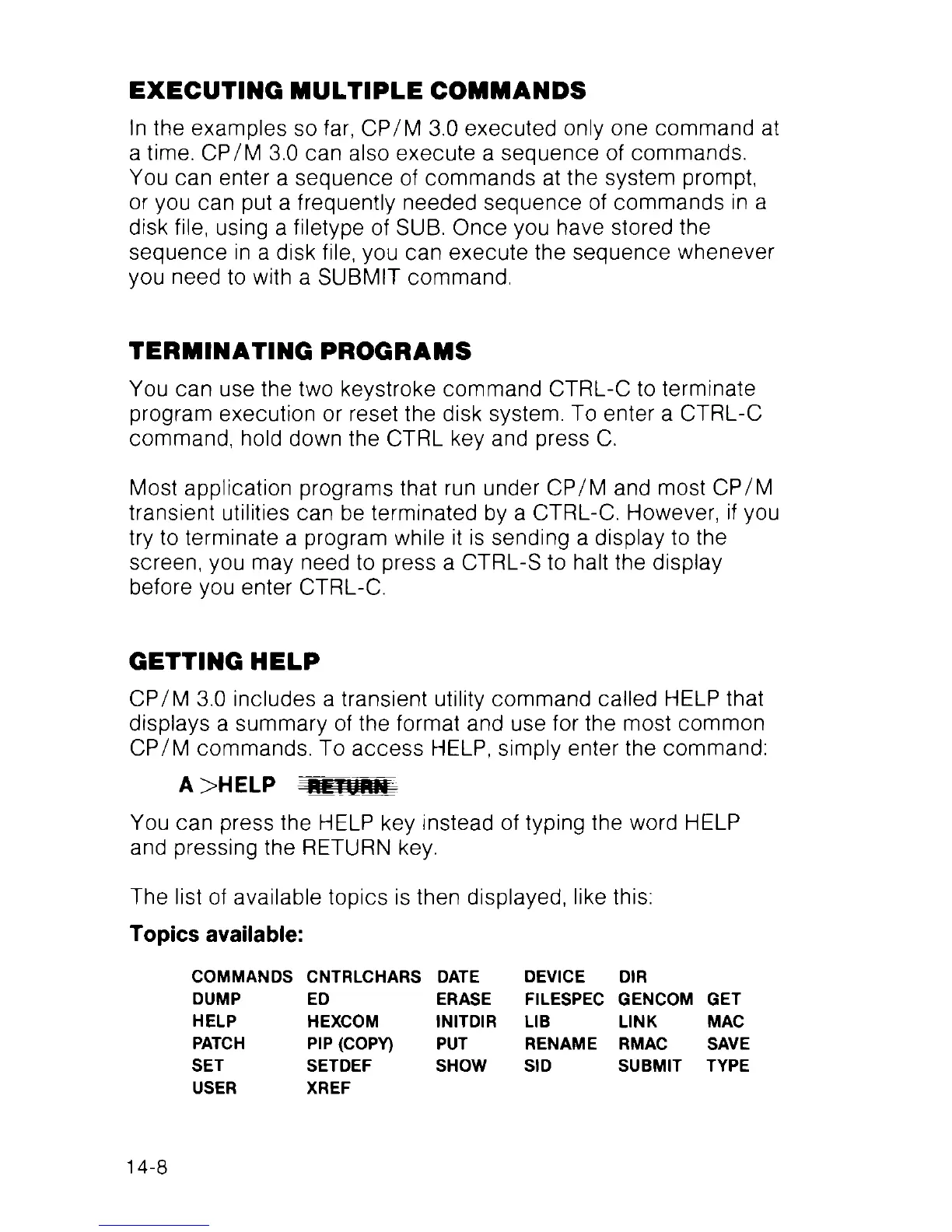
The list of available topics is then displayed, like this:
Topics available:
COMMANDS
CNTRLCHARS
DATE DEVICE DIR
DUMP
ED ERASE
FILESPEC
GENCOM GET
HELP
HEXCOM INITDIR LIB LINK
MAC
PATCH
PIP (COPY) PUT
RENAME
RMAC
SAVE
SET
SETDEF SHOW SID SUBMIT TYPE
USER
XREF
14-8



 To Next Page