Defining a Key
A user can define the code that a key can produce. Each key has
four possible definitions: Normal, Alpha Shift, Shift, and Control.
The Alpha Shift is toggled on/off by pressing the O key. After
entering this mode a small box appears on the bottom of the
screen. The first key that is pressed is the key to be defined. The
current HEX (hexadecimal) value assigned to this key is
displayed and the user can then type the new HEX code for the
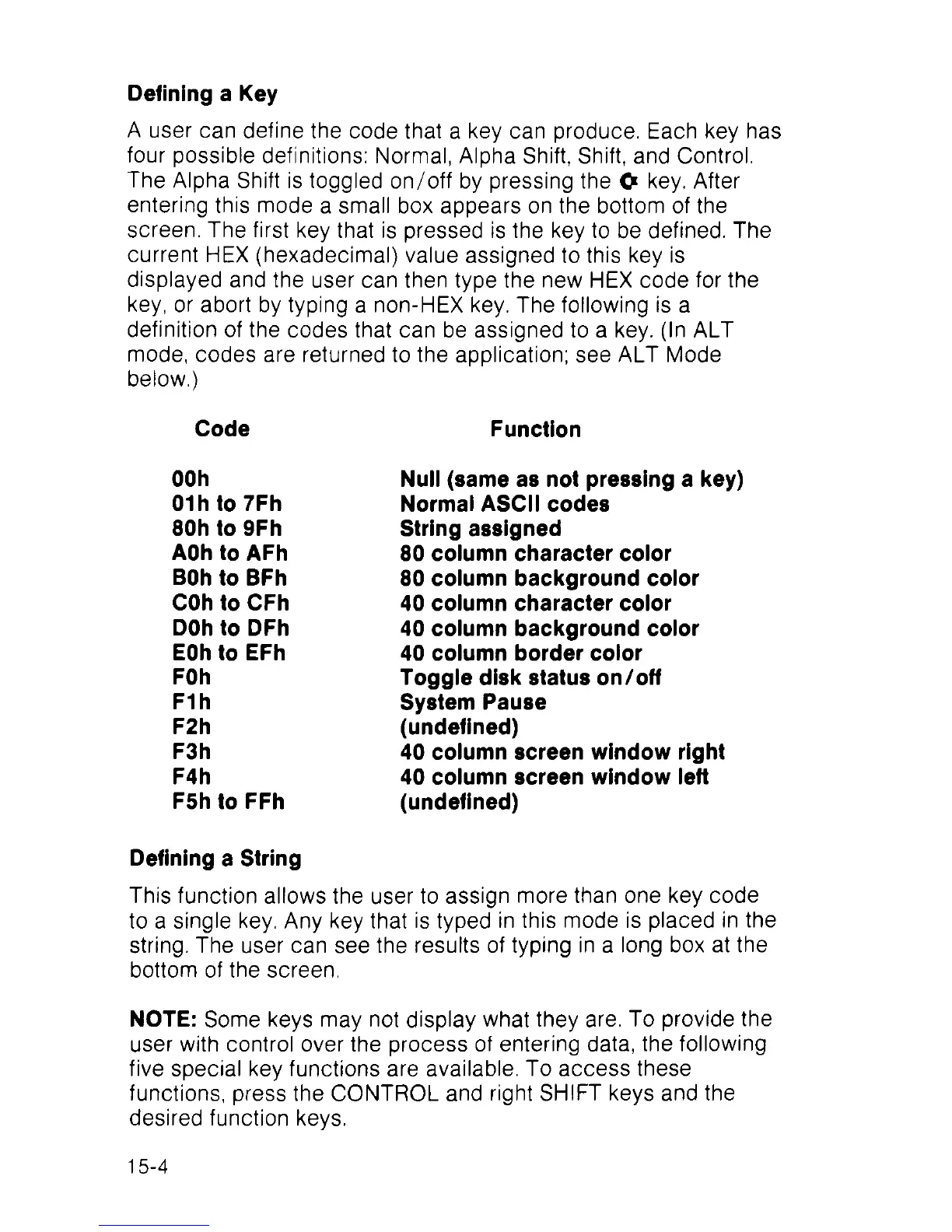
key or abort by typing a non-HEX key. The following is a
definition of the codes that can be assigned to a key. (ln ALT
mode, codes are returned to the application; see ALT Mode
below.)
Code
Function
OOh
Null (same as not pressing a key)
01 h to 7Fh
Normal ASCII codes
80h to 9Fh
String assigned
AOh to AFh
80 column character color
BOh to BFh
80 column background color
COh to CFh 40 column character color
DOh to DFh
40 column background color
EOh to EFh 40 column border color
FOh
Toggle disk status on/off
F1h
System Pause
F2h
(undefined)
F3h
40 column screen window right
F4h 40 column screen window left
F5h to FFh
(undefined)
Defining a String
This function allows the user to assign more than one key code
to a single key. Any key that is typed in this mode is placed in the
string. The user can see the results of typing in a long box at the
bottom of the screen.
NOTE: Some keys may not display what they are. To provide the
user with control over the process of entering data, the following
five special key functions are available. To access these
functions, press the CONTROL and right SHIFT keys and the
desired function keys.
15-4



 To Next Page