REDIRECTING INPUT AND OUTPUT
CP/M 3.0’s PUT command allows you to direct console or printer
output to a disk file. You can use a GET command to make
CP/M 3.0 or a utility program take console input from a disk file.
The following examples illustrate some of the capabilities offered
by GET and PUT.
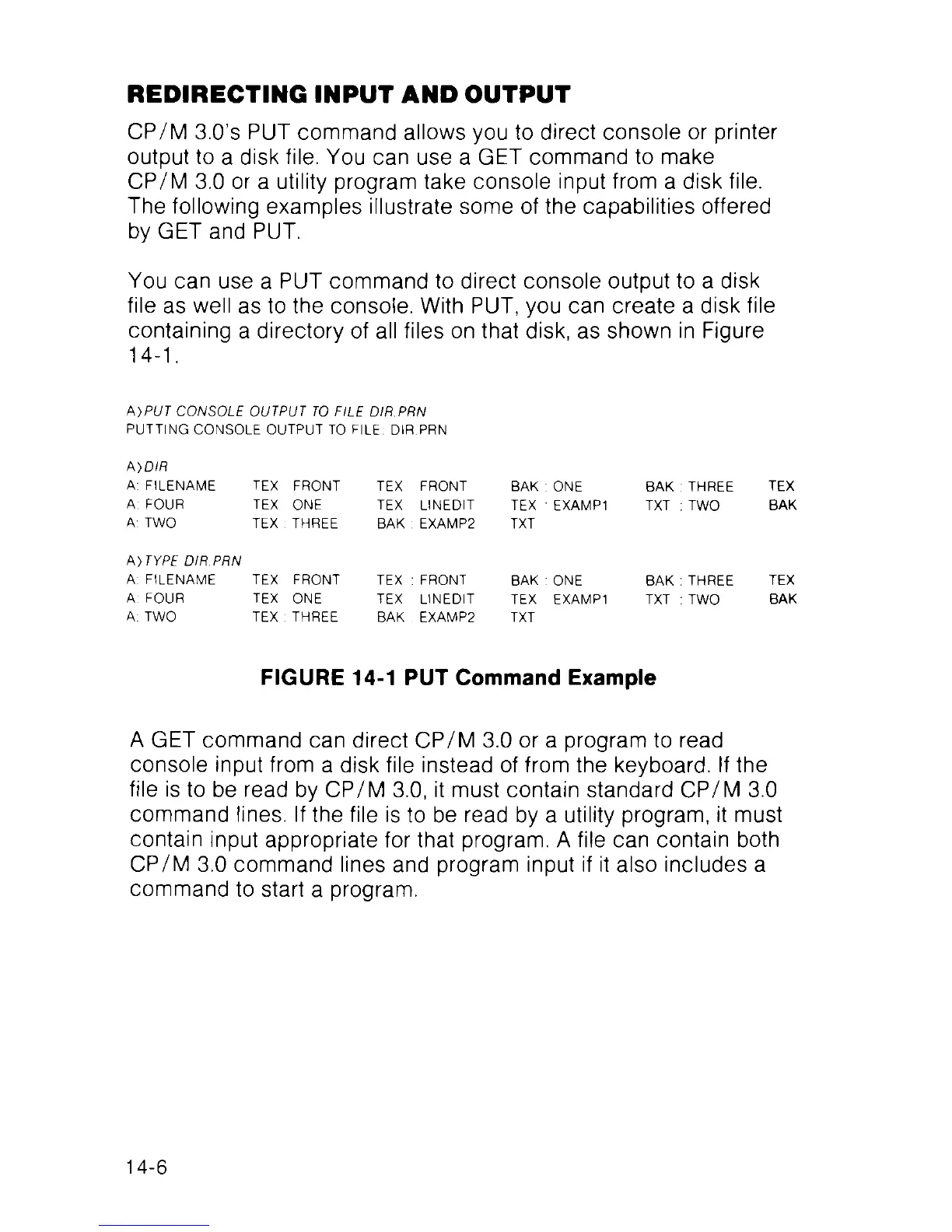
You can use a PUT command to direct console output to a disk
file as well as to the console. With PUT, you can create a disk file
containing a directory of all files on that disk, as shown in Figure
14-1.
t\)PUT CONSOLE OUTPUT TO FILE DIR.PRN
PUTTING CONSOLE OUTPUT TO FILE: DIR.PRN
A )DIR
FILENAME
FOUR
TWO
TEX FRONT
TEX ONE
TEX : THREE
TEX FRONT
TEX LINEDIT
BAK : EXAMP2
BAK : ONE
TEX EXAMP1
TXT
BAK : THREE TEX
TXT : TWO BAK
A) TYPE DIR.PRN
A: FILENAME TEX FRONT TEX : FRONT BAK : ONE
A: FOUR TEX ONE TEX LINEDIT TEX EXAMP1
A: TWO TEX : THREE BAK . EXAMP2 TXT
BAK : THREE
TXT : TWO
TEX
BAK
FIGURE 14-1 PUT Command Example
A GET command can direct CP/M 3.0 or a program to read
console input from a disk file instead of from the keyboard. If the
file is to be read by CP/M 3.0, it must contain standard CP/M 3.0
command lines. If the file is to be read by a utility program, it must
contain input appropriate for that program. A file can contain both
CP/M 3.0 command lines and program input if it also includes a
command to start a program.
14-6



 To Next Page