Try to use letters that tell something about the file’s category. For
example, you could add the following filetype to the file that
contains a list of customer names:
CUSTOMER.NAM
When CP/M displays file specifications, it adds blanks to short
filenames so that you can compare filetypes quickly. The
program files that CP/M loads into memory from a disk have the
filetype COM. DO NOT use this filetype in your own file
specifications.
Password
ln the Commodore 128's CP/M 3.0 you can include a password
as part of the file specification. The password can be from one to
eight characters. If you include a password, separate it from the
filetype (or filename, if no filetype is included) with a semicolon,
as follows:
CUSTOMER.NAM;ACCOUNT
A password is optional. However, if a file has been protected with
a password, you MUST enter the password as part of the file
specification to access the file.
Sample File Specification
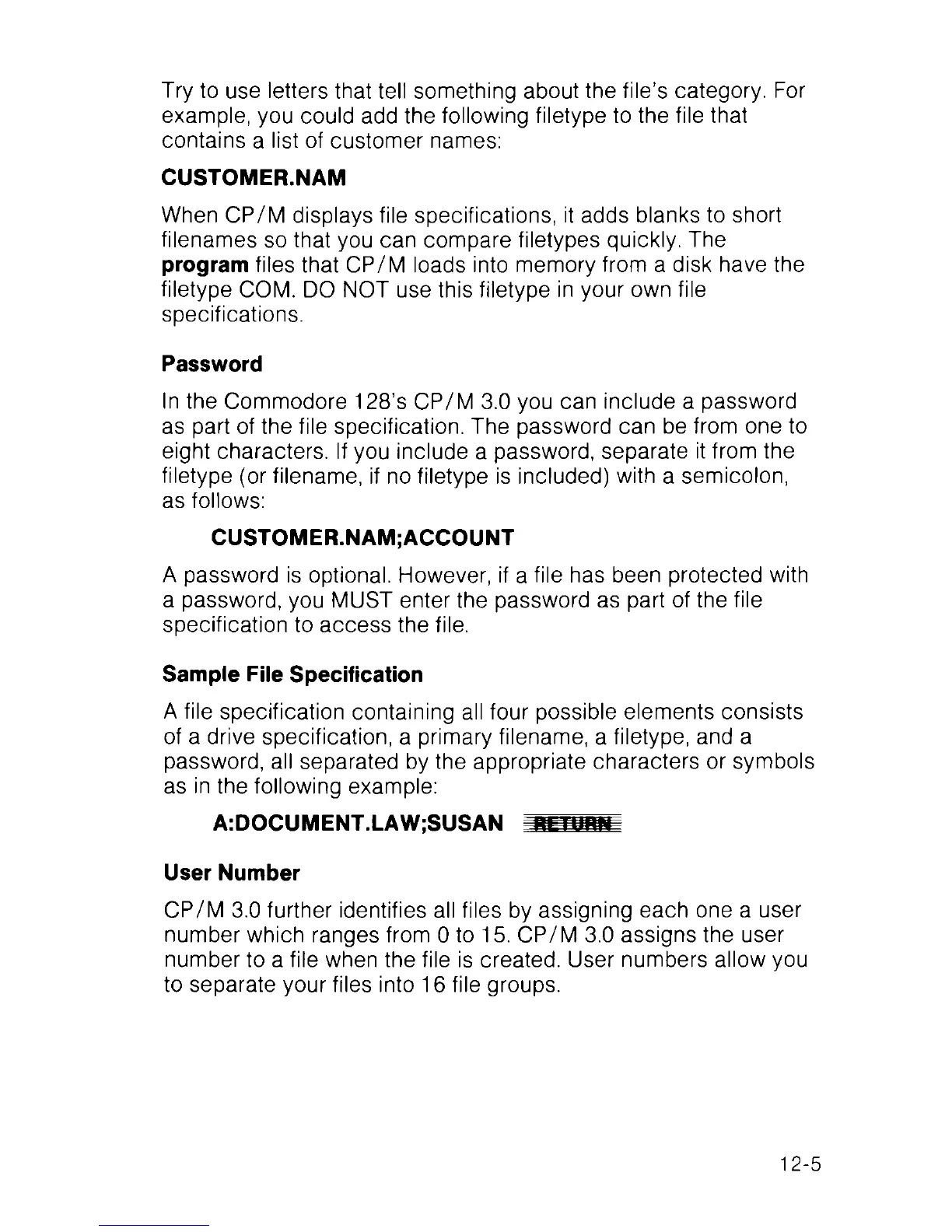
A file specification containing all four possible elements consists
of a drive specification, a primary filename, a filetype, and a
password, all separated by the appropriate characters or symbols
as in the following example:
A:DOCUMENT.LAW;SUSAN iiLiuiiii
User Number
CP/M 3.0 further identifies all files by assigning each one a user
number which ranges from 0 to 15. CP/M 3.0 assigns the user
number to a file when the file is created. User numbers allow you
to separate your files into 16 file groups.
12-5



 To Next Page