ASSIGNING LOGICAL DEVICES
The minimal Commodore 128 CP/M 3.0 hardware includes a
console consisting of a keyboard and screen display and a 1571
disk drive. You may want to add another device to your system,
such as a printer or a modem. To help keep track of these
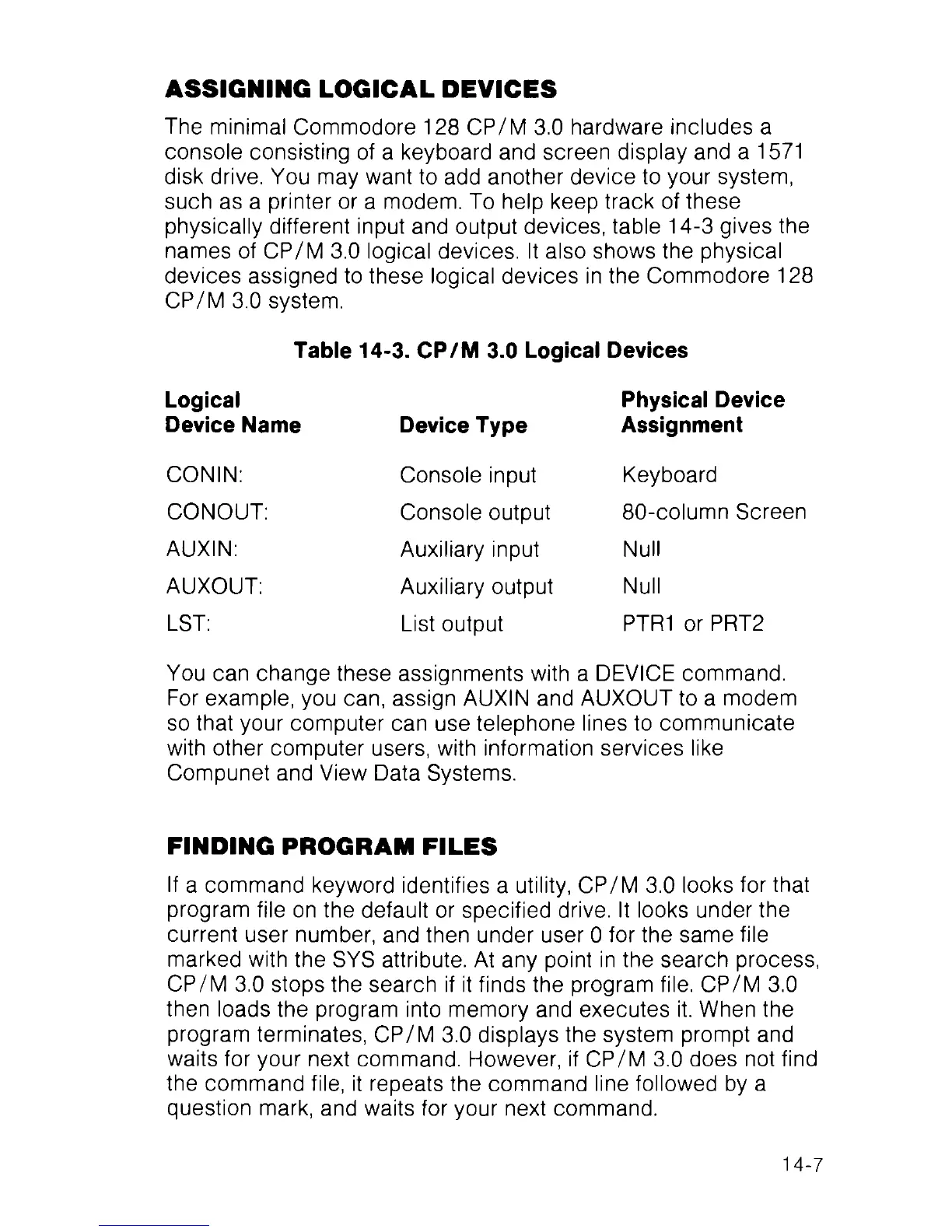
physically different input and output devices, table 14-3 gives the
names of CP/M 3.0 logical devices. It also shows the physical
devices assigned to these logical devices in the Commodore 128
CP/M 3.0 system.
Table 14-3. CP/M 3.0 Logical Devices
Logical
Device Name
CONIN:
CONOUT:
AUXIN:
AUXOUT:
LST:
Device Type
Console input
Console output
Auxiliary input
Auxiliary output
List output
Physical Device
Assignment
Keyboard
80-column Screen
Null
Null
PTR1 or PRT2
You can change these assignments with a DEVICE command.
For example, you can, assign AUXIN and AUXOUT to a modem
so that your computer can use telephone lines to communicate
with other computer users, with information services like
Compunet and View Data Systems.
FINDING PROGRAM FILES
If a command keyword identifies a utility, CP/M 3.0 looks for that
program file on the default or specified drive. It looks under the
current user number, and then under user 0 for the same file
marked with the SYS attribute. At any point in the search process,
CP/M 3.0 stops the search if it finds the program file. CP/M 3.0
then loads the program into memory and executes it. When the
program terminates, CP/M 3.0 displays the system prompt and
waits for your next command. However, if CP/M 3.0 does not find
the command file, it repeats the command line followed by a
question mark, and waits for your next command.
14-7



 To Next Page