CONSOLE LINE EDITING
As noted previously, you can correct simple typing errors by
using the INST DEL key or CTRL-H. CP/M 3.0 also supports
additional line editing functions that you perform with control
characters. You can use the control characters to edit command
lines or input lines to most programs.
USING CONTROL CHARACTERS FOR LINE EDITING
Using the line editing control characters listed in Table 13-1, you
can move the cursor left and right to insert and delete characters
in the middle of a command line, ln this way you do not have to
retype everything to the right of your correction.
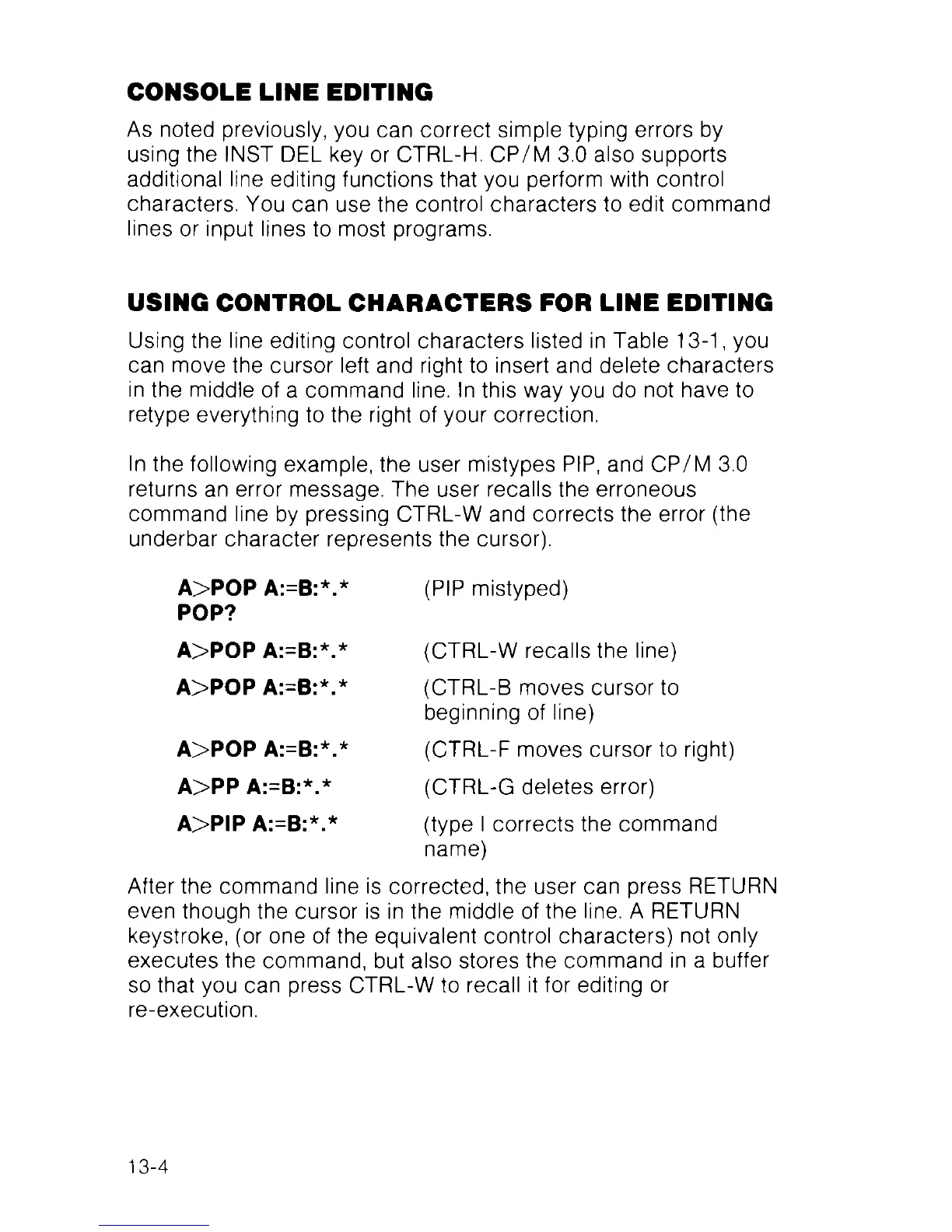
ln the following example, the user mistypes PIP, and CP/M 3.0
returns an error message. The user recalls the erroneous
command line by pressing CTRL-W and corrects the error (the
underbar character represents the cursor).
A>POP A:=B:*.* (PIP mistyped)
After the command line is corrected, the user can press RETURN
even though the cursor is in the middle of the line. A RETURN
keystroke, (or one of the equivalent control characters) not only
executes the command, but also stores the command in a buffer
so that you can press CTRL-W to recall it for editing or
re-execution.
POP?
A>POP A:=B:*.*
A>POP A:=B:*.*
(CTRL-W recalls the line)
(CTRL-B moves cursor to
beginning of line)
(CTRL-F moves cursor to right)
(CTRL-G deletes error)
(type I corrects the command
name)
A>POP A:=B:*.*
A>PP A:=B:*.*
A>PIP A:=B:*.*
13-4



 To Next Page