Printing Text
Now that you know how to print numbers, it’s time to learn how to
print text. It’s actually very simple. Any words or characters you
want to display are typed on the screen, with a quote symbol at
each end of the string of characters. String is the BASIC name
for any set of characters surrounded by quotes. The quote
character is obtained by pressing SHIFT and the numeral 2 key
on the top row of the keyboard (not the 2 in the numeric keypad).
Try these examples:
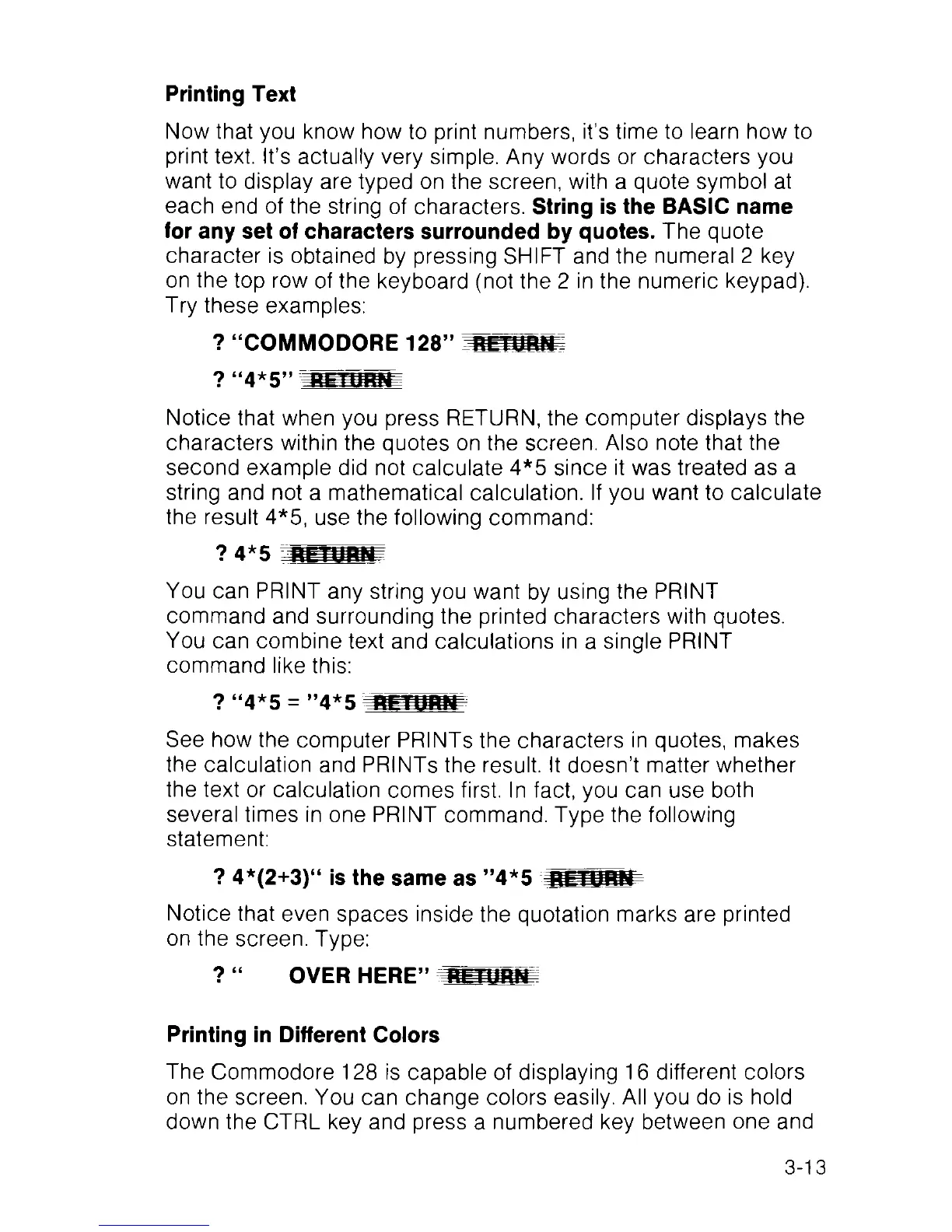
? “COMMODORE 128” RETURN
Notice that when you press RETURN, the computer displays the
characters within the quotes on the screen. Also note that the
second example did not calculate 4*5 since it was treated as a
string and not a mathematical calculation. If you want to calculate
the result 4*5, use the following command:
You can PRINT any string you want by using the PRINT
command and surrounding the printed characters with quotes.
You can combine text and calculations in a single PRINT
command like this:
See how the computer PRINTs the characters in quotes, makes
the calculation and PRINTs the result. It doesn’t matter whether
the text or calculation comes first, ln fact, you can use both
several times in one PRINT command. Type the following
statement:
? 4*(2+3)“ is the same as ”4*5 HFTUHWP
Notice that even spaces inside the quotation marks are printed
on the screen. Type:
? “ OVER HERE” fUTTUnN
Printing in Different Colors
The Commodore 128 is capable of displaying 16 different colors
on the screen. You can change colors easily. All you do is hold
down the CTRL key and press a numbered key between one and
3-13



 To Next Page