WINDOWING
Windows are a specific area of the screen that you define as your
workspace. Everything you type (lines you type, listings of
programs, etc.) after setting a window, appears within the
window’s boundaries, not affecting the screen outside the window
area. The Commodore 128 provides two methods of creating
windows: the WINDOW command and ESCAPE key functions.
Using the WINDOW Command to Create a Window
The Commodore 128 BASIC 7.0 language features a command
that allows you to create and manipulate windows: the WINDOW
command. The command format is:
WINDOW top-left column, top-left row, bottom-right
column, bottom-right row [.clear option]
The first two numbers after WINDOW specify the column and row
number of where you want the top left corner of the window to be;
the next two numbers are the coordinates for the bottom right
corner. Remember that the screen format (40 or 80 columns)
dictates the acceptable range of these coordinates. You can also
include a clear option with this command. If you add 1 onto the
end of the command, the window screen area is cleared, as in
this example:
WINDOW 10,10,20,20,1
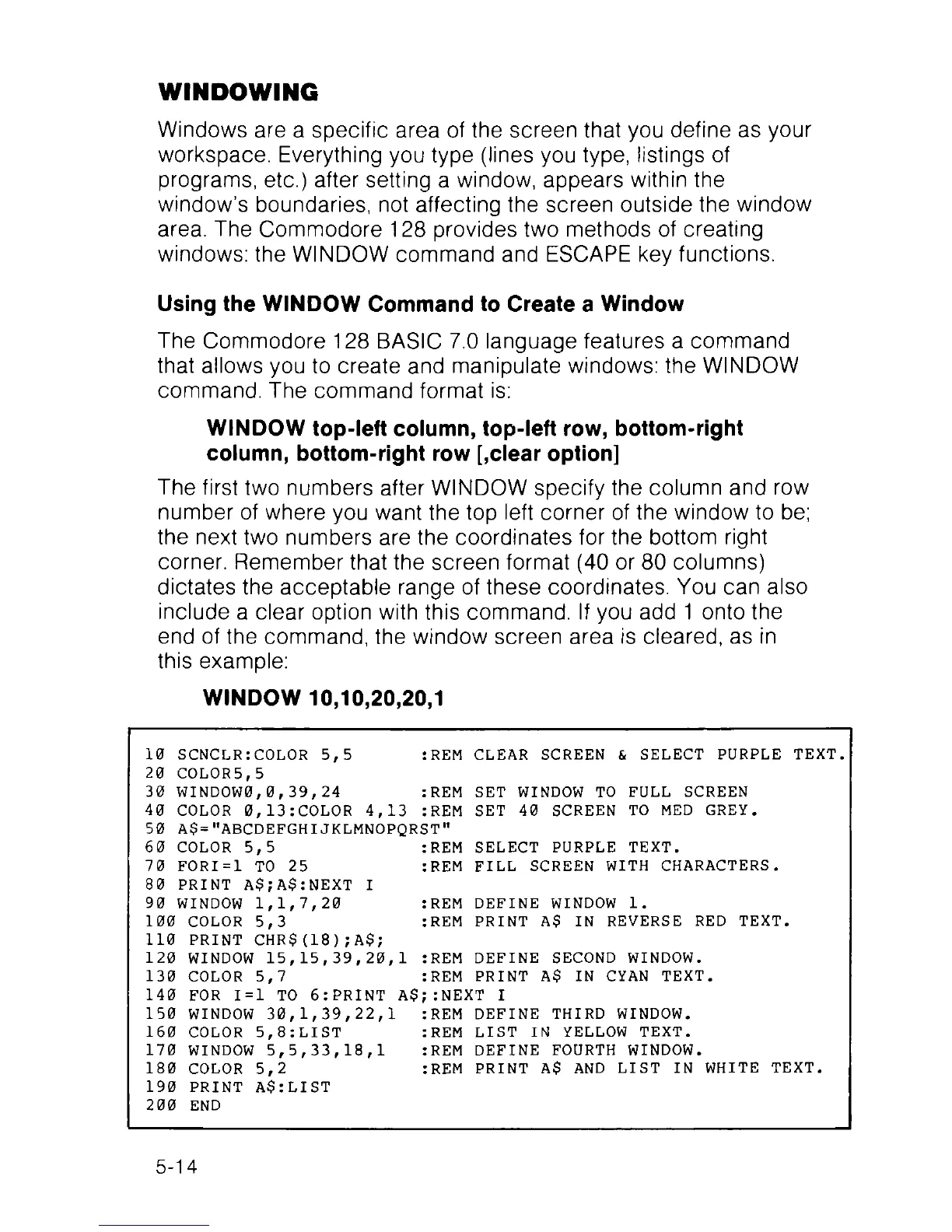
10 SCNCLR:COLOR 5,5 :REM CLEAR SCREEN & SELECT PURPLE TEXT.
20 COLOR5,5
30 WINDOW0,0,39,24 :REM SET WINDOW TO FULL SCREEN
40 COLOR 0,13:COLOR 4,13 :REM SET 40 SCREEN TO MED GREY.
50 A$="ABCDEFGHIJKLMNOPQRST"
60 COLOR 5,5 :REM SELECT PURPLE TEXT.
70 FORI=1 TO 25 :REM FILL SCREEN WITH CHARACTERS.
80 PRINT A$;A$:NEXT I
90 WINDOW 1,1,7,20 :REM DEFINE WINDOW 1.
100 COLOR 5,3 :REM PRINT A$ IN REVERSE RED TEXT.
110 PRINT CHR$(18);A$;
120 WINDOW 15, 15, 39,20, 1 :REM DEFINE SECOND WINDOW.
130 COLOR 5,7 :REM PRINT A$ IN CYAN TEXT.
140 FOR 1=1 TO 6:PRINT A$;:NEXT I
150 WINDOW 30,1,39,22,1 :REM DEFINE THIRD WINDOW.
160 COLOR 5,8:LIST :REM LIST IN YELLOW TEXT.
170 WINDOW 5,5,33,18,1 :REM DEFINE FOURTH WINDOW.
180 COLOR 5,2 :REM PRINT A$ AND LIST IN WHITE TEXT.
190 PRINT A$:LIST
200 END
5-14



 To Next Page