A list of the programs on your disk will then be displayed. Note
that when you load the directory, any program that was in
memory is erased.
INITIALIZING A DISK DRIVE
If the disk drive’s ready light is blinking, it indicates a disk error.
You can restore the disk drive to the condition it was in before the
error occurred by using a procedure called INITIALIZING. To
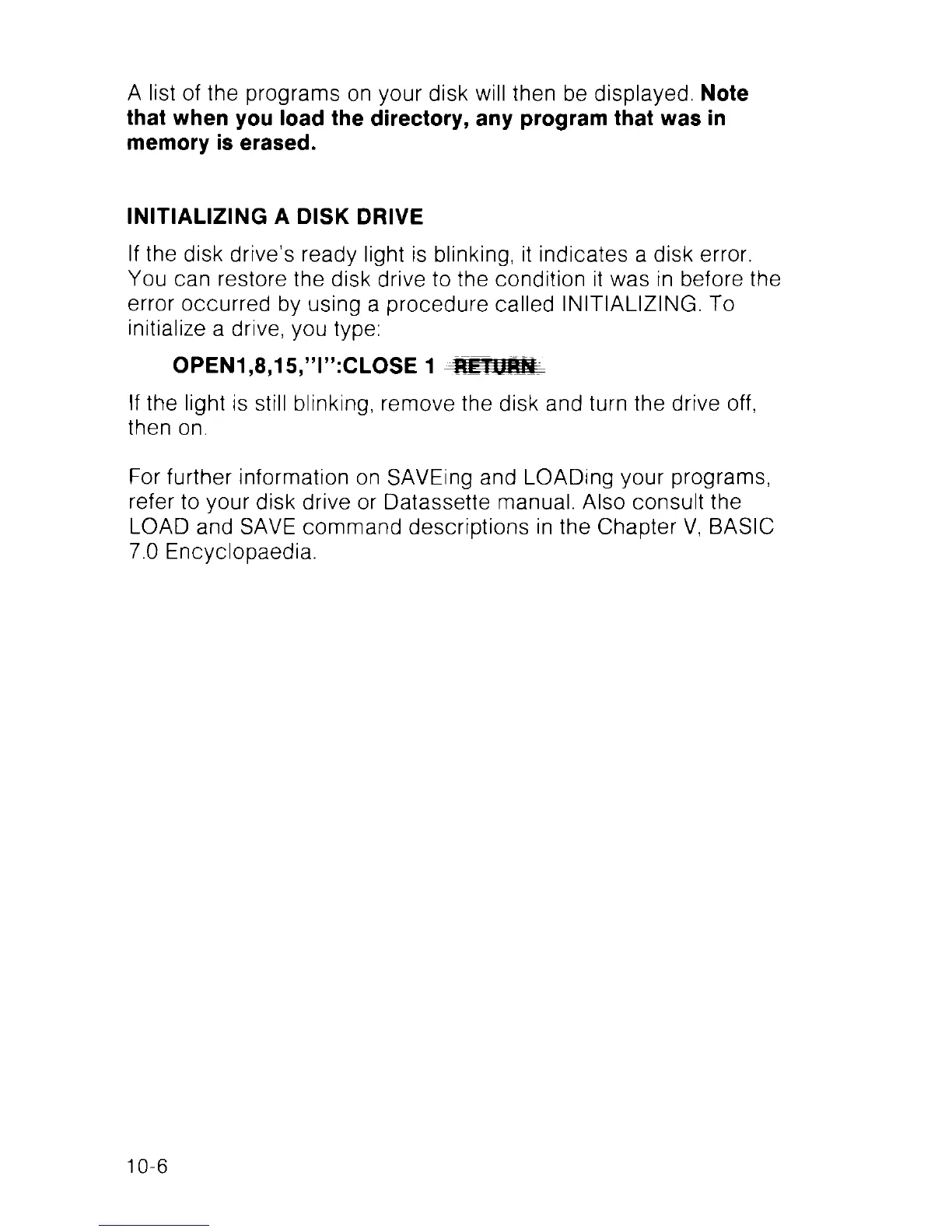
initialize a drive, you type:
OPEN1,8,15,”l”:CLOSE 1 W F Bfiff
If the light is still blinking, remove the disk and turn the drive off,
then on.
For further information on SAVEing and LOADing your programs,
refer to your disk drive or Datassette manual. Also consult the
LOAD and SAVE command descriptions in the Chapter V, BASIC
7.0 Encyclopaedia.
10-6



 To Next Page