KEYS UNIQUE TO Cl 28 MODE
Function Keys
The four keys on the Commodore 128 keyboard on the right side
above the numeric keypad are special function keys that let you
save time by performing repetitive tasks with the stroke of just
one key. The first key reads F1/F2, the second F3/F4, the third
F5/F6, and the last F7/F8. You can use functions 1, 3, 5 and 7
by pressing the key by itself. To use function keys 2, 4, 6, and 8,
press SHIFT and the function key.
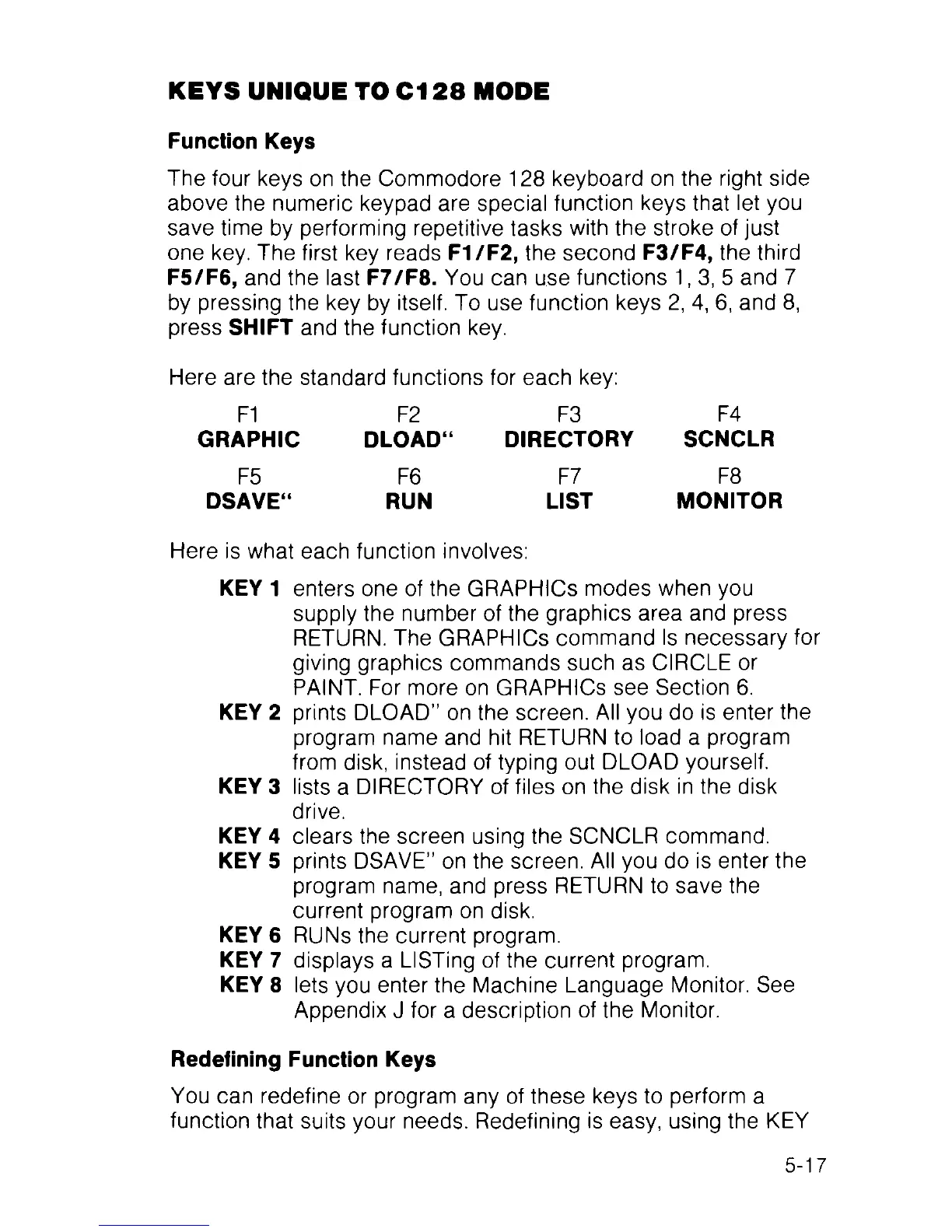
Here are the standard functions for each key:
F1 F2 F3 F4
GRAPHIC DLOAD“ DIRECTORY SCNCLR
F5 F6 F7 F8
DSAVE“ RUN LIST MONITOR
Here is what each function involves:
KEY 1 enters one of the GRAPHICS modes when you
supply the number of the graphics area and press
RETURN. The GRAPHICS command Is necessary for
giving graphics commands such as CIRCLE or
PAINT. For more on GRAPHICS see Section 6.
KEY 2 prints DLOAD” on the screen. All you do is enter the
program name and hit RETURN to load a program
from disk, instead of typing out DLOAD yourself.
KEY 3 lists a DIRECTORY of files on the disk in the disk
drive.
KEY 4
clears the screen using the SCNCLR command.
KEY 5
prints DSAVE" on the screen. All you do is enter the
program name, and press RETURN to save the
current program on disk.
KEY 6 RUNs the current program.
KEY 7
displays a LISTing of the current program.
KEY 8 lets you enter the Machine Language Monitor. See
Appendix J for a description of the Monitor.
Redefining Function Keys
You can redefine or program any of these keys to perform a
function that suits your needs. Redefining is easy, using the KEY
5-17



 To Next Page