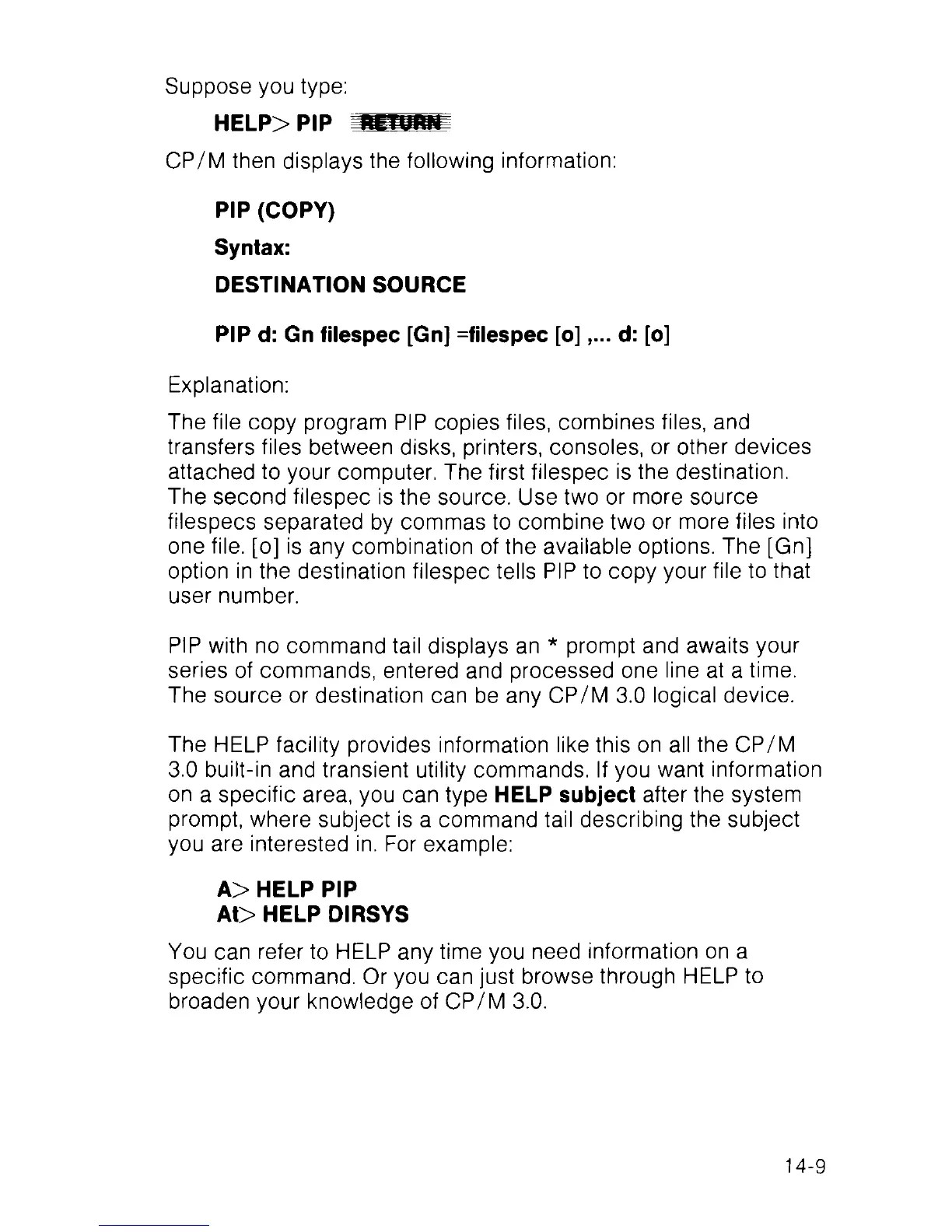
Suppose you type:
HELP> PIP
CP/M then displays the following information:
PIP (COPY)
Syntax:
DESTINATION SOURCE
PIP d: Gn filespec [Gn] =filespec [o]d: [o]
Explanation:
The file copy program PIP copies files, combines files, and
transfers files between disks, printers, consoles, or other devices
attached to your computer. The first filespec is the destination.
The second filespec is the source. Use two or more source
filespecs separated by commas to combine two or more files into
one file, [o] is any combination of the available options. The [Gn]
option in the destination filespec tells PIP to copy your file to that
user number.
PIP with no command tail displays an * prompt and awaits your
series of commands, entered and processed one line at a time.
The source or destination can be any CP/M 3.0 logical device.
The HELP facility provides information like this on all the CP/M
3.0 built-in and transient utility commands. If you want information
on a specific area, you can type HELP subject after the system
prompt, where subject is a command tail describing the subject
you are interested in. For example:
A> HELP PIP
At> HELP DIRSYS
You can refer to HELP any time you need information on a
specific command. Or you can just browse through HELP to
broaden your knowledge of CP/M 3.0.
14-9



 To Next Page