Now try changing some of the parameters in line 100. For
instance, change the direction of the sweep to 2 (oscillate);
change the minimum frequency of the sweep to 32768; and
increase the step value to 3000. Your new SOUND command
looks like this:
110 SOUND 1, 49152, 240, 2, 32768, 3000,1
Line 110 makes a siren sound as though the police were right on
your tail. For a more pleasant sound, try this:
110 SOUND 1, 65535, 250, 0, 32768, 3000, 2, 2600
This should remind you of a popular space-age TV show, when
the space crew unleashed their futuristic weapons on the
unsuspecting aliens.
Until now, you have been programming in only one voice. You
can produce interesting sound effects with the SOUND statement
using up to three voices. Experiment and create a program which
utilizes all three voices.
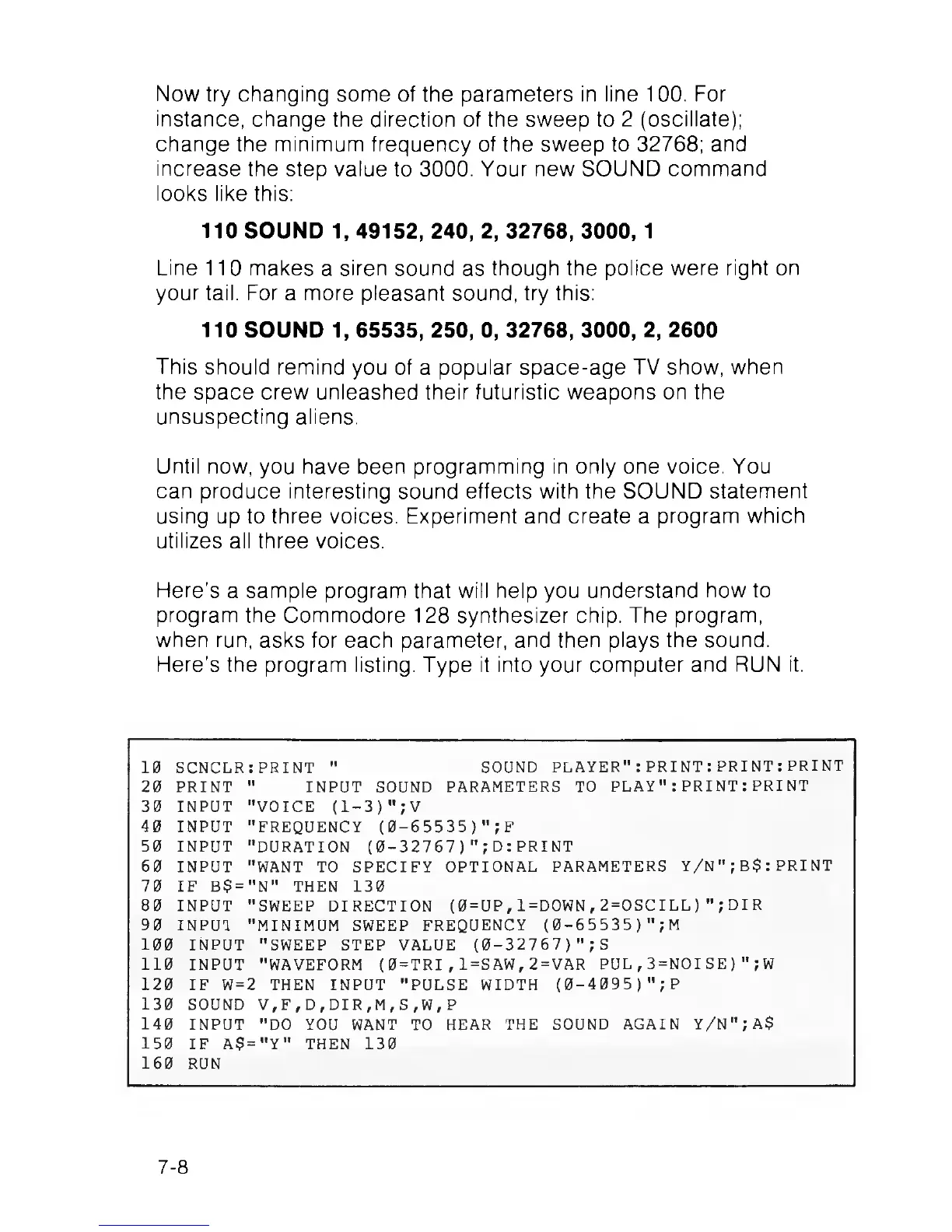
Here’s a sample program that will help you understand how to
program the Commodore 128 synthesizer chip. The program,
when run, asks for each parameter, and then plays the sound.
Here’s the program listing. Type it into your computer and RUN it.
10 SCNCLR: PRINT " SOUND PLAYER": PRINT :PRINT : PRINT
20 PRINT " INPUT SOUND PARAMETERS TO PLAY": PRINT :PRINT
30 INPUT "VOICE (1-3)";V
40 INPUT "FREQUENCY (0-65535)";F
50 INPUT "DURATION (0-32767)";D:PRINT
60 INPUT "WANT TO SPECIFY OPTIONAL PARAMETERS Y/N";B$:PRINT
70 IF B$="N" THEN 130
80 INPUT "SWEEP DIRECTION (0=UP,l=DOWN,2=OSCILL)";DIR
90 INPUT "MINIMUM SWEEP FREQUENCY (0-65535) ";M
100 INPUT "SWEEP STEP VALUE (0-32767)"; S
110 INPUT "WAVEFORM (0=TRI,1=SAW,2=VAR PUL,3=NOISE)";W
120 IF W=2 THEN INPUT "PULSE WIDTH (0-4095) ";P
130 SOUND V,F,D,DIR,M,S,W,P
140 INPUT "DO YOU WANT TO HEAR THE SOUND AGAIN Y/N";A$
150 IF A$="Y" THEN 130
160 RUN
7-8



 To Next Page