You can use the function keys in your program in several ways.
To do this, you need to use the GET statement. (See Section 4 for
a description of the GET statement.) As an example, the program
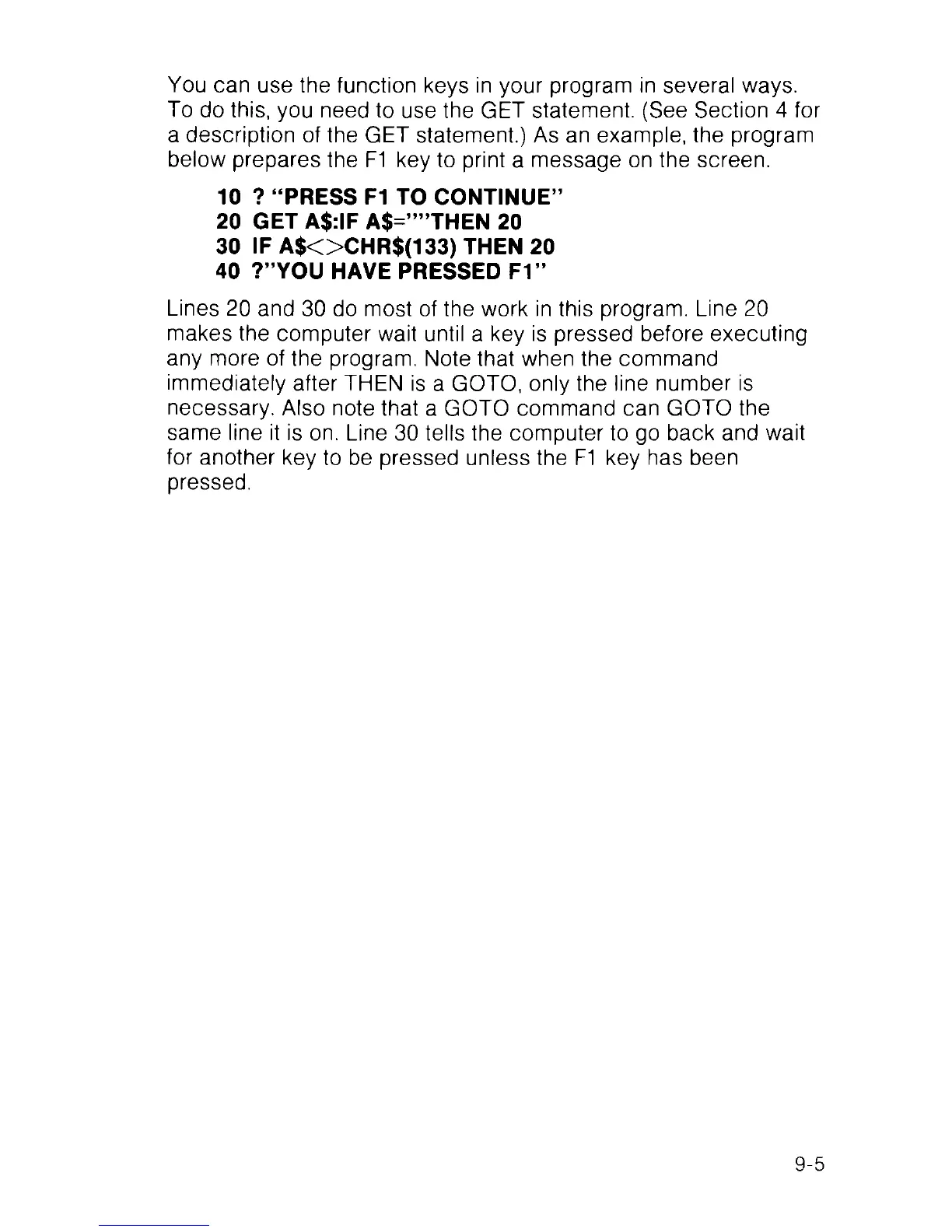
below prepares the F1 key to print a message on the screen.
10 ? “PRESS F1 TO CONTINUE”
20 GET A$:IF A$=””THEN 20
30 IF A $O C HR $(133) THEN 20
40 ?”YOU HAVE PRESSED F1”
Lines 20 and 30 do most of the work in this program. Line 20
makes the computer wait until a key is pressed before executing
any more of the program. Note that when the command
immediately after THEN is a GOTO, only the line number is
necessary. Also note that a GOTO command can GOTO the
same line it is on. Line 30 tells the computer to go back and wait
for another key to be pressed unless the F1 key has been
pressed.
9-5



 To Next Page