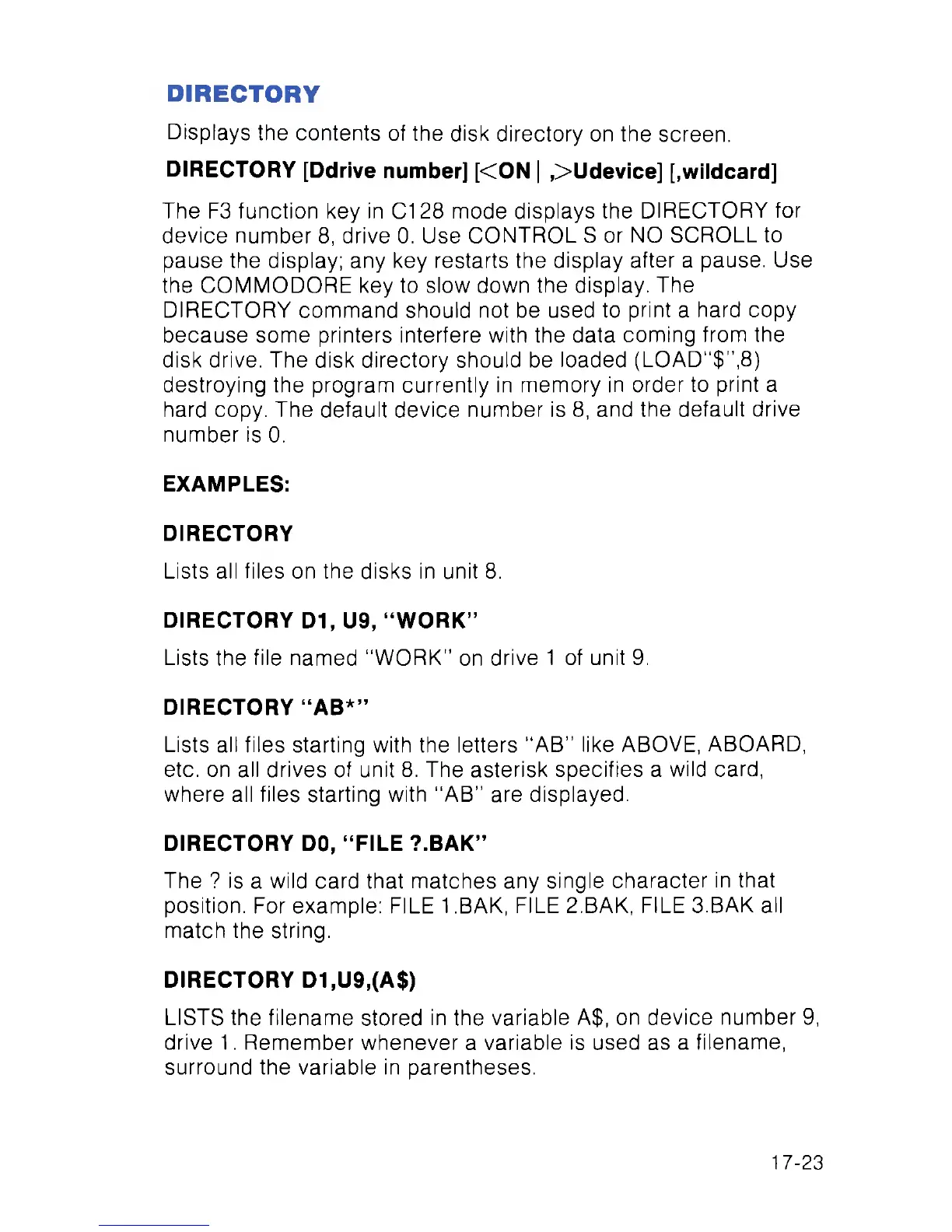
DIRECTORY
Displays the contents of the disk directory on the screen.
DIRECTORY [Ddrive number] [<ON | ,>Udevice] [.wildcard]
The F3 function key in C128 mode displays the DIRECTORY for
device number 8, drive 0. Use CONTROL S or NO SCROLL to
pause the display; any key restarts the display after a pause. Use
the COMMODORE key to slow down the display. The
DIRECTORY command should not be used to print a hard copy
because some printers interfere with the data coming from the
disk drive. The disk directory should be loaded (LOAD"$”,8)
destroying the program currently in memory in order to print a
hard copy. The default device number is 8, and the default drive
number is 0.
EXAMPLES:
DIRECTORY
Lists all files on the disks in unit 8.
DIRECTORY D1, U9, “WORK”
Lists the file named “WORK” on drive 1 of unit 9.
DIRECTORY “AB*”
Lists all files starting with the letters "AB” like ABOVE, ABOARD,
etc. on all drives of unit 8. The asterisk specifies a wild card,
where all files starting with “AB” are displayed.
DIRECTORY DO, “FILE ?.BAK”
The ? is a wild card that matches any single character in that
position. For example: FILE 1 .BAK, FILE 2.BAK, FILE 3.BAK all
match the string.
DIRECTORY D1,U9,(A$)
LISTS the filename stored in the variable A$, on device number 9,
drive 1. Remember whenever a variable is used as a filename,
surround the variable in parentheses.
17-23



 To Next Page