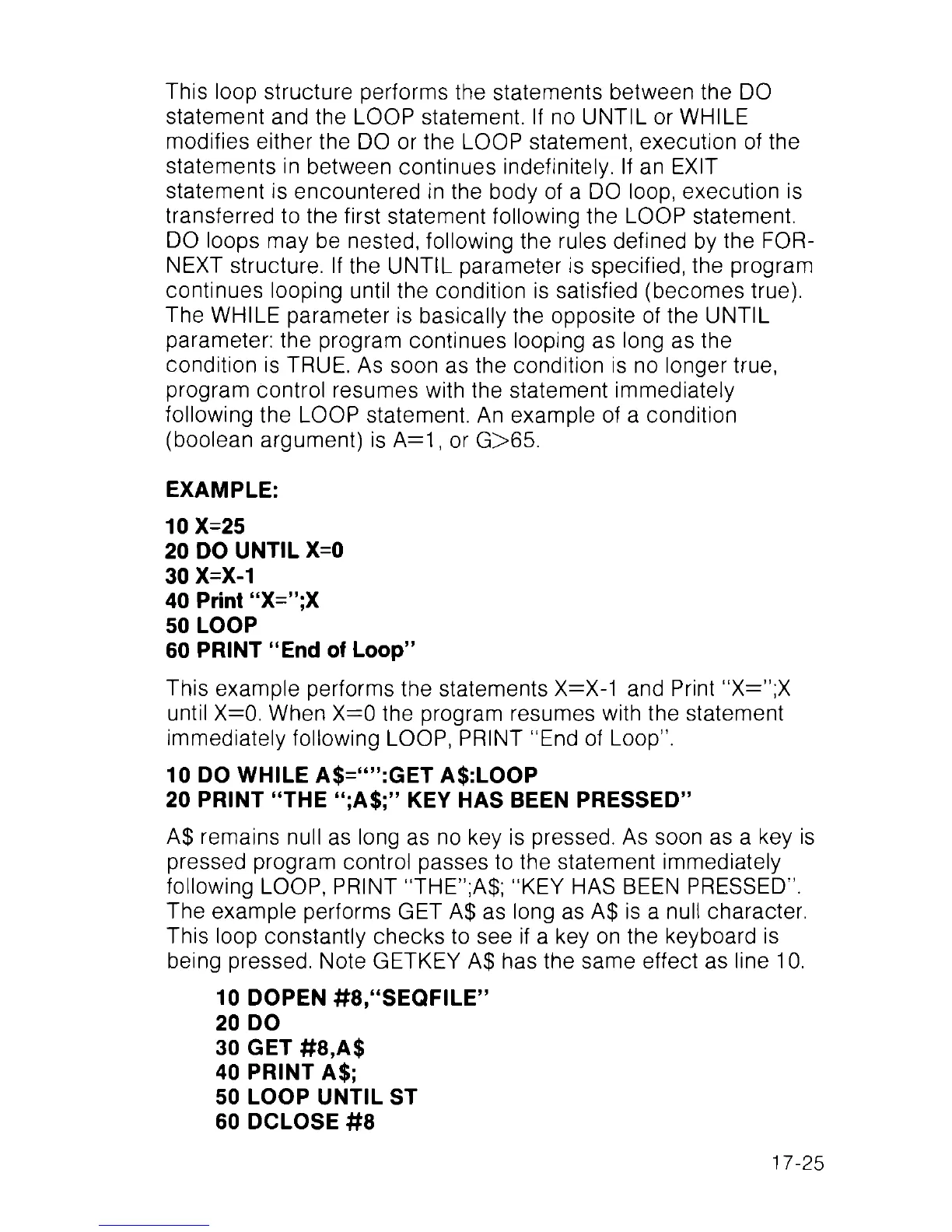
This loop structure performs the statements between the DO
statement and the LOOP statement. If no UNTIL or WHILE
modifies either the DO or the LOOP statement, execution of the
statements in between continues indefinitely. If an EXIT
statement is encountered in the body of a DO loop, execution is
transferred to the first statement following the LOOP statement.
DO loops may be nested, following the rules defined by the FOR-
NEXT structure. If the UNTIL parameter is specified, the program
continues looping until the condition is satisfied (becomes true).
The WHILE parameter is basically the opposite of the UNTIL
parameter: the program continues looping as long as the
condition is TRUE. As soon as the condition is no longer true,
program control resumes with the statement immediately
following the LOOP statement. An example of a condition
(boolean argument) is A=1, or G>65.
EXAMPLE:
10 X=25
20 DO UNTIL X=0
30 X=X-1
40 Print “X=”;X
50 LOOP
60 PRINT “End of Loop”
This example performs the statements X=X-1 and Print “X=”;X
until X=0. When X=0 the program resumes with the statement
immediately following LOOP, PRINT “ End of Loop".
10 DO WHILE A$=“”:GET A$:LOOP
20 PRINT “THE “;A$;” KEY HAS BEEN PRESSED”
A$ remains null as long as no key is pressed. As soon as a key is
pressed program control passes to the statement immediately
following LOOP, PRINT “THE”;A$; “KEY HAS BEEN PRESSED”.
The example performs GET A$ as long as A$ is a null character.
This loop constantly checks to see if a key on the keyboard is
being pressed. Note GETKEY A$ has the same effect as line 10.
10 DOPEN #8,“SEQFILE”
20 DO
30 GET #8,A$
40 PRINT A$;
50 LOOP UNTIL ST
60 DCLOSE #8
17-25



 To Next Page