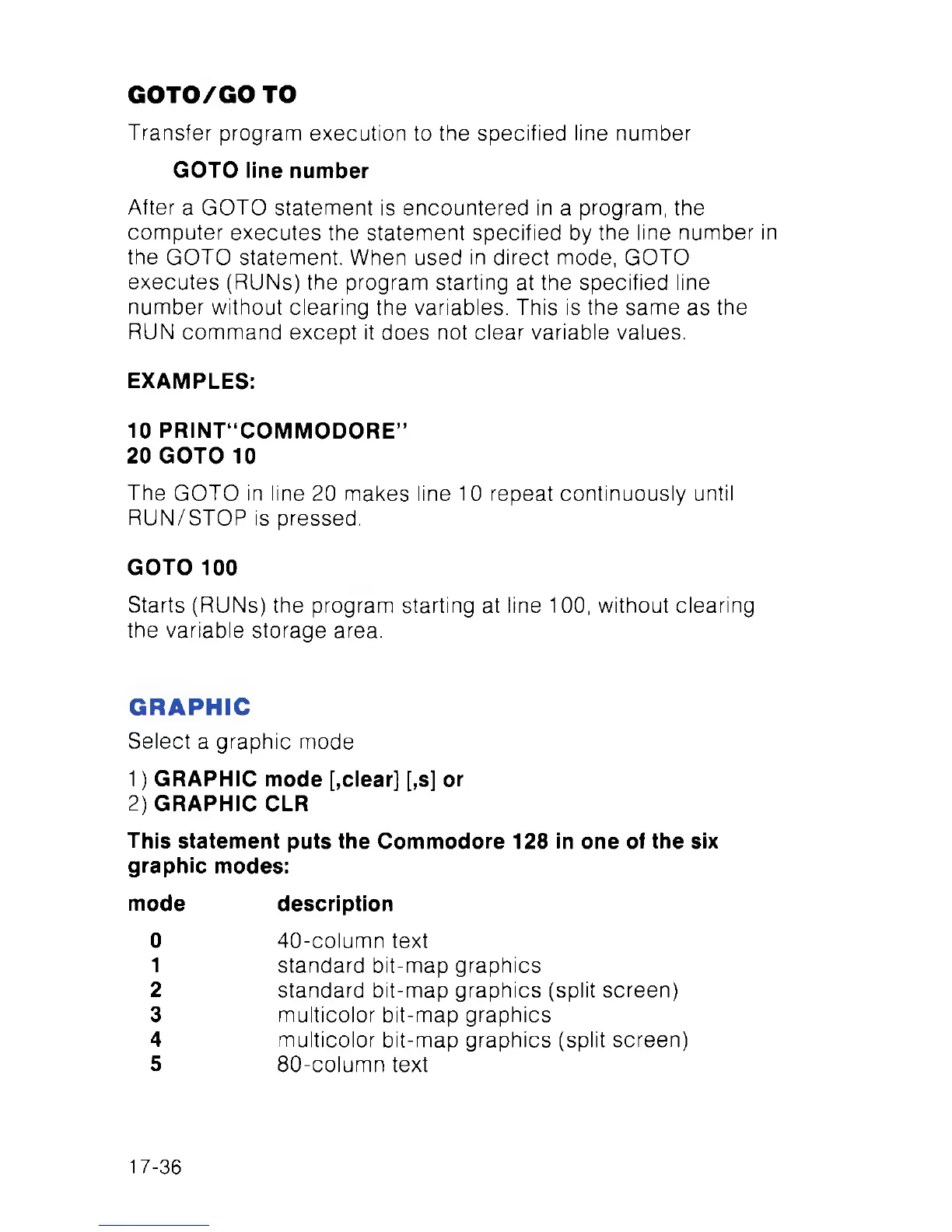
GOTO/GO TO
Transfer program execution to the specified line number
GOTO line number
After a GOTO statement is encountered in a program, the
computer executes the statement specified by the line number in
the GOTO statement. When used in direct mode, GOTO
executes (RUNs) the program starting at the specified line
number without clearing the variables. This is the same as the
RUN command except it does not clear variable values.
EXAMPLES:
10 PRINT“COMMODORE”
20 GOTO 10
The GOTO in line 20 makes line 10 repeat continuously until
RUN/STOP is pressed.
GOTO 100
Starts (RUNs) the program starting at line 100, without clearing
the variable storage area.
GRAPHIC
Select a graphic mode
1) GRAPHIC mode [,clear] [,s] or
2) GRAPHIC CLR
This statement puts the Commodore 128 in one of the six
graphic modes:
mode description
0 40-column text
1 standard bit-map graphics
2 standard bit-map graphics (split screen)
3 multicolor bit-map graphics
4 multicolor bit-map graphics (split screen)
5 80-column text
17-36



 To Next Page