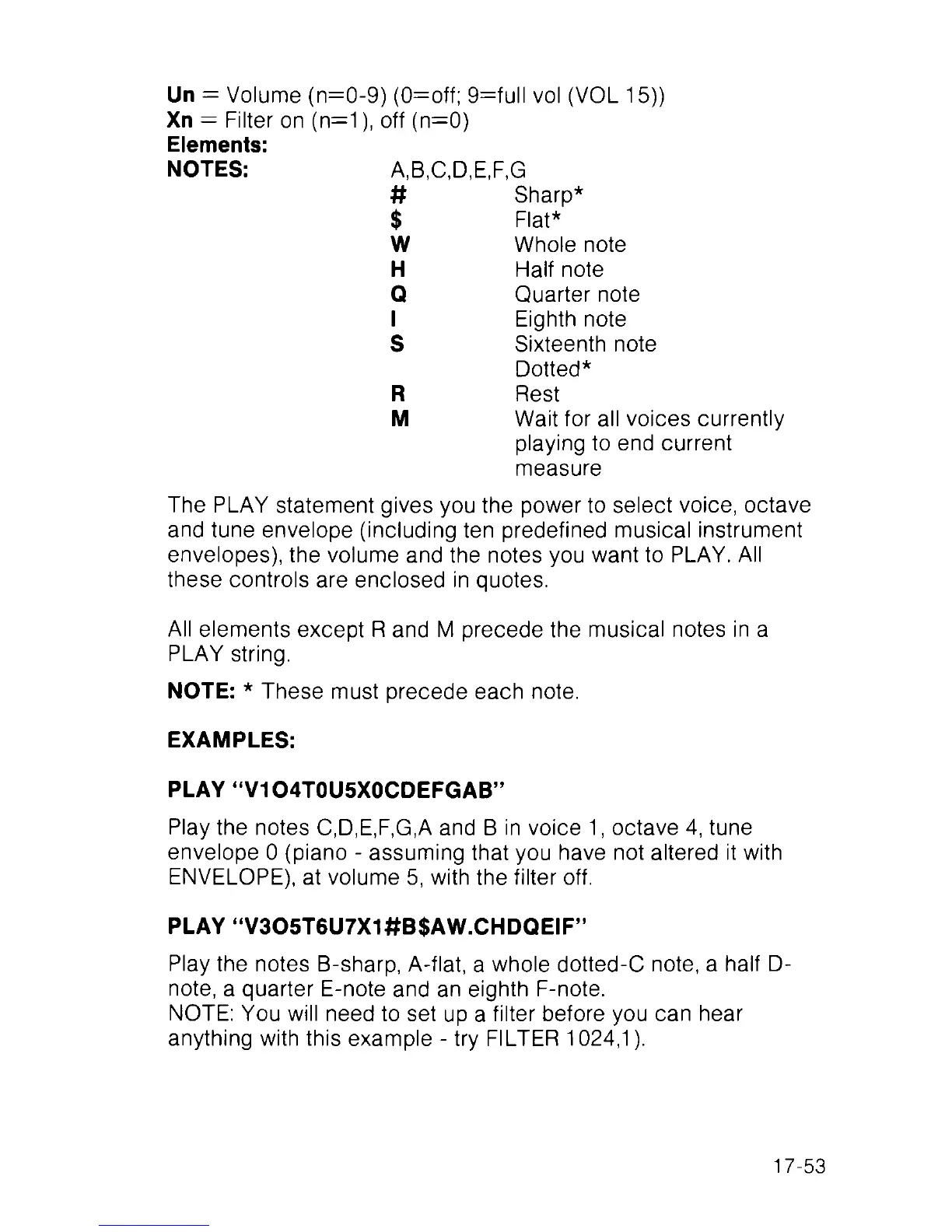
Un = Volume (n=0-9) (0=off; 9=full vol (VOL 15))
Xn — Filter on (n=1), off (n=0)
Elements:
NOTES: A,B,C,D,E,F,G
#
Sharp*
$
Flat*
w Whole note
H
Half note
Q
Quarter note
1 Eighth note
S
Sixteenth note
Dotted*
R
Rest
M
Wait for all voices currently
playing to end current
measure
The PLAY statement gives you the power to select voice, octave
and tune envelope (including ten predefined musical instrument
envelopes), the volume and the notes you want to PLAY. All
these controls are enclosed in quotes.
All elements except R and M precede the musical notes in a
PLAY string.
NOTE: * These must precede each note.
EXAMPLES:
PLAY “V1O4T0U5X0CDEFGAB”
Play the notes C,D,E,F,G,A and B in voice 1, octave 4, tune
envelope 0 (piano - assuming that you have not altered it with
ENVELOPE), at volume 5, with the filter off.
PLAY “V305T6U7X1#B$AW.CHDQEIF”
Play the notes B-sharp, A-flat, a whole dotted-C note, a half D-
note, a quarter E-note and an eighth F-note.
NOTE: You will need to set up a filter before you can hear
anything with this example - try FILTER 1024,1).
17-53



 To Next Page