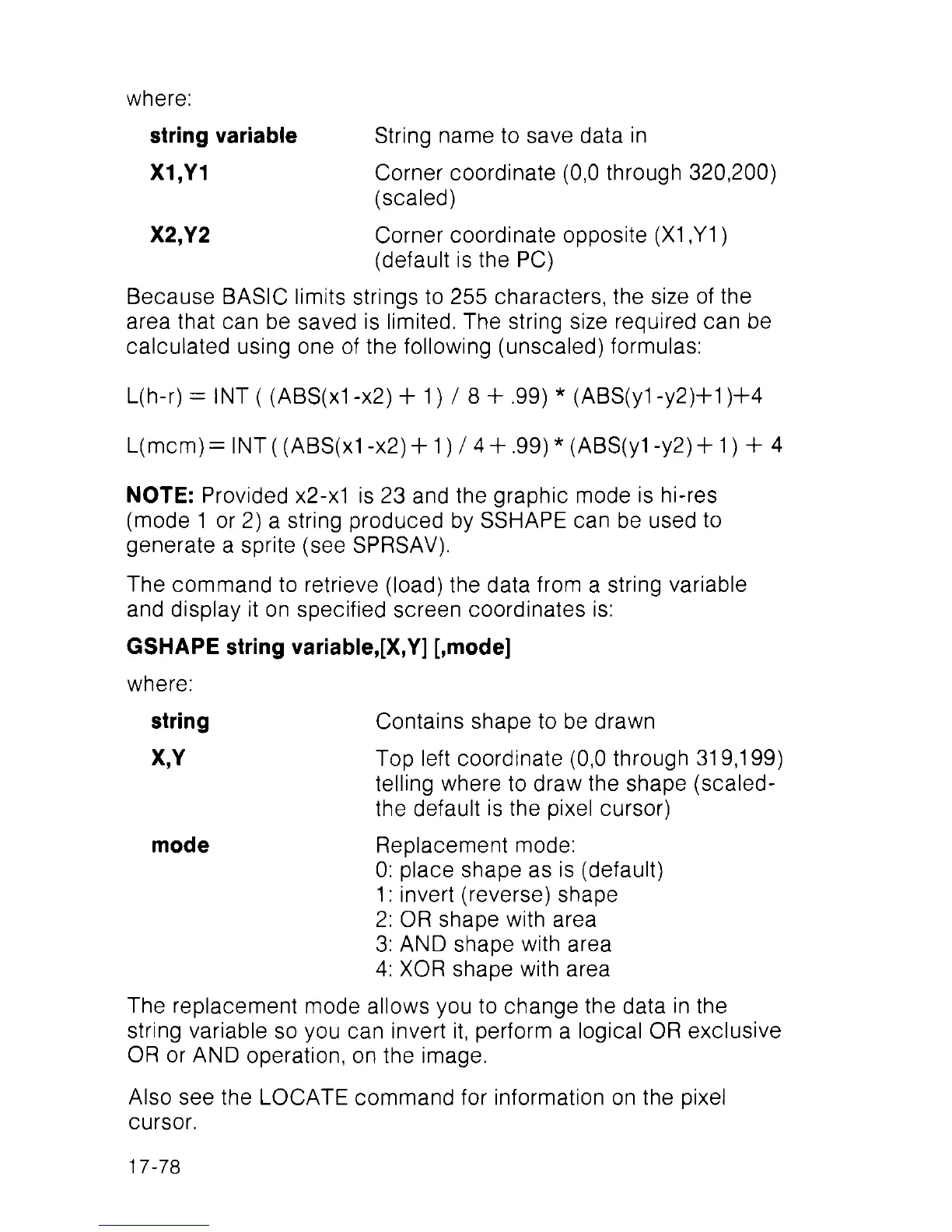
where:
string variable String name to save data in
X1,Y1 Corner coordinate (0,0 through 320,200)
(scaled)
X2,Y2 Corner coordinate opposite (X1 ,Y1 )
(default is the PC)
Because BASIC limits strings to 255 characters, the size of the
area that can be saved is limited. The string size required can be
calculated using one of the following (unsealed) formulas:
L(h-r) = INT ( (ABS(x1 -x2) + 1 ) / 8 + .99) * (ABS(y1 -y2)+1 )+4
L(mcm)= INT( (ABS(x1 -x2) + 1 ) / 4 + .99) * (ABS(y1 -y2) +1 ) + 4
NOTE: Provided x2-x1 is 23 and the graphic mode is hi-res
(mode 1 or 2) a string produced by SSHAPE can be used to
generate a sprite (see SPRSAV).
The command to retrieve (load) the data from a string variable
and display it on specified screen coordinates is:
GSHAPE string variable,[X,Y] [,mode]
where:
string Contains shape to be drawn
X,Y Top left coordinate (0,0 through 319,199)
telling where to draw the shape (scaled-
the default is the pixel cursor)
mode Replacement mode:
0: place shape as is (default)
1 : invert (reverse) shape
2: OR shape with area
3: AND shape with area
4: XOR shape with area
The replacement mode allows you to change the data in the
string variable so you can invert it, perform a logical OR exclusive
OR or AND operation, on the image.
Also see the LOCATE command for information on the pixel
cursor.
17-78



 To Next Page