1. Power Socket—The five pin square plug from the
power supply is connected here.
2. Power Switch—Turns on power from the power supply.
3. Reset Button—Resets computer (warm start).
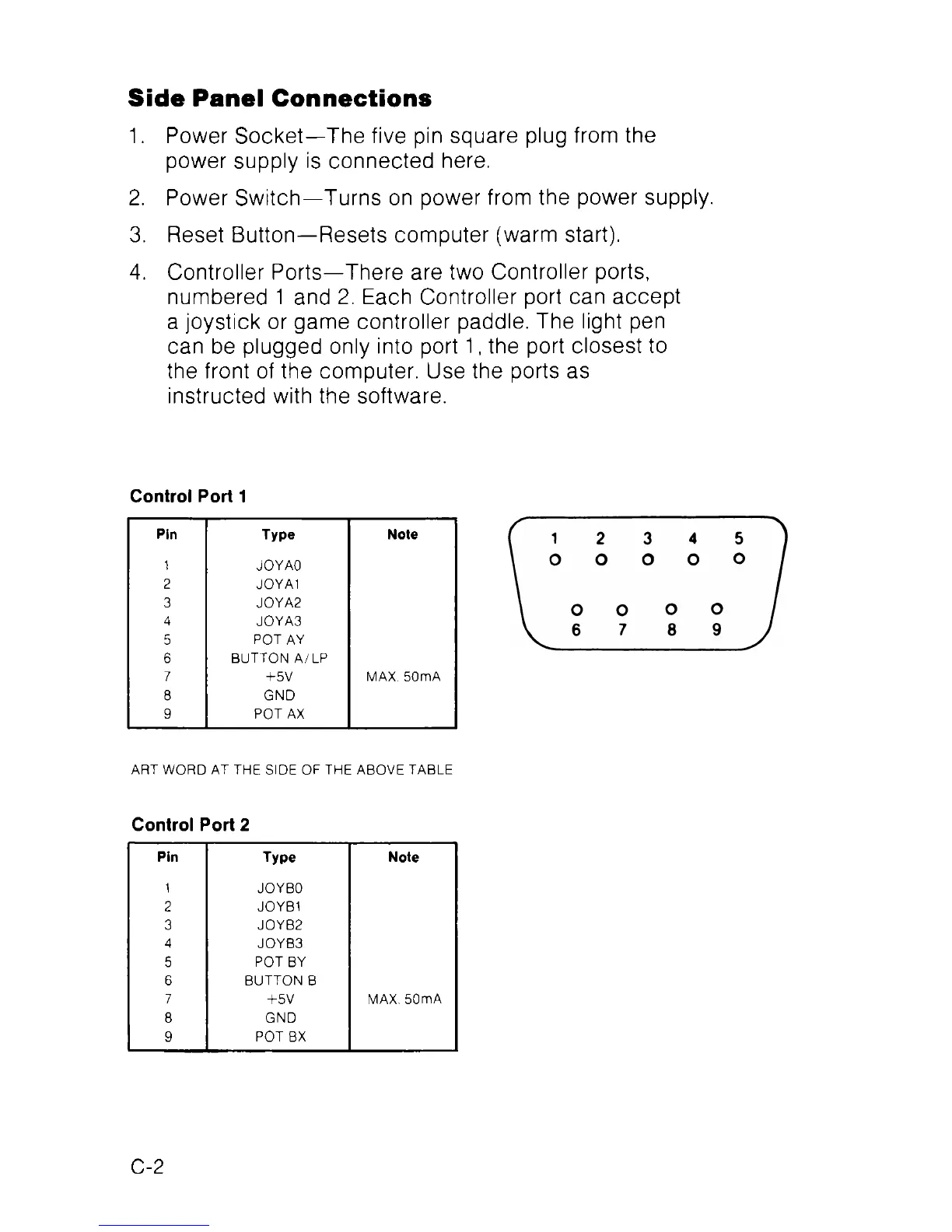
4. Controller Ports—There are two Controller ports,
numbered 1 and 2. Each Controller port can accept
a joystick or game controller paddle. The light pen
can be plugged only into port 1, the port closest to
the front of the computer. Use the ports as
instructed with the software.
Side Panel Connections
Control Port 1
Pin
Type Note
1
JOYAO
2 JOYA1
3 JOYA2
4
JOYA3
5
POT AY
6
BUTTON A/LP
7
+5V MAX. 50mA
8 GND
9
POT AX
ART WORD AT THE SIDE OF THE ABOVE TABLE
Control Port 2
Pin
Type Note
1
JOYBO
2 JOYB1
3 JOYB2
4
JOYB3
5
POT BY
6
BUTTON B
7
+5V MAX. 50mA
8 GND
9
POT BX
C-2



 To Next Page