HOW SPRITES ARE GROUPED
For playfield priority and collision purposes only, sprites are treated as four groups of two
sprites each. The groups of sprites are:
Sprites 0 and 1
Sprites 2 and 3
Sprites 4 and 5
Sprites 6 and 7
UNDERSTANDING VIDEO PRIORITIES
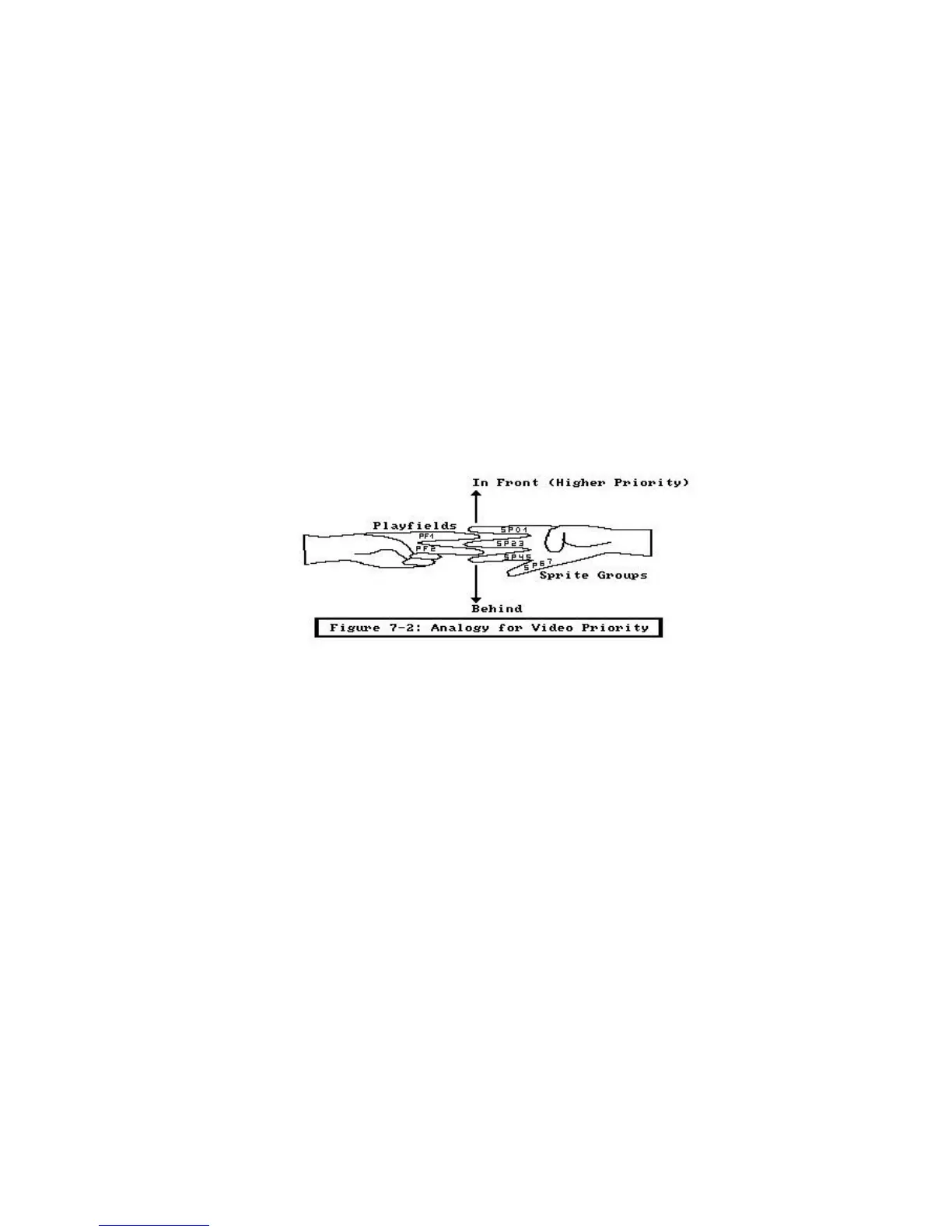
The concept of video priorities is easy to understand if you imagine that four fingers of
one of your hands represent the four pairs of sprites and two fingers of your other hand
represent the two playfields. Just as you cannot change the sequence of the four fingers
on the one hand, neither can you change the relative priority of the sprites. However, just
as you can intertwine the two fingers of one hand in many different ways relative to the
four fingers of the other hand, so can you position the playfields in front of or behind the
sprites. This is illustrated in Figure 7-2.
Figure 7-2: Analogy for Video Priority
- System Control Hardware 203 -















 To Next Page