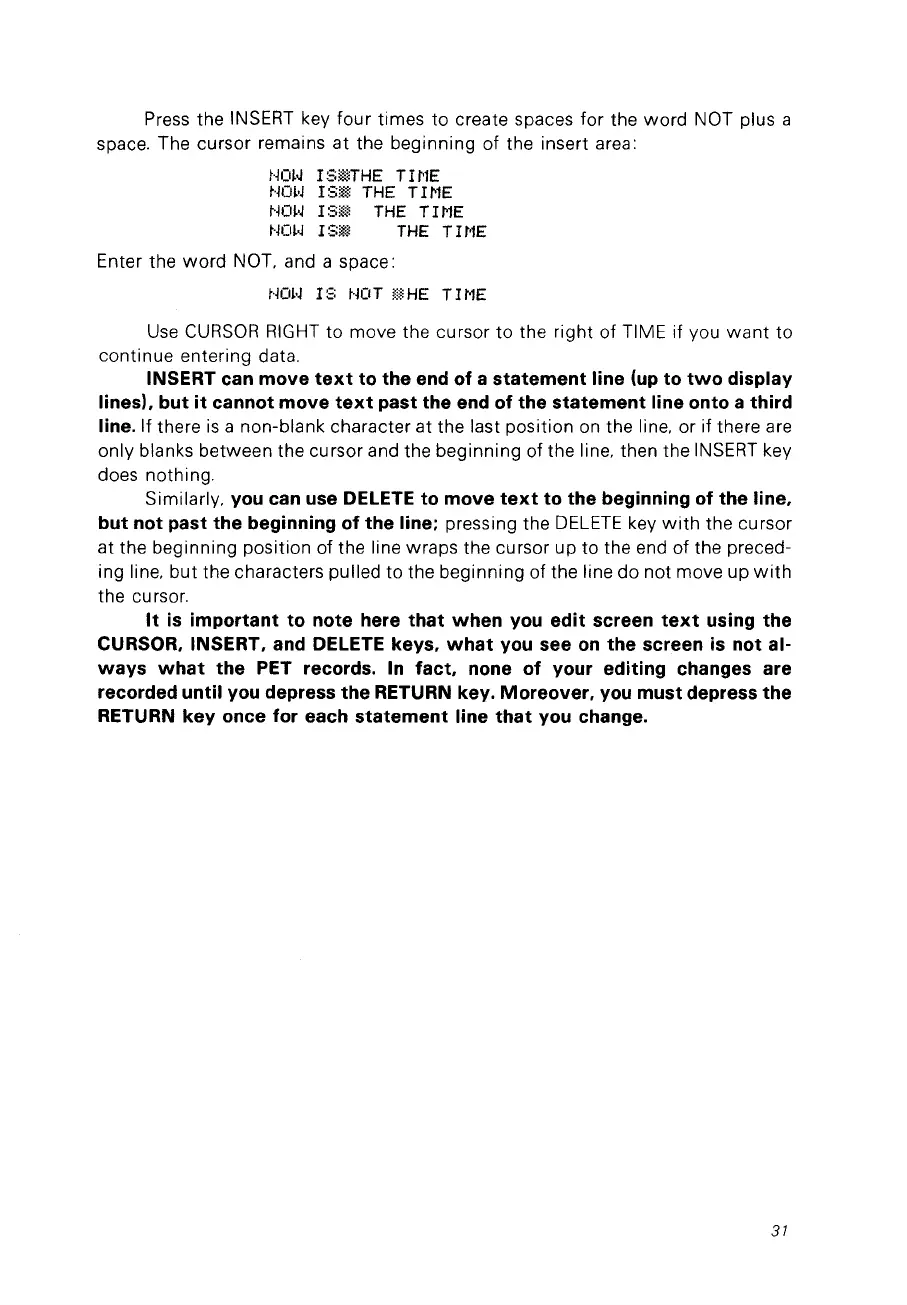
Press the INSERT key four times
to
create spaces for the
word
NOT plus a
space. The cursor remains at the beginning of the insert area:
tKI~.J
r
:::;illTHE
Trl'lE
t·jm·J
l
:3~*
THE
TI
1'1E
NOW
I:3ill
THE
TIME
t·jm.J
l
:3i*.l
THE
TI
t'lE
Enter the
word
NOT. and a space:
t·jO~·J
1:3
NOT
Ij;~HE
TII'1E
Use
CURSOR
RIGHT
to
move the cursor
to
the right of TIME if vou
want
to
continue entering data.
IN5ERT can move
text
to the end of a statement line
(up
to
two
display
lines). but
it
cannot move
text
past the end of the statement line onto a third
line.
If there
is
a non-blank character at the last position on the line. or if there are
only blanks between the cursor and the beginning of the line. then the
INSERT
key
does nothing.
Similarly.
you can use DELETE to move
text
to the beginning of the line.
but not past the beginning of the line;
pressing the
DELETE
key
with
the cursor
at the beginning position of the line wraps the cursor up
to
the end of the preced-
ing line.
but
the characters pulled to the beginning of the line do not move up
with
the cursor.
It
is
important to note here that
when
you
edit screen
text
using the
CUR50R.
IN5ERT. and DELETE keys.
what
you see
on
the screen
is
not al-
ways
what
the PET records.
In
facto
none of your editing changes are
recorded until you depress the RETURN key. Moreover.
you
must depress the
RETURN key once for each statement line
that
you change.
31



 To Next Page