14 Ruckus ICX 7450 Switch Hardware Installation Guide
Part Number: 53-1003899-09
Ruckus ICX 7450 Overview
Views of the Ruckus ICX 7450 switch
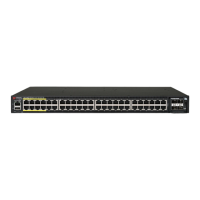
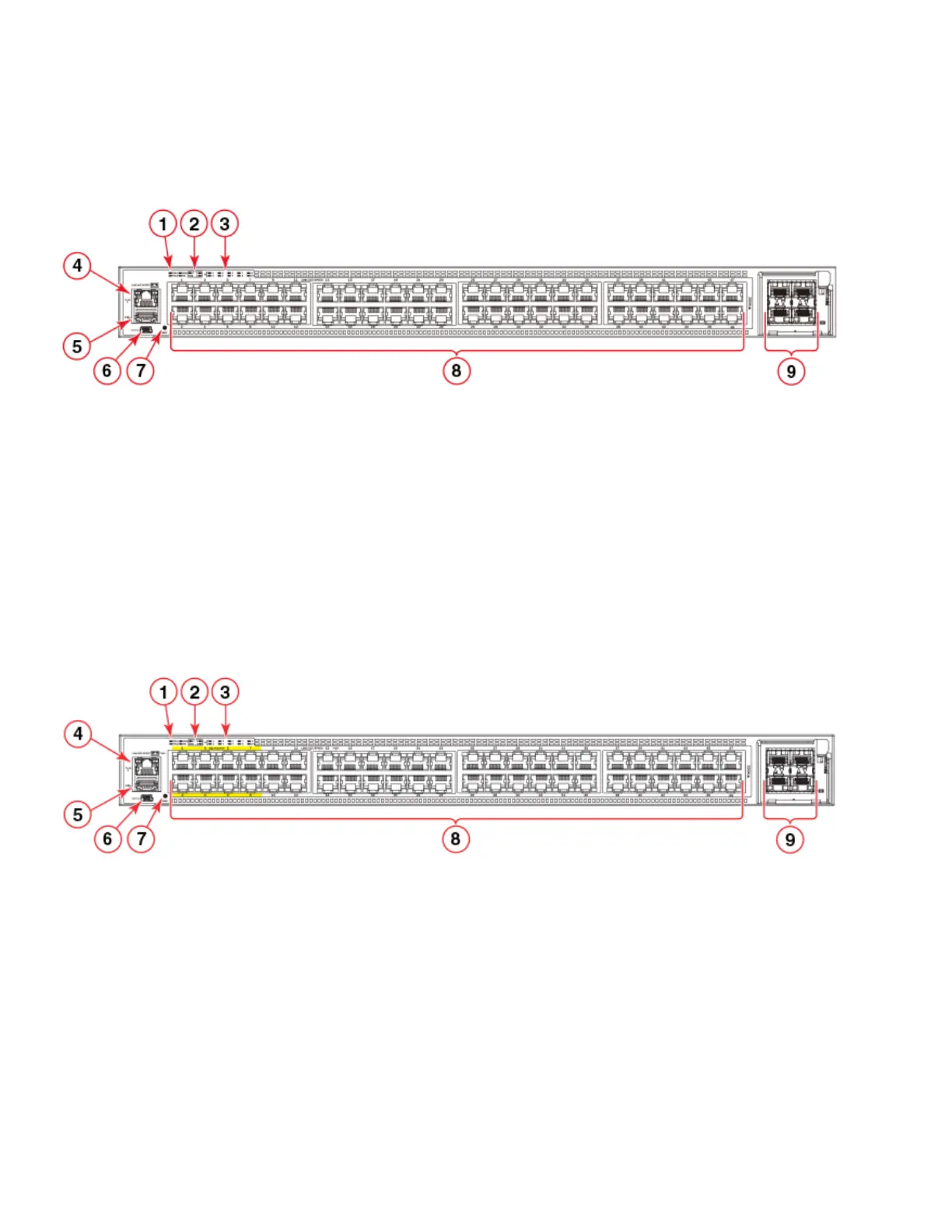
Figure 4 shows the front view of the Ruckus ICX 7450-48 switch.
FIGURE 4 Front view of the Ruckus ICX 7450-48
Figure 5 shows the front view of the Ruckus ICX 7450-48P switch.
PoE/PoE+ power is available to ports 1-48. High PoE/PoH is limited to ports 1-8.
FIGURE 5 Front view of the Ruckus ICX 7450-48P
1System LEDs 6Mini-USB console port
2 Media/Stacking module LEDs 7 Reset button
3 Stack unit ID display 8 10/100/1000Base-T RJ-45 ports 1/1/1 - 1/1/48
4 Management port (RJ-45) 9 SFP+ ports 1/2/1 - 1/2/4
5 USB port (for flash drive)
1System LEDs 6Mini-USB console port
2 Media/Stacking module LEDs 7 Reset button
3 Stack unit ID display 8 10/100/1000Base-T RJ-45 ports 1/1/1 - 1/1/48
4 Management port (RJ-45) 9 SFP+ ports 1/2/1 - 1/2/4
5 USB port (for flash drive)



 To Next Page
 Loading...