ComNav 1500 / 1510 Autopilot - 30 -
5.2.3 Automatic Steering by Compass
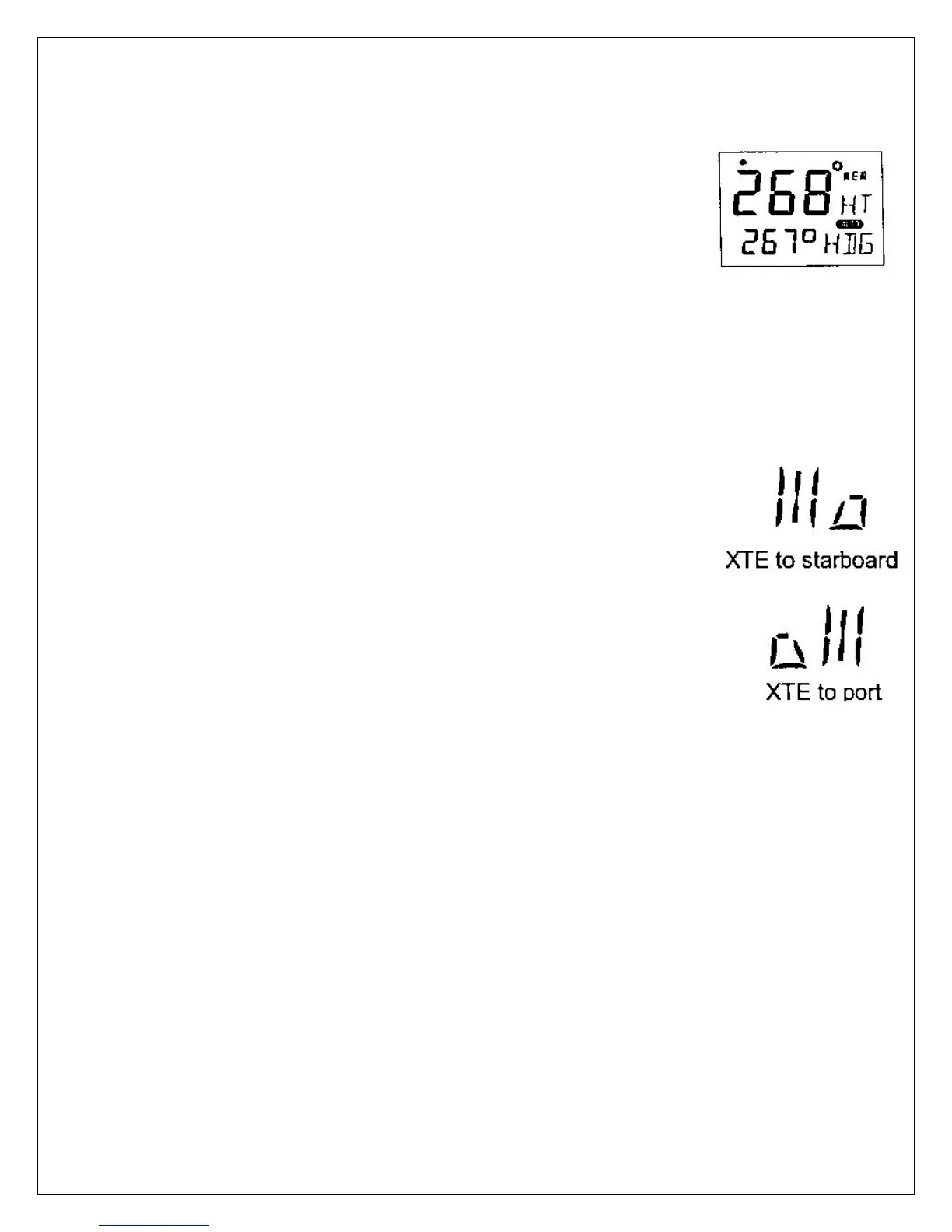
To select compass steering, press MODE until the page-arrow
appears under HEADING, and [HDG] is flashing on the lower-line.
Your present course is displayed on the top-line. This course will
become the reference course the Autopilot will keep when
automatic steering by compass is activated.
To activate compass steering, press SET when [HDG] is flashing.
The present heading now becomes the reference course and is
displayed on the lower-line to the left.
To change the reference course to port, press LEFT.
To change the reference course to starboard, press RIGHT.
A short press changes the course by 1°, a long press by 10°.
5.2.4 Automatic Steering by Navigator
Automatic steering by navigator is only possible if a navigator is
connected and it is navigating towards a waypoint.
To select steering by navigator, press MODE until the page-arrow
appears under NAV, and [NAV] is flashing on the lower-line. Your
present course is displayed on the top-line.
Caution! Before activating [NAV] steering, make sure your present
heading corresponds approximately with bearing to waypoint, and
that the cross track error is less than 2 Nautical Miles, because the
Autopilot will turn the boat towards the track line first and then onto
the heading set.
To activate NAV steering, press SET when [NAV] is flashing.
Bearing to waypoint or cross track error to waypoint are now
displayed on the lower-line to the left. To alternate the display
between bearing and track on the lower-line, press LEFT or
RIGHT.



 To Next Page