ComNav 1500 / 1510 Autopilot - 32 -
To tack, press RIGHT and LEFT together and the boat will come
about the same apparent wind angle on the opposite tack.
Tack angles greater than 80° off the wind are not recommended
due to the possibility of an accidental gibe.
Warning! Pressing for a tack when the wind is abaft the beam will
result in a gibe!
5.2.6 Power Steering
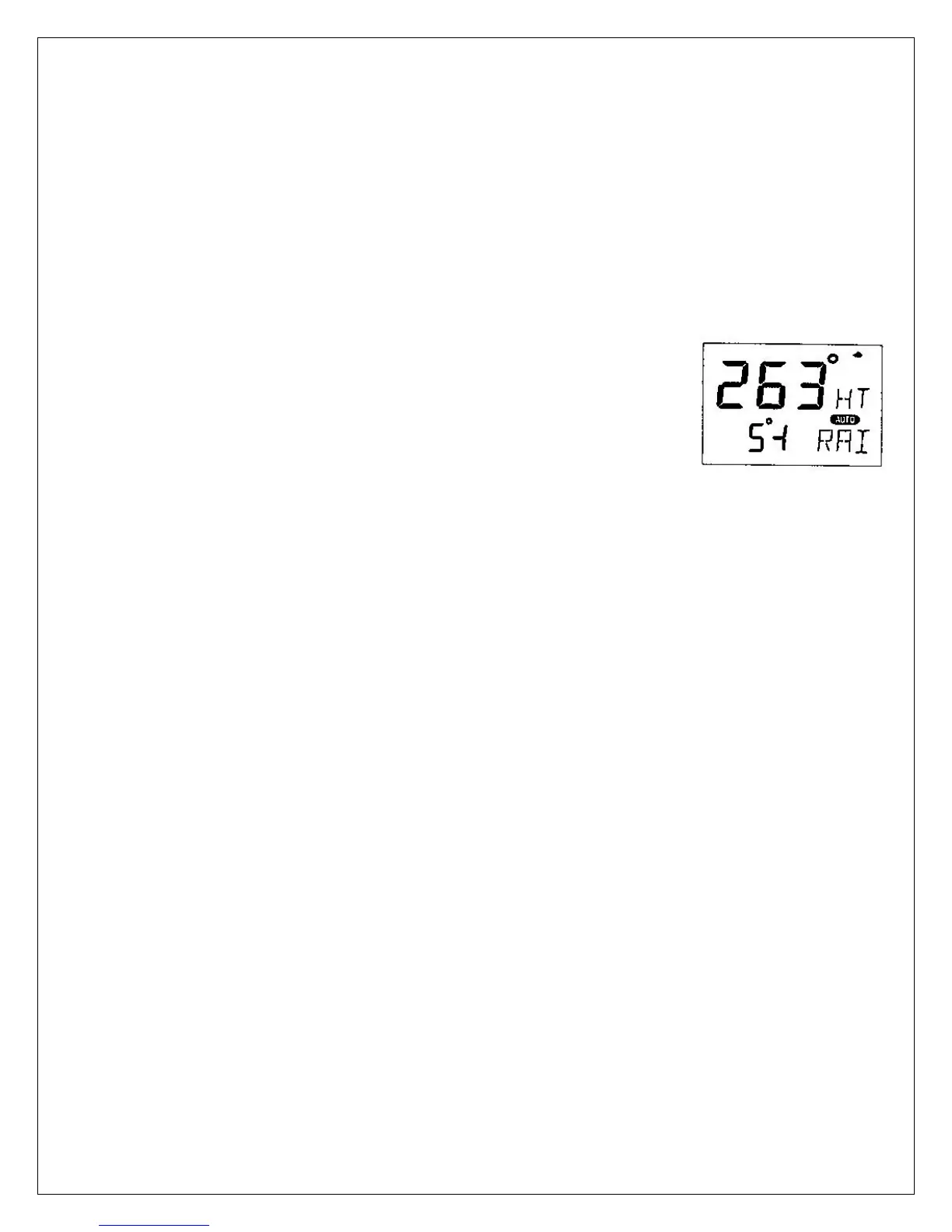
To select power steering, press MODE until the page-arrow
appears under PWR ST, and Rudder Angle Indicator[RAI] is
flashing on the lower-line. Your present course is displayed on
the top-line.
To activate power steering, press SET when [RAI] is flashing.
The rudder angle, followed by a sign for port or starboard is
displayed on the lower-line.
To change the rudder angle to starboard press RIGHT and hold it,
until the desired rudder angle is displayed.
To change the rudder angle to port press LEFT and hold it, until
the desired rudder angle is displayed.
5.2.7 Dodging and Returning to last Automatic Steering Function
To dodge, turn off the automatic steering by pressing OFF and
dodge manually.
If you want to re-activate the last steering function and value, press
MODE and SET together, within 10 minutes after turning off the
automatic steering.
This function is not available after 10 minutes after Autopilot off, or
if the Autopilot has been turned off by pressing OFF for more than
two seconds.



 To Next Page