ComNav 1500 / 1510 Autopilot - 40 -
If not successful, an error messages can be displayed:
• [Err 15]: Make sure an Autopilot function is not activated and
carry out the auto-deviation procedure aga
in.
• [Err 16]: Auto-Deviation is not possible, because a NMEA
compass is selected
as compass for the NX2 Network.
• [Err 17]: The 1 ¼ turn was not performed or the compass is
affected by strong magnetic distortion.
You may interrupt the auto-deviation procedure at any time by
pressing LEFT and RIGHT together.
To check the auto-deviation, carry out the auto-deviation check
routine.
6.5.5 C4, Check Auto-Deviation [Auto CHK]
This function is used to check your auto-deviation.
The result of [Auto CHK] will be compared with [Auto DEV]. If the
deviation is less than 1.5°, the average value from the comparison
between [Auto DEV] and [Auto CHK] will be stored.
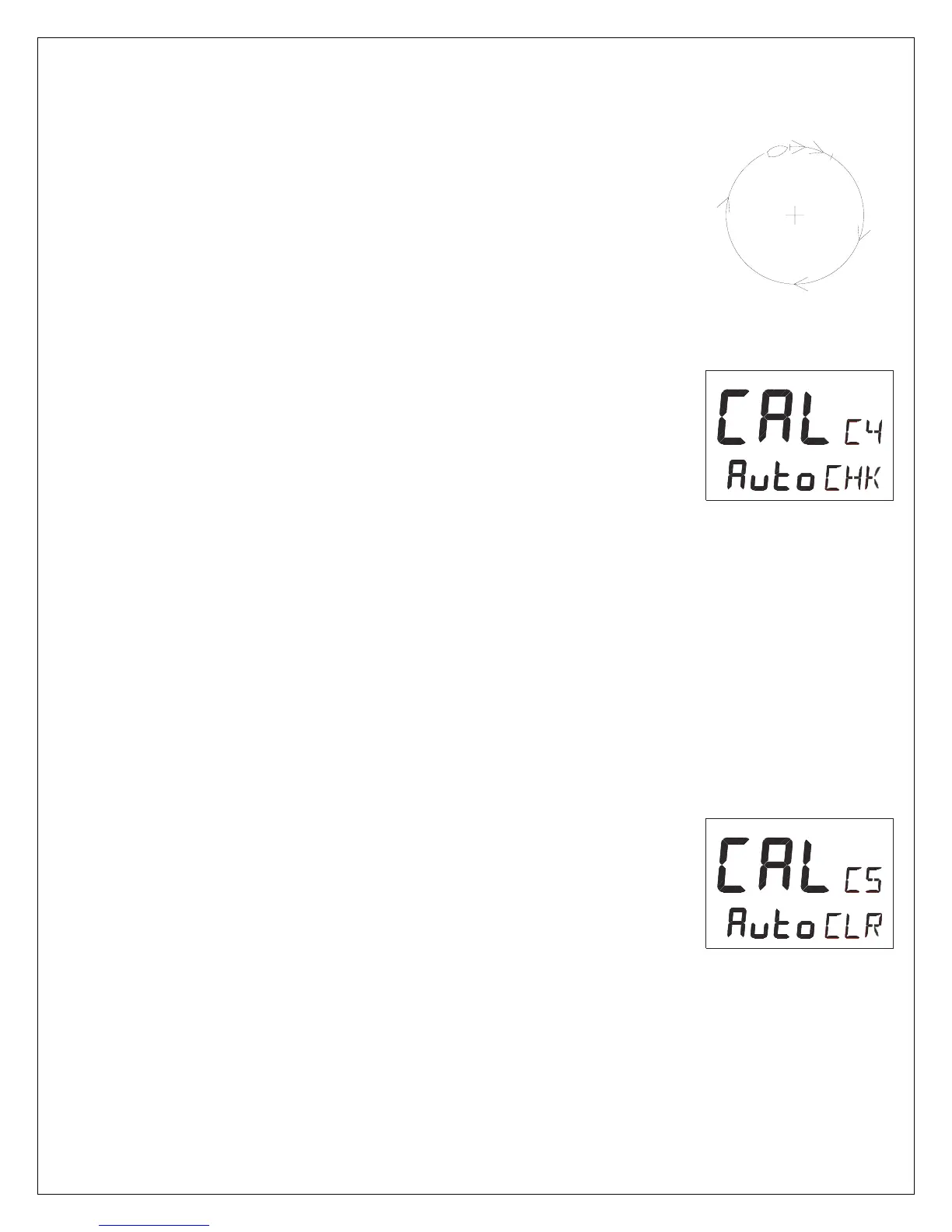
Take the boat into a slow turn, in calm sea and away from other
boats or obstructions. There is no need to perform a perfect circle.
When steady, select C4 [Auto CHK] and press SET to start.
The present compass heading is displayed and the compass
Autodeviation check is in progress. Turn the boat in a 1 ¼ circle.
To end the routine, press SET again.
If successful, the text [CAL C4] [Auto CHK] will be displayed.
If not, [ERR 17] or [ERR 19] will appear, i.e. the difference between
the last auto-deviation and this autodeviation check was too great
to be accepted.
Make a new auto-deviation-check, and if you still get [ERR 19],
make a new auto-deviation, since the last one was probably
disturbed.
6.5.6 C5, Clear Auto-Deviation [Auto CLR]
To clear the calibration created by the auto-deviation, select C5
[Auto CLR], and press SET.
MIN 400°



 To Next Page