ComNav 1500 / 1510 Autopilot - 34 -
Caution! All setup routines can be adjusted while the boat is
underway with Autopilot functions activated. Always be in a
position to monitor the boat’s heading and to watch for navigational
hazards when calibrating the Autopilot. Be prepared to turn off the
Autopilot by a long press on OFF, to revert to manual steering
immediately if an undesired heading occurs. If navigating with an
automatic steering function in a hazardous situation, do not adjust
setup routines while underway.
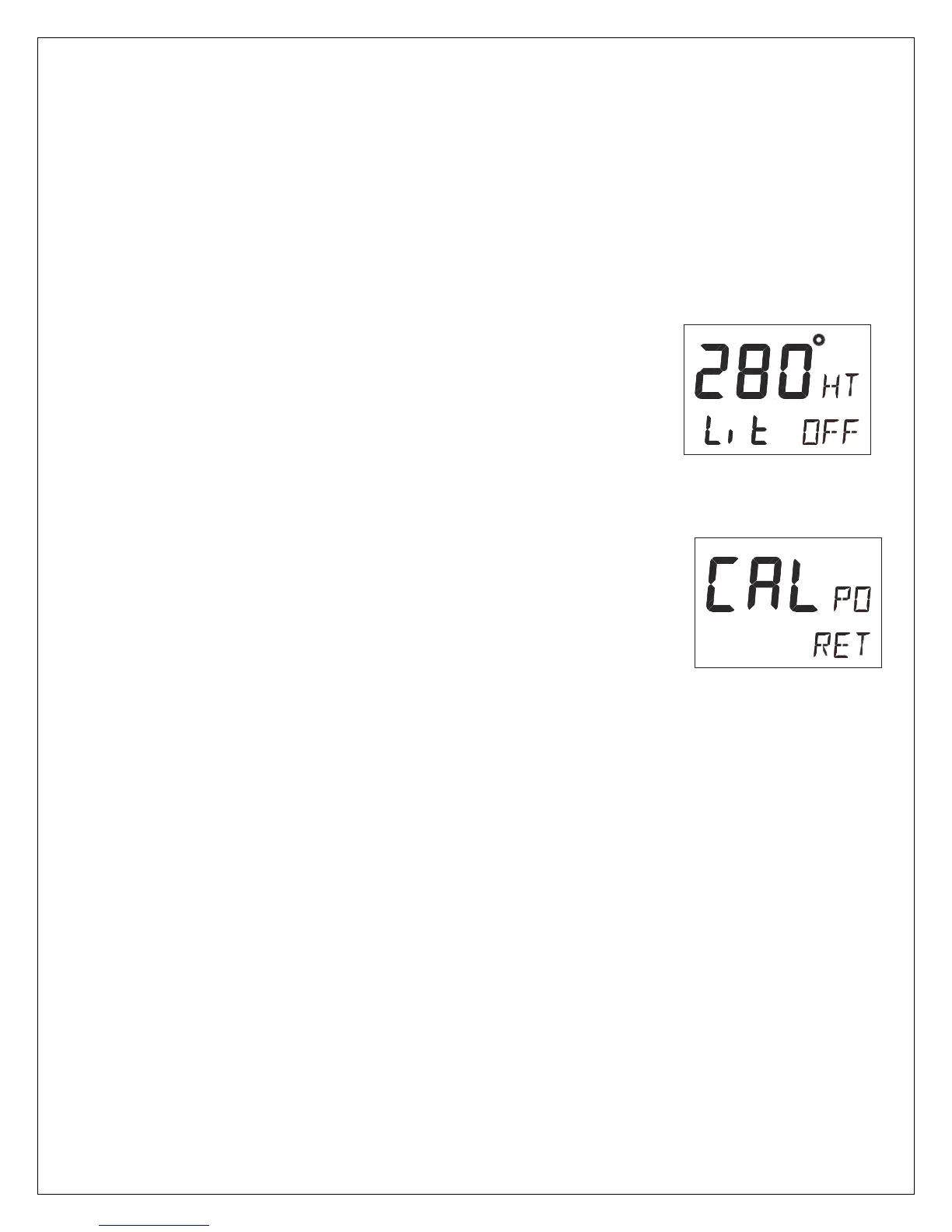
6.2 Lighting Setup Group [Lit]
The instrument uses red back lighting for the display and the 4
push-buttons. The light can be set at 4 different levels of
brightness.
To select between the 4 light levels [LOW], [MID], [MAX] and
[OFF], press RIGHT. To lock the selected level, press SET.
The selected light level will be copied to all NX2 instruments
connected to the Network. It is not possible to select the lighting
level individually for single instruments.
6.3 Autopilot Setup Group [P]
6.3.1 P0, Return [RET]
To return to previous mode, press SET when the text [RET] is
displayed.
6.3.2 P1, Rudder [RUD]
Possible settings are [0] = Minimum to [9] = Maximum.
Set by the APC routine.
The setting affects the degree of rudder angle used.
The most critical adjustment for good steering is the rudder. Too
high of a setting will cause excessive amounts of rudder movement,
which forces the boat to hunt rapidly back and forth across the
course. Too low of a setting lets the boat slowly fall off course, with
repeated corrections required to get back on course.
The rudder should be set to the position where positive control of
the steered course desired, is achieved without undue activity. Run
the boat at its cruising speed and make a course change of 40°,
with the push buttons. The boat should not overshoot by more than
approximately 5°. Adjust the rudder until this is achieved.



 To Next Page