SinoGNSS
○
R
T300 User Guide
18
memory card, connect the receiver to your PC through Lemo to USB cable, and copy the data
file out.
5 Real-Time Kinematic Survey (RTK)
This chapter introduces how to conduct RTK Survey with CGSurvey software, including
software installation, start a new project, receiver connection and RTK working modes
(radio, CORS and GPRS).
5.1 Installation of CGSurvey Software
Install Microsoft Windows Mobile Device Center or Microsoft ActiveSync on your
PC properly, download via:
http://windows.microsoft.com/en-us/windows/downloads
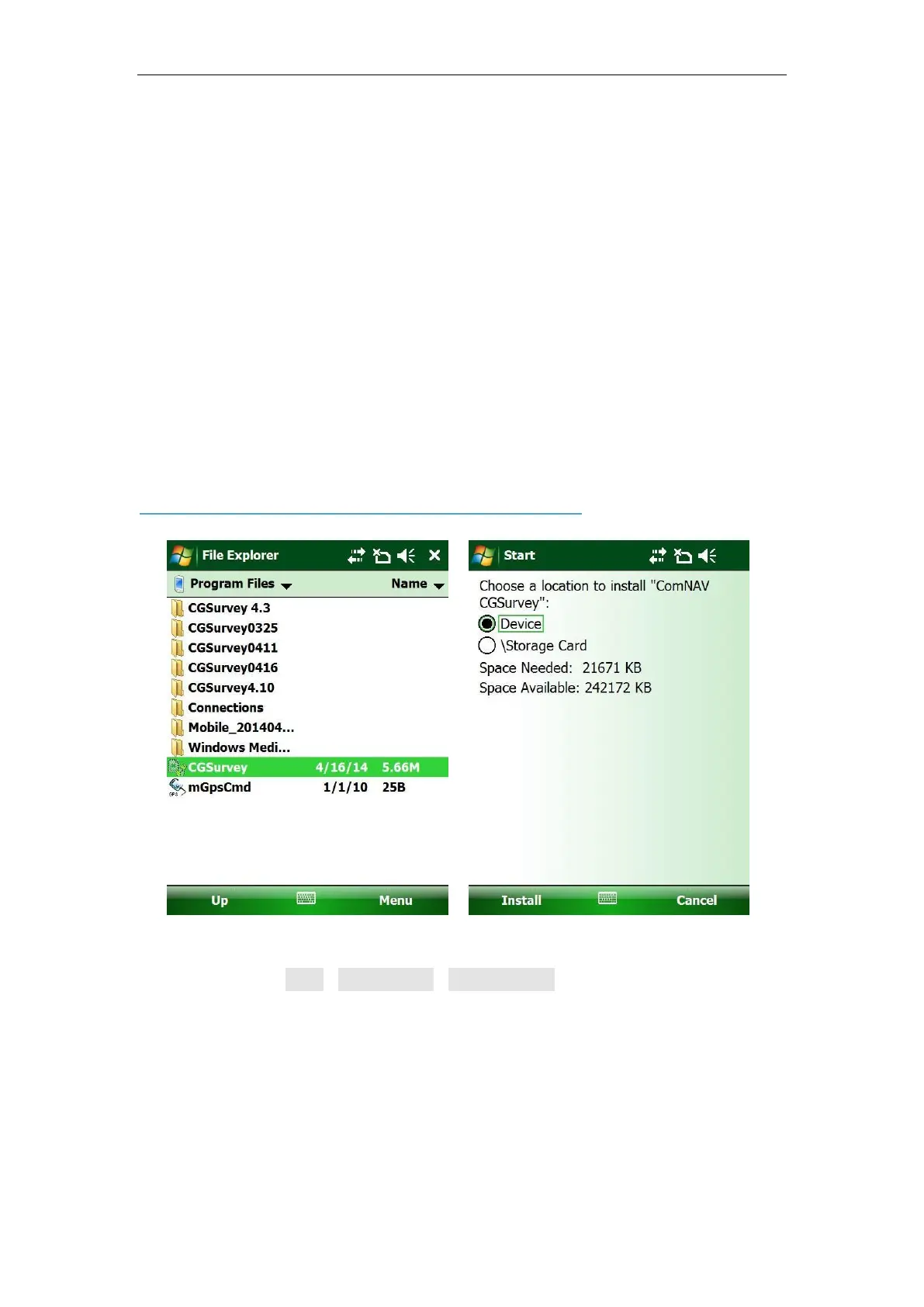
Then, copy the software package to the controller folder, Program Files folder is
recommended. Tap Start->File Explorer->Program Files in your controller:



 To Next Page