SinoGNSS
○
R
T300 User Guide
30
5.6 PDA Net Mode
Without setting up your own base stations, the T300 GNSS receiver can receive
correction data transmitted from continuously operating reference station via
PDA’s GPRS or WIFI. To do RTK survey in PDA CORS mode, it requires:
To start rover station:
1. Connect your controller to the internet via WIFI or GPRS, and run CGSurvey
software.
2. Build Bluetooth connection as showed in chapter 5.3, Click Config -> Work Mode,
-> select Rover and PDA Net.
3. Change the parameters including Base index, antenna type and height based on
your requirement.
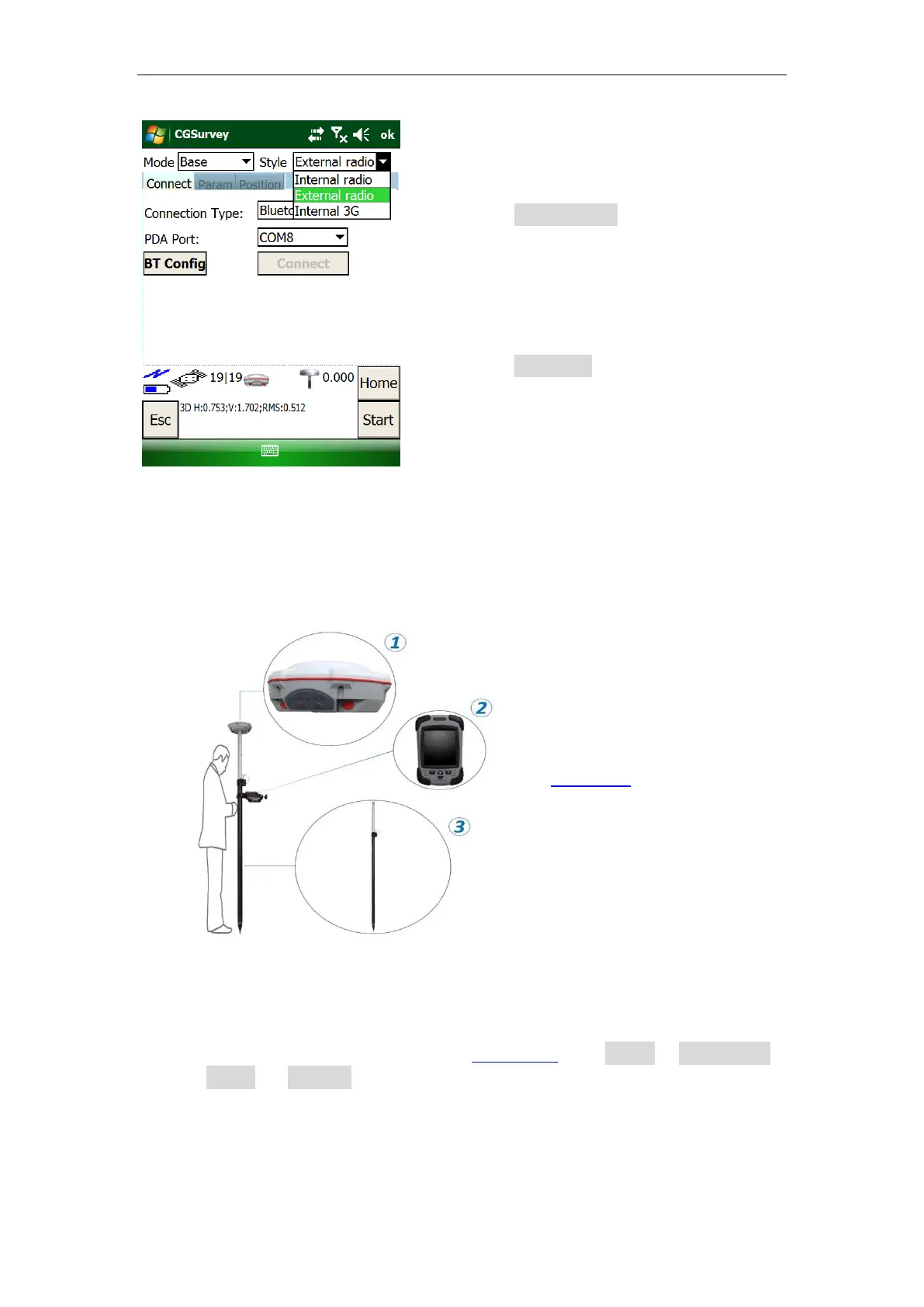
After connecting Base station
with external radio, select
External radio as Style.
Be sure to set the same band
rate as your PDL (default value is
38400, you also can change in
Param tab based on your PDL).
○
1
A T300 receiver
○
2
A controller with SIM card (see
Appendix C for internet setting)
○
3
A range Pole with bracket



 To Next Page