SinoGNSS
○
R
T300 User Guide
21
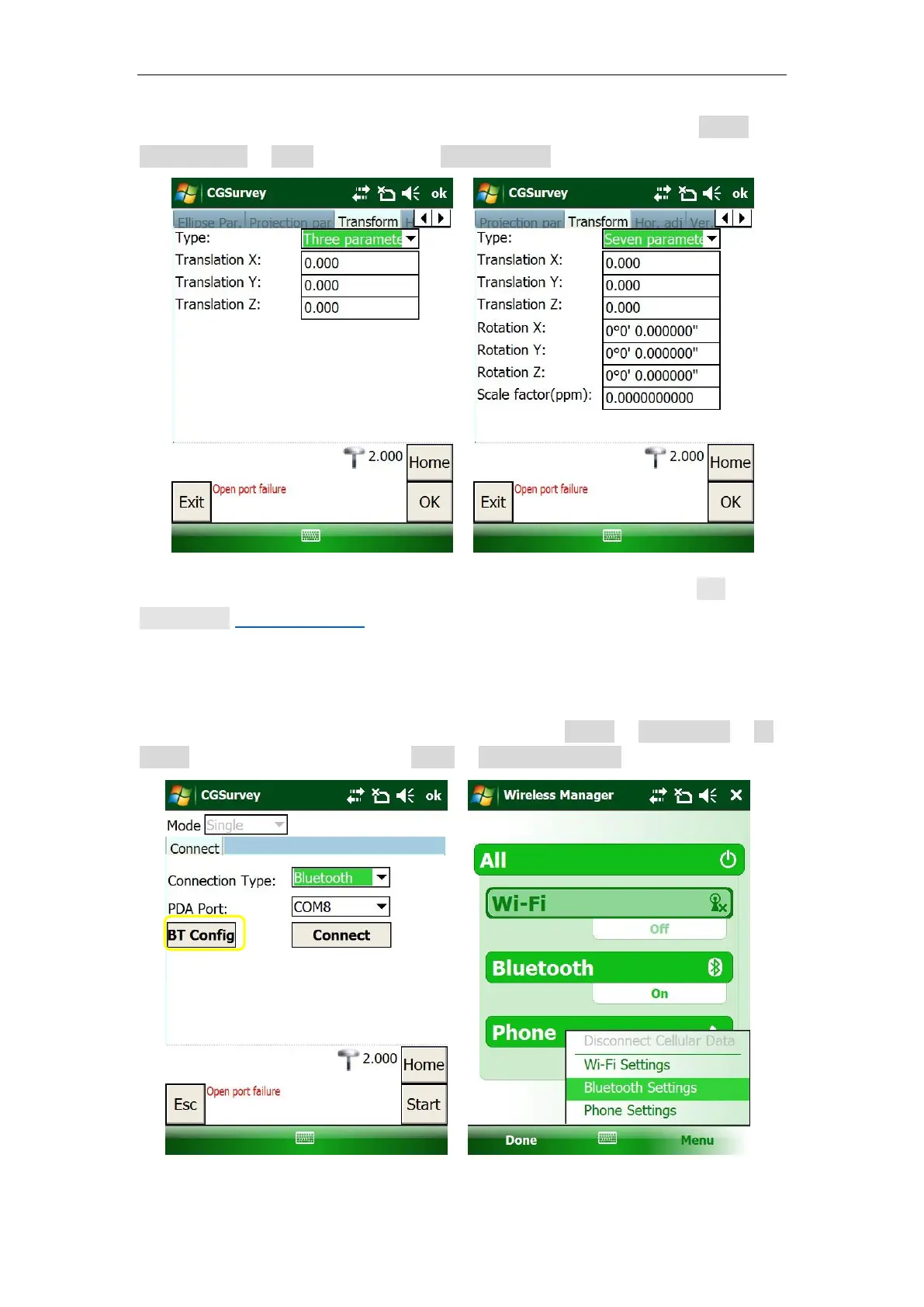
4. To enter 3 or 7 parameters, you have to login as administrator. Go to Config ->
Administrator -> Login (user/password: admin/admin).
5.For Horizontal and Vertical Adjustment, it will be shown after Site
Calibration (see chapter 6.5.1).
5.3 Bluetooth connection
1. To connect your controller to the T300 receiver, click Config -> Work Mode -> BT
Config -> turn Bluetooth On -> click menu -> Bluetooth Settings.



 To Next Page