SinoGNSS
○
R
T300 User Guide
40
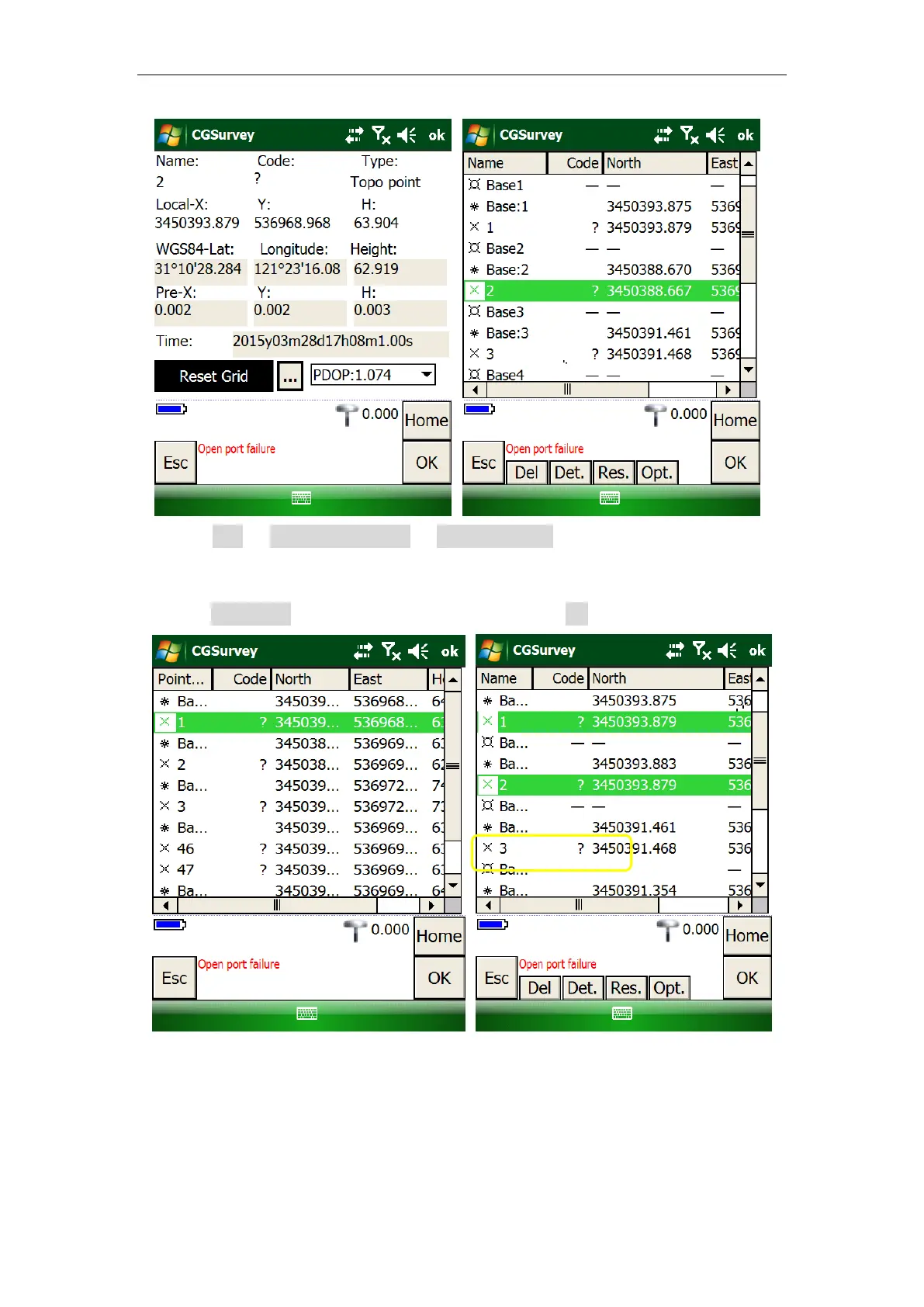
1. Click Edit -> Element Manager -> point manager -> double-click on the point
you need to reset (Point 2).
2. Click Reset Grid to add the known point (Point 1) -> OK to finish Grid Reset.
6.7 Export Points to your PC
The measured data can be exported directly from CGSurvey to your PC with a wide
range of exported file type.



 To Next Page