SinoGNSS
○
R
T300 User Guide
32
2) The flashing Internal 3G LED (blue) shows that the correction data is transferred
via GPRS network.
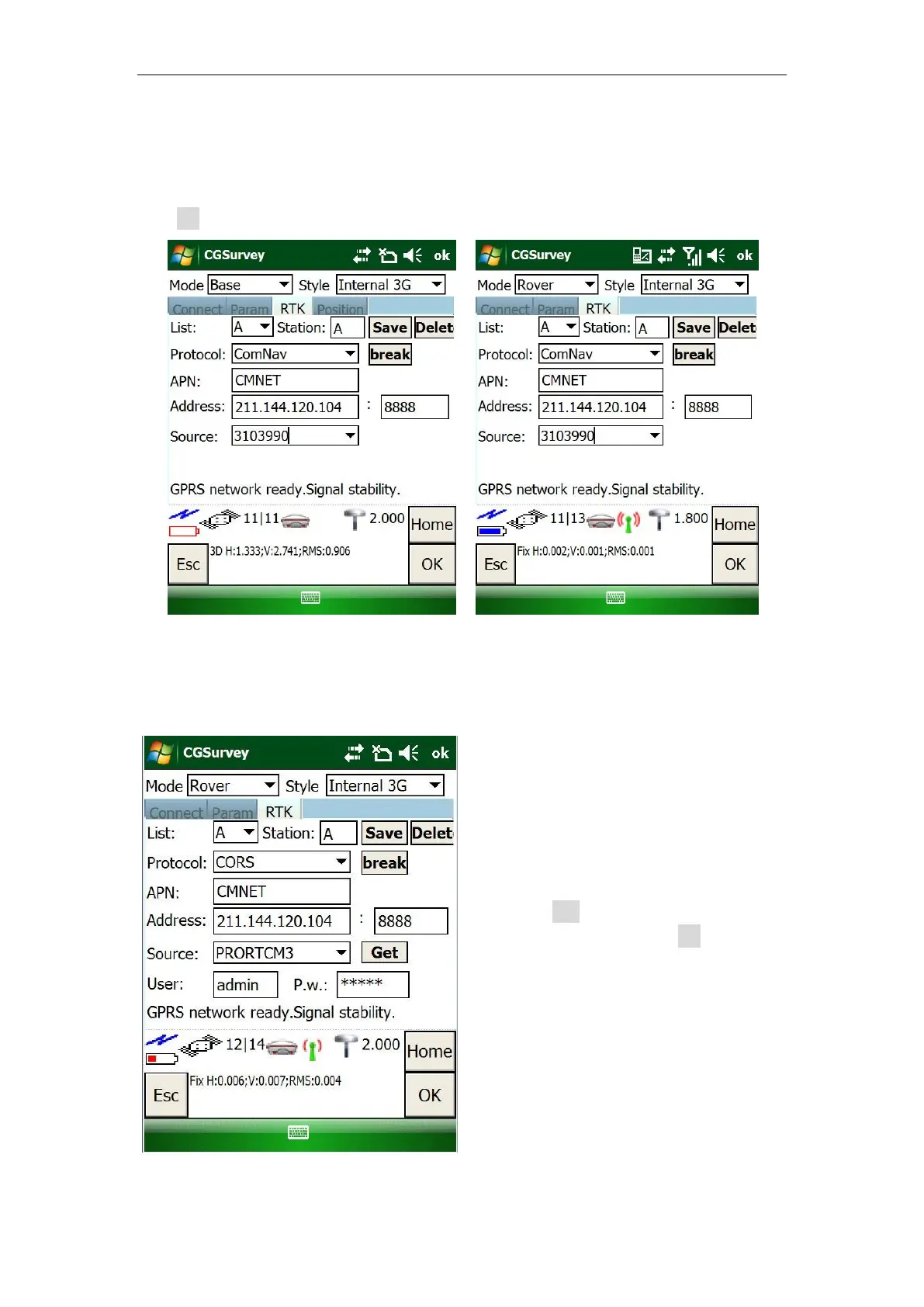
For the rover, select the same protocol, APN, address and Source as the base ->
click OK when GPRS network ready.
5.7.2 Internal 3G Ntrip client mode
For Ntrip client mode, rover station acquires correction data from Ntrip(CORS) server.
Do configurations as following figures:
Select CORS as the protocol; enter
proper APN, Address and IP.
Click Get to get source list (select
the proper source) -> OK to acquire
correction data.



 To Next Page