ComNav T300 + CGSurvey User Guide
15
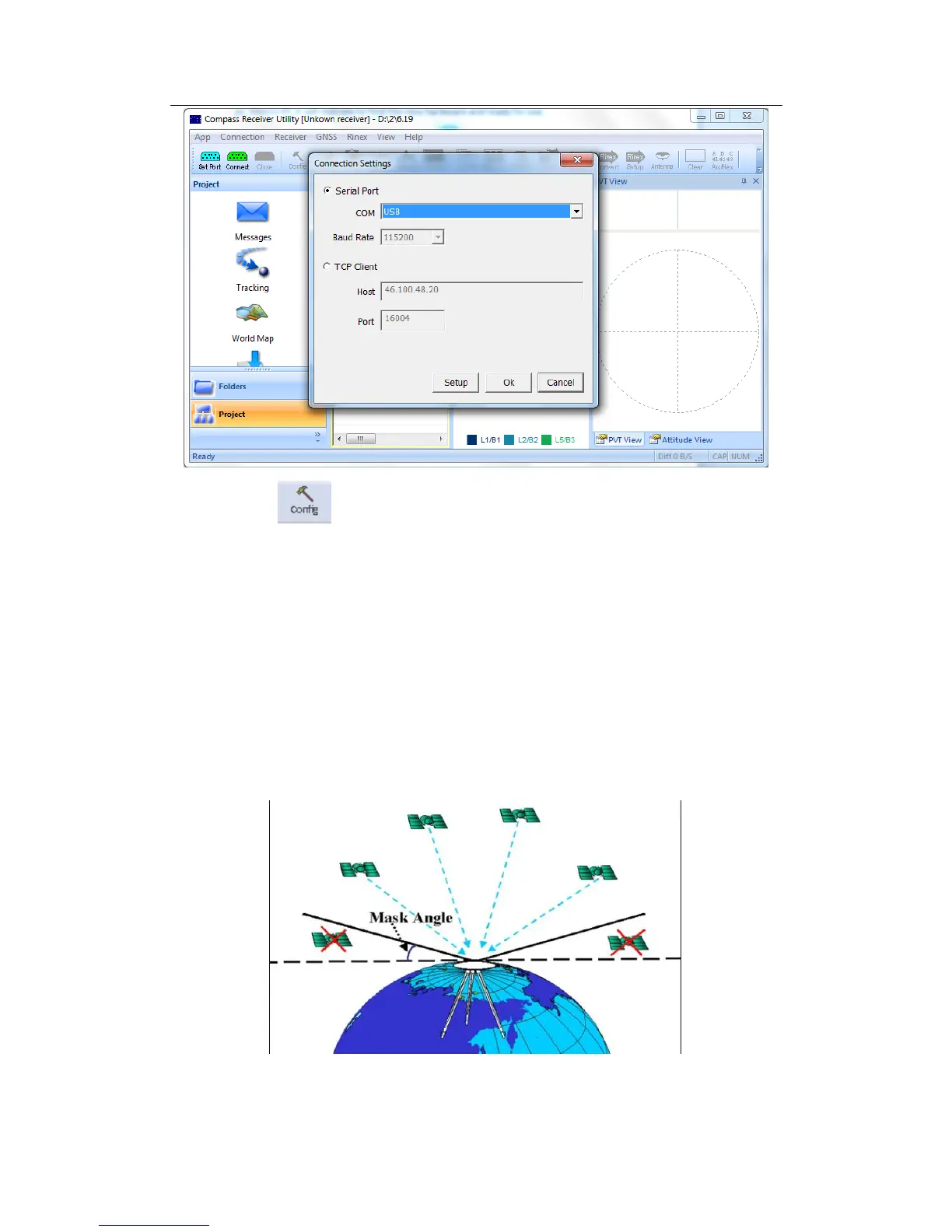
Click icon to configure:
1. Sample interval: You can choose sample interval of observations. As the
standard static survey use the default value 15 seconds. The maximum data
rate is 20Hz, the minimum is one observation per minute.
2. Mask angle: Mask angle means if you set the mask angle to N degree, the
receiver doesn’t track the satellite whose elevation angle is below N degree,
just as shown in the figure below. Using CRU, you can directly input angle
values such as 10 degree for different constellations. In this way, low
elevation satellites, which may cause serious multipath or have low SNR, can
be rejected.
3. Data Log: You can choose logging data manually or automatically in this
setting.



 To Next Page