ComNav T300 + CGSurvey User Guide
47
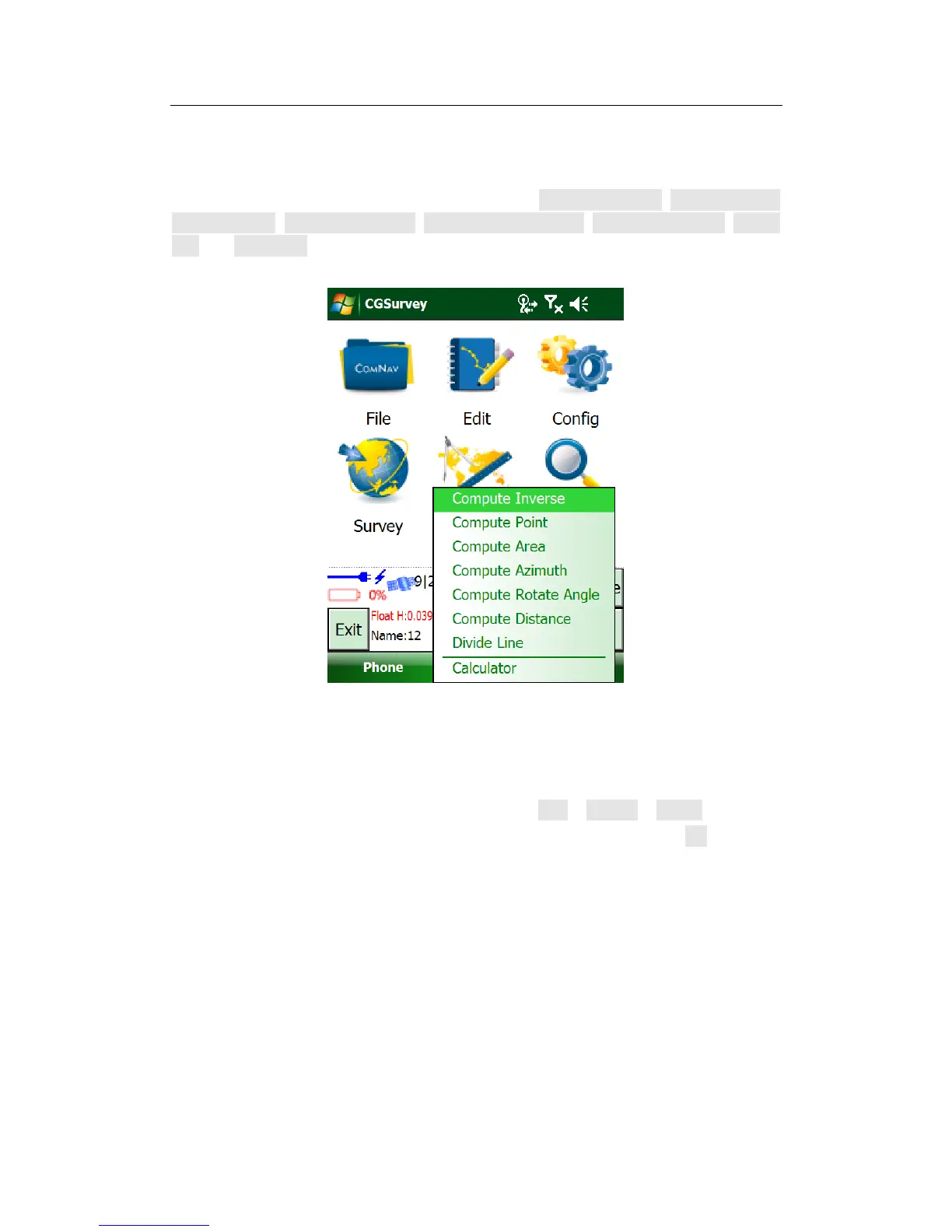
7.4 Cogo
The function of COGO in CGSurvey is composed by Compute inverse, Compute point,
Compute area, Compute azimuth, Compute rotate angle, Compute distance, Divide
line and Calculator.
7.5 Export Points to PC
The data can be exported out to PC after field work.
Launch CGSurvey and open your Job. Then tap File -> Export -> points, select the
coordinate frame, give the new file a name and choose a file type > OK.



 To Next Page