ComNav T300 + CGSurvey User Guide
16
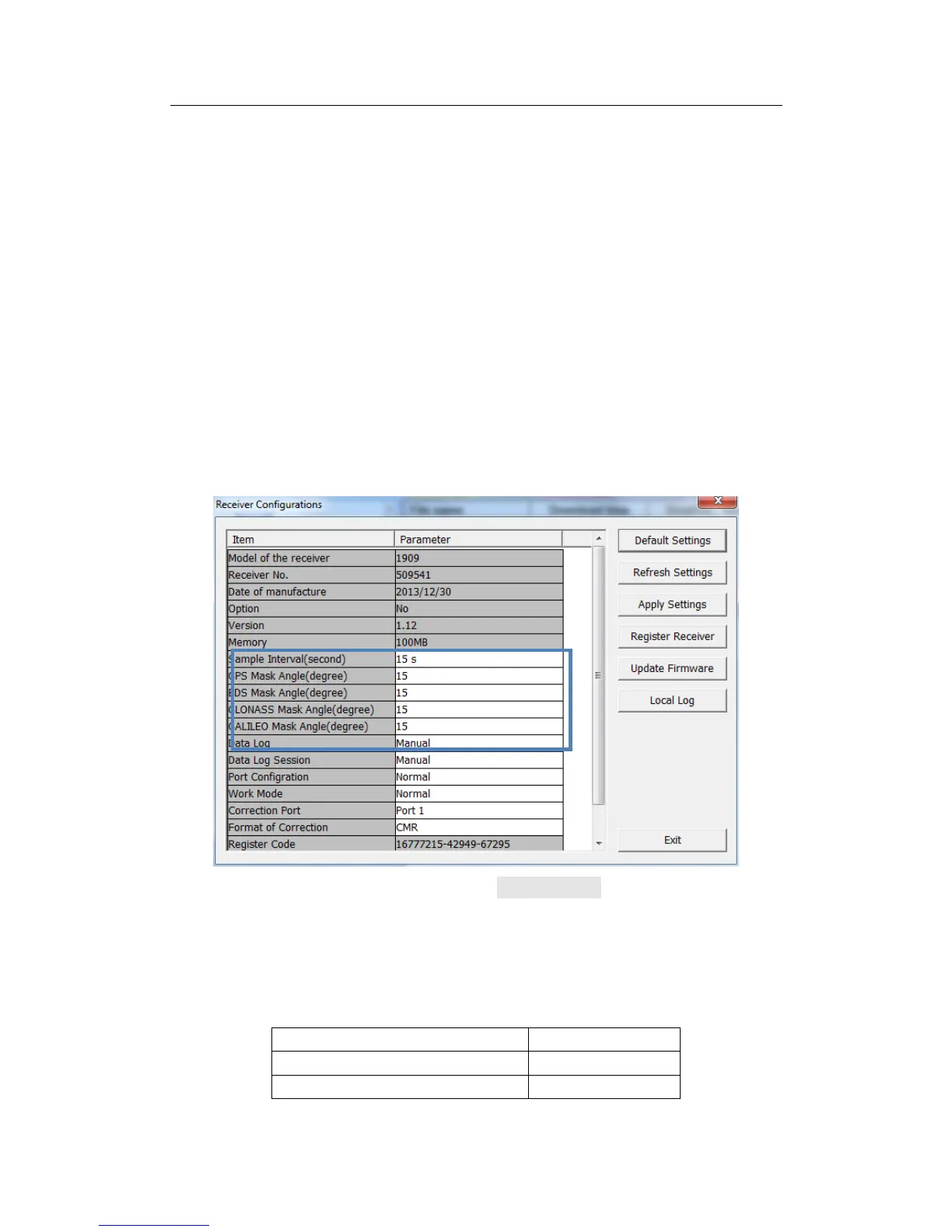
Manual mode: data is recorded or stopped by hand; hold on the record
button until the radio LED off, the Record Led flashing shows the sample
interval of collecting data.
Auto mode: record data continuously as long as satellites received.
Tips: if use T300 only for static survey, please set data log as auto, this will save
your time in field work.
4. Data Log Session: If you set the Data Log Session to Auto, the receiver will
keep recording data in one file until it is turned off or its memory is run out.
If set to 1 hour, the data recorded will be saved in one file per 1 hour, it is
the same for 2 hours, 3 hours, and 4 hours etc.
Complete all the configurations and click Apply Settings to save the settings. Exit
and restart the receiver to activate configurations.
4.2 Default Receiver Settings



 To Next Page