ComNav T300 + CGSurvey User Guide
21
After setting the storage path, you click Download and then the data can be
downloaded and saved in corresponding path.
If you click Delete, the data will be removed.
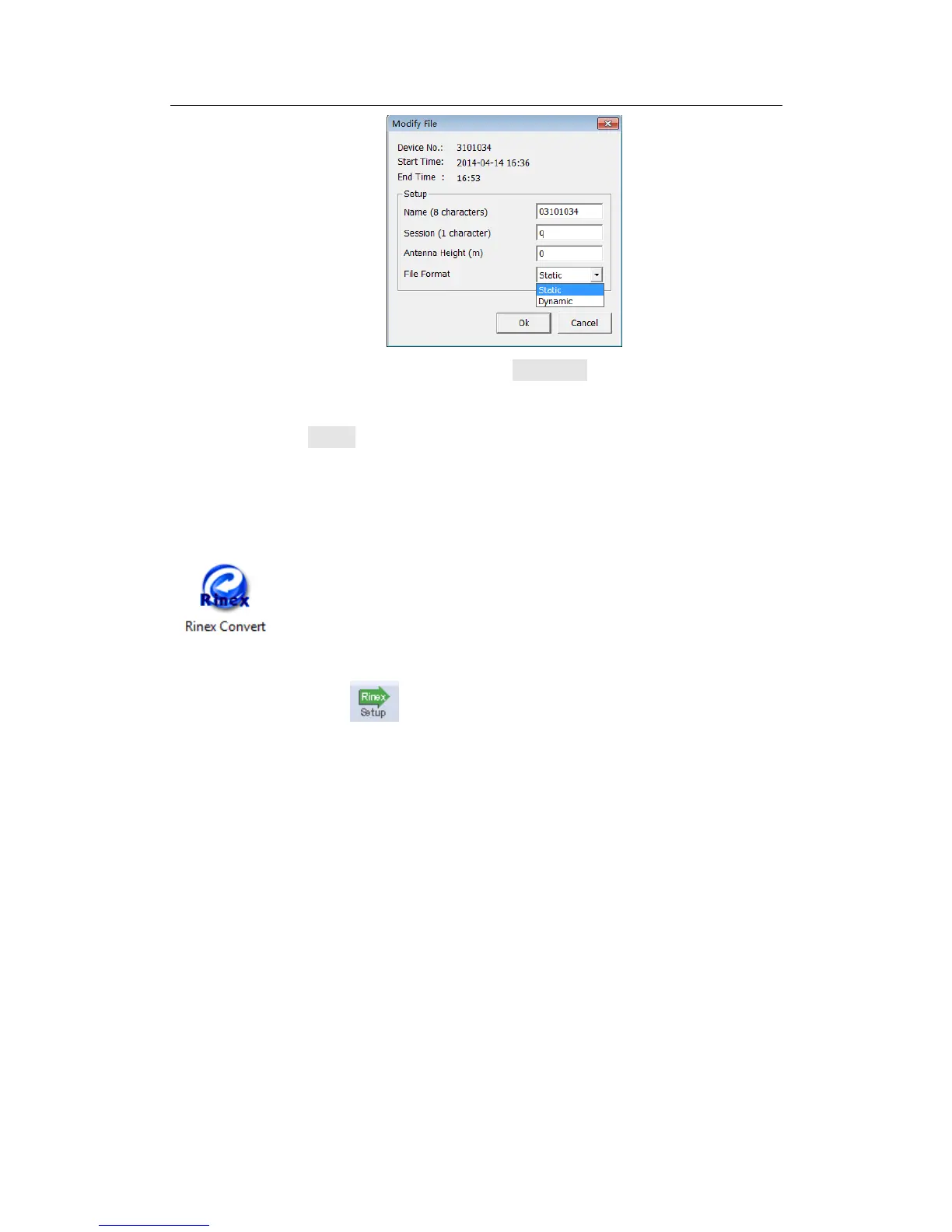
4.5 Convert to RINEX
After downloading data on your office computer, you can convert the raw data in
ComNav binary format (*.cnb) to Rinex format. Go to the function bar, click
, you will see the raw data in current folder.
Go to the shortcut bar or Convert Settings in right click, define the Rinex
version and export observation information. Then go to the main window, select the
file and right click, convert to Rinex format. Go to the raw data files to check the
RINEX format data.



 To Next Page