ComNav T300 + CGSurvey User Guide
40
6.2 Localization-- Site Calibration and Reset Grid
6.2.1 Site Calibration
Site Calibration: Convert WGS 84 to Local Coordinate, build the earth module of local
area.
There are certain mathematical models between WGS84 and local coordinates, by
using site calibration we can get the coordinates covert parameters, and apply all
those parameters to current job.
Control points (known value) are used for site calibration. For example, start base
station from known point is 1 way for site calibration; in fact there are more control
points involved in 1 project, so you need to add all the control points together to do
site calibration.
After start base station successfully, take the Rover to survey all the control
points, such as A1, A2, A3; then import (file-> import) or key in (edit->points) the
relative K1, K2, K3 to current job.
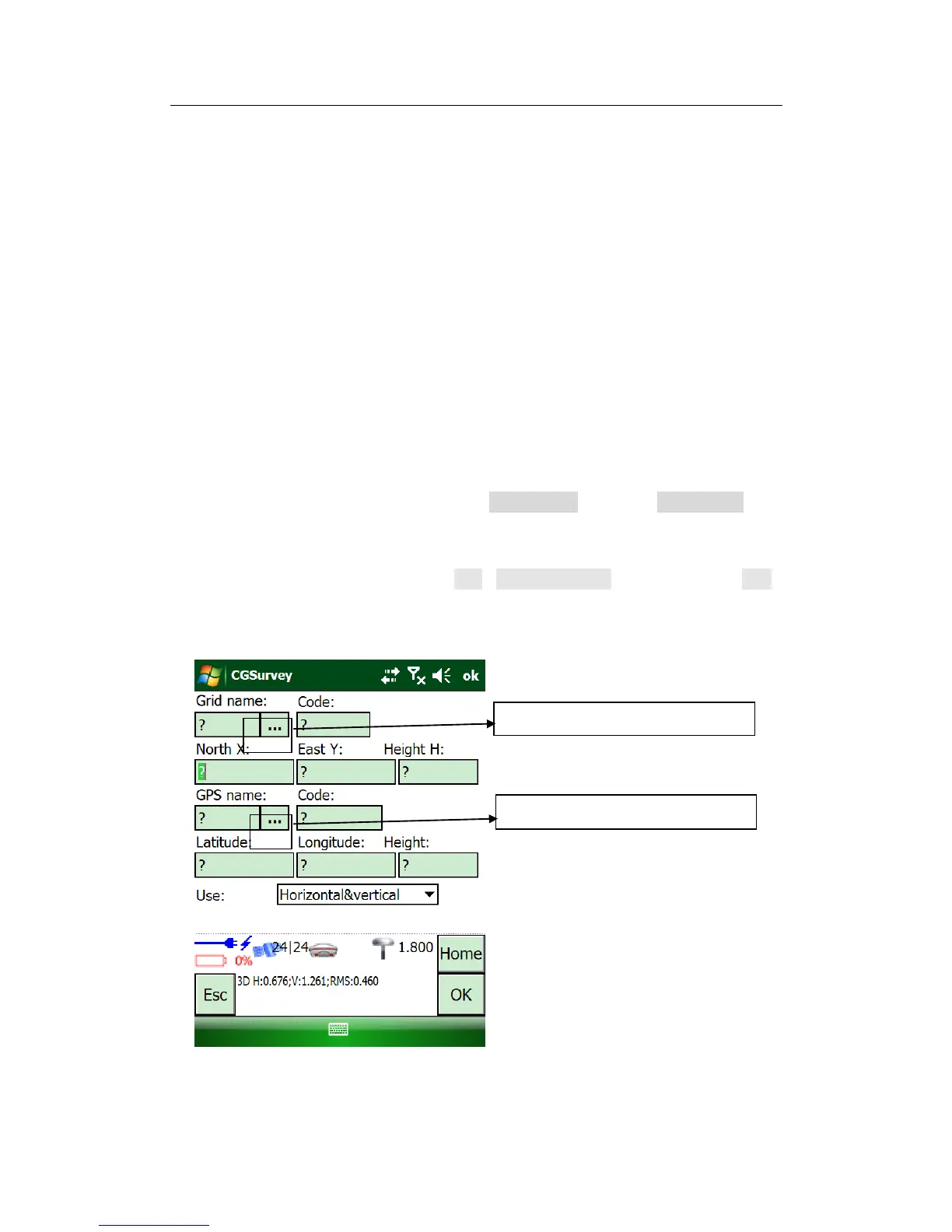
Carry out site calibration work: tap Edit->Site Calibration and then click the Add
to add the Site calibration points. Input the point coordinates of the selected
point, and paired with measured grid (K1->A1, K2->A2,K3->A3) .



 To Next Page