ComNav T300 + CGSurvey User Guide
44
7 CGSurvey Basic Function
7.1 Measuring Points
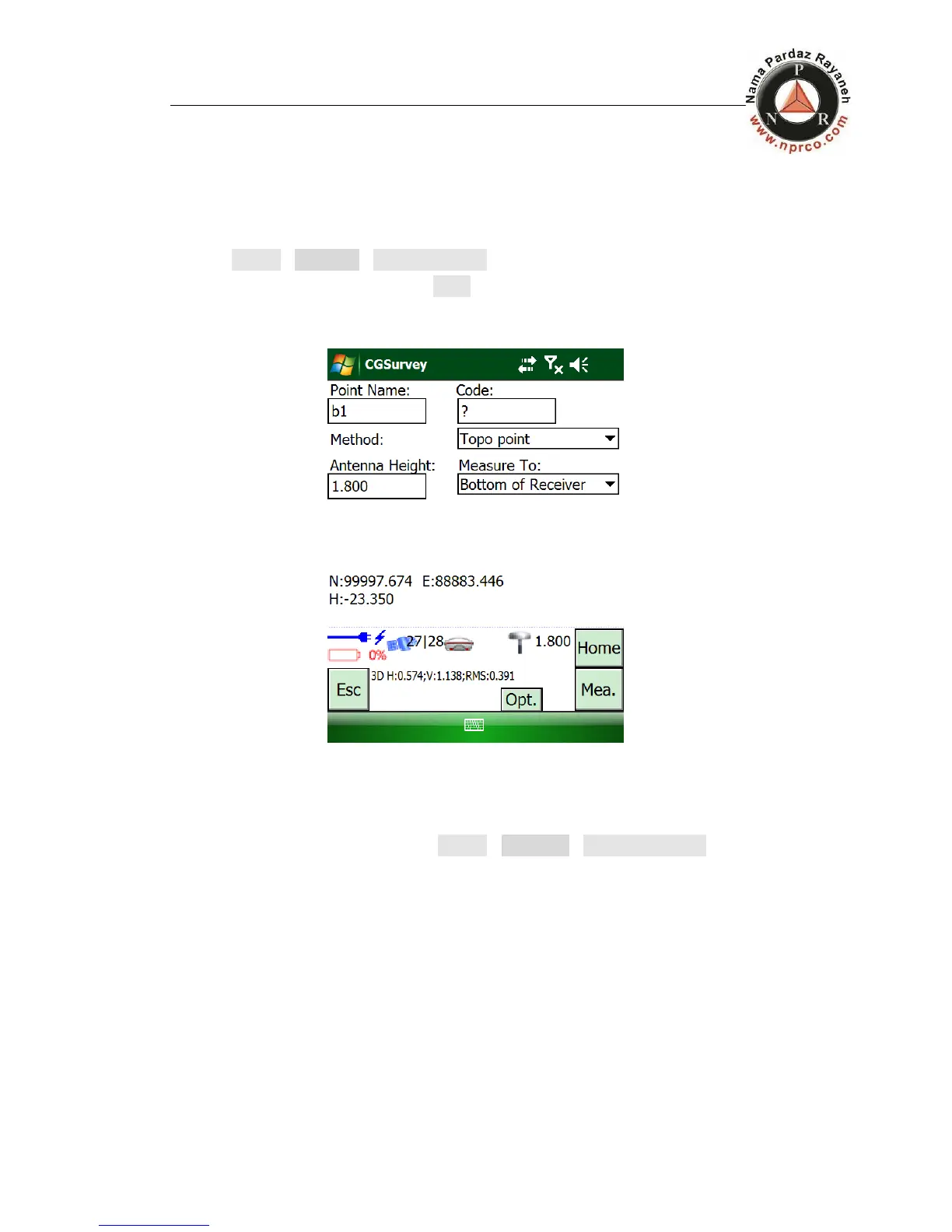
Tap Survey->Measure->Measure Points, then you can measure points.
After setting all parameters, tap Mea. And the point coordinates will be saved in
the Job.
7.2 Continuous Topo
The function of continuous topo is in Survey-> Measure->Continuous Topo.



 To Next Page