ComNav T300 + CGSurvey User Guide
43
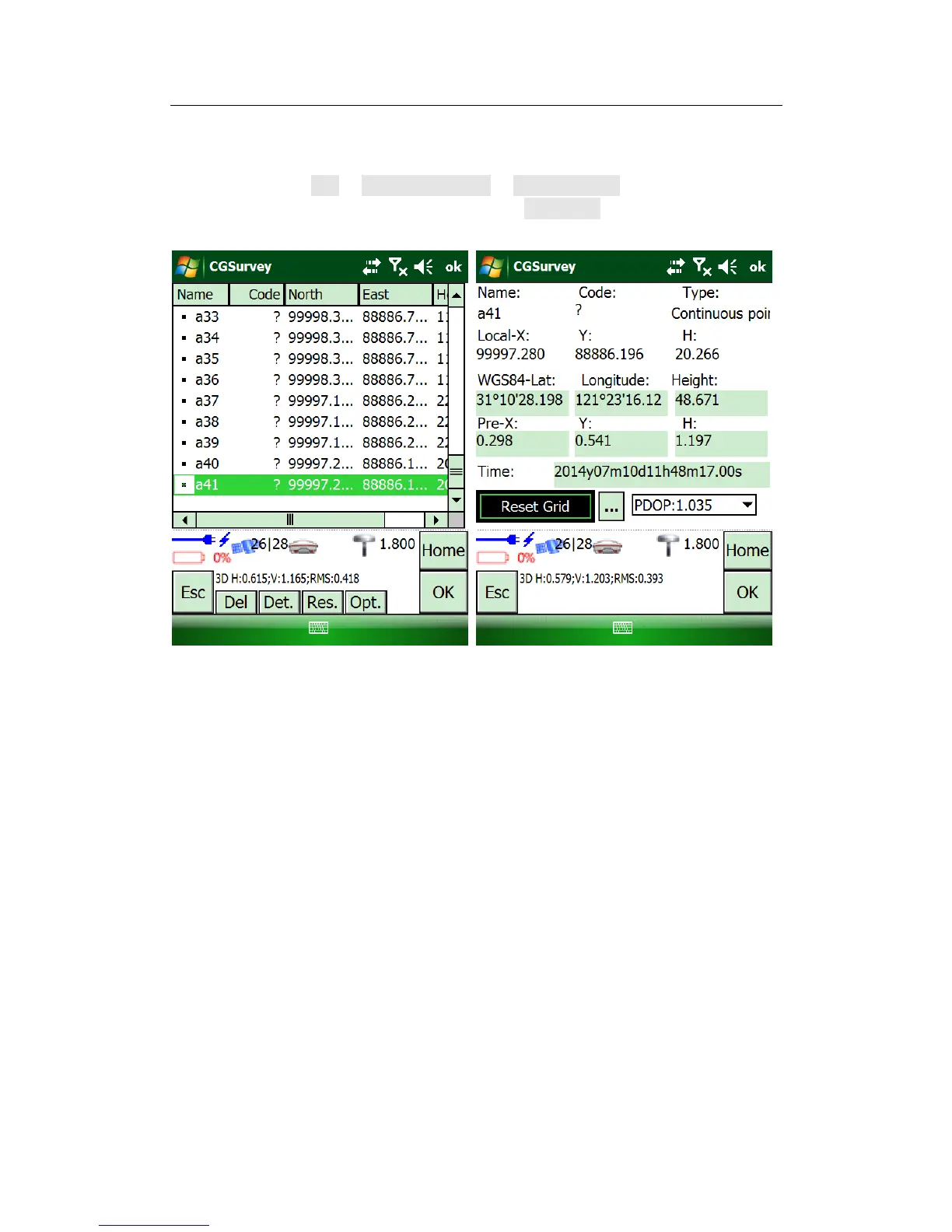
the below will explain how to reset grid.
Measure one point (Know point) which was measured at last setting up of base
station. Then go to Edit -> Element manager -> Point manager, choose the point you
measure just now, and double click, you will find Reset Grid button. Click the button,
choose the measured point and click the button.



 To Next Page